






The product's shade and actual color may differ from what is shown in the picture, as the images are for illustrative purposes. The product description is general and may not include all the product's features.
Waveshare Capacitive Touch Screen for Raspberry Pi Microcomputer - LCD IPS 10.1
3587772 AN-06803
5904422375294
Shipping 9-14 b.d.
All about the product
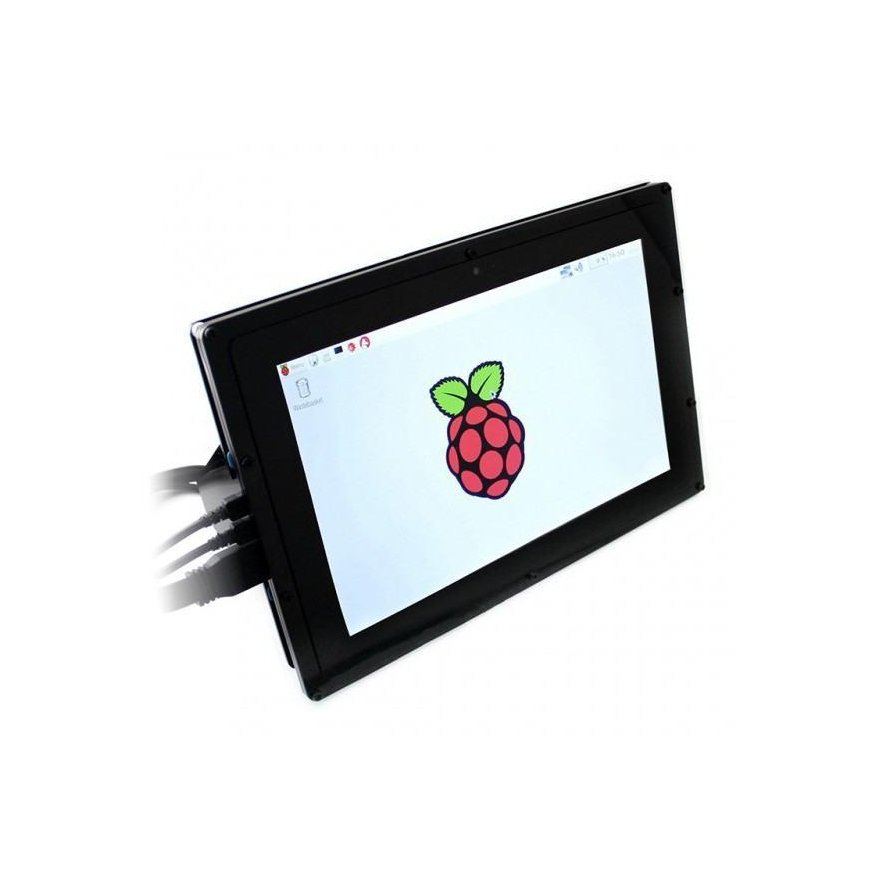
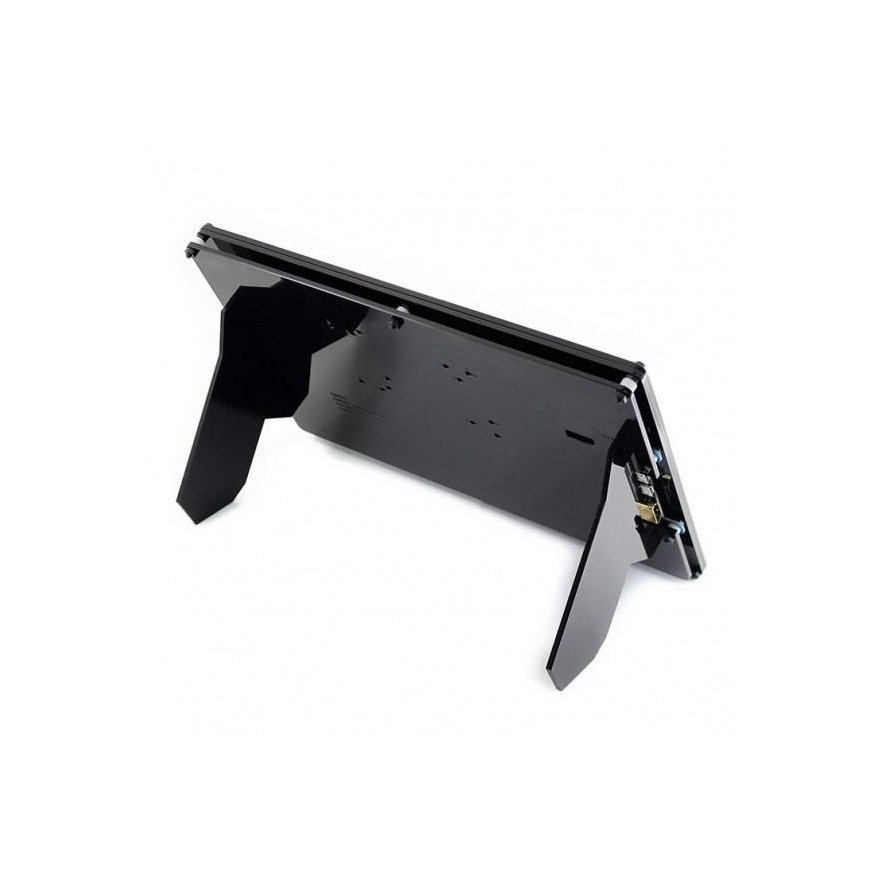
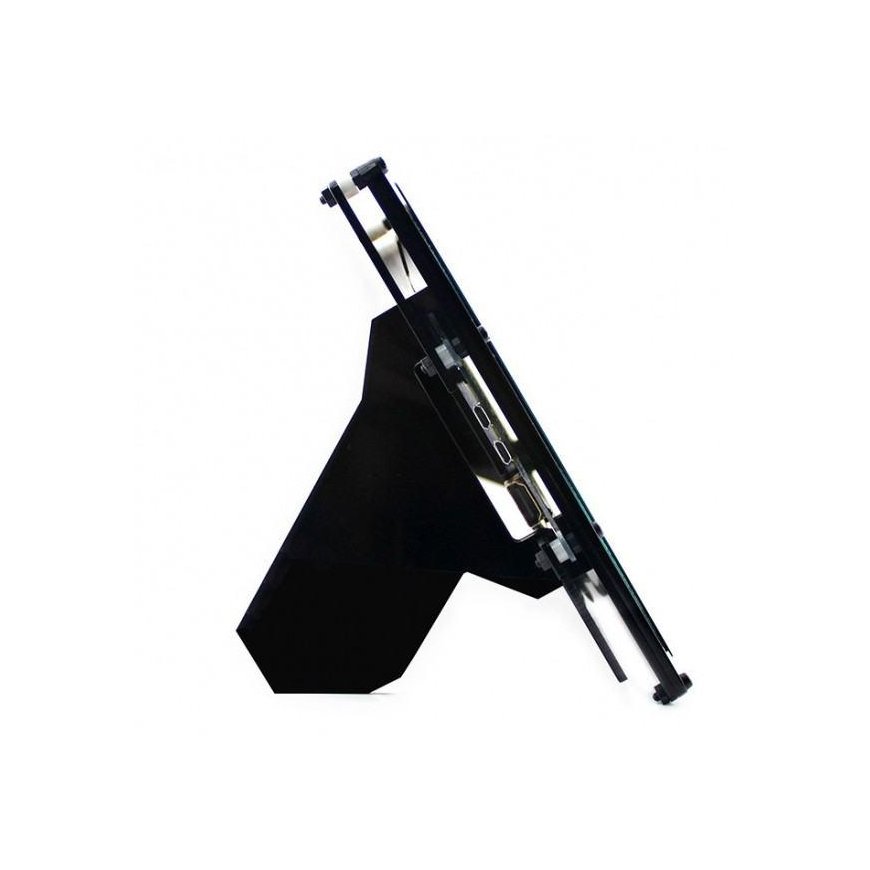
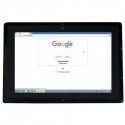
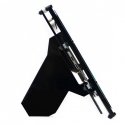
Screen with IPS matrix 10.1 '' 1280 x 800 px, Waveshare. It has a capacitive touch panel. Works with Raspberry Pi versions 4B, 3B+, 3B+ 2B, 1B+, 1B, 1A and Zero and Zero W via HDMI connector and USB cable. The kit also includes a black case that contains a mini computer with an attached screen.
Specifications:
- Type: touch screen
- Diagonal: 10.1'
- Resolution: 1280 x 800 px
- Works with:
- Raspberry Pi 3/2/+/Zero (works directly, without additional drivers)
- Beagle Bone Black
- Banana Pi / Banana Pro
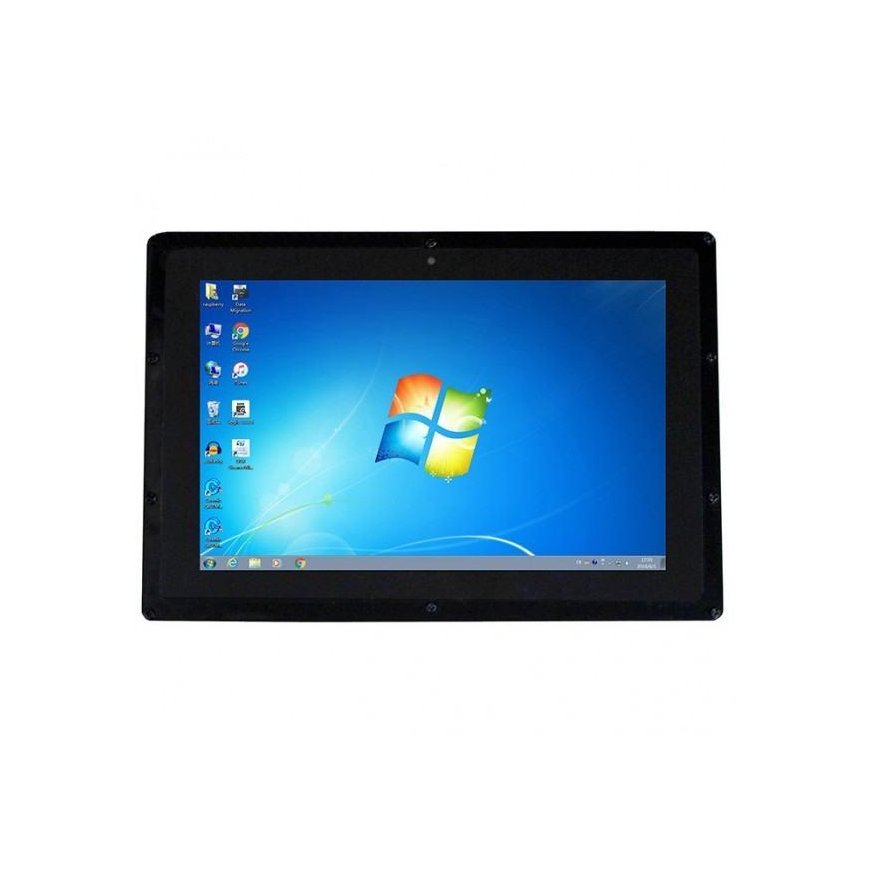
- Windows 7 / 8 / 8.1 / 10
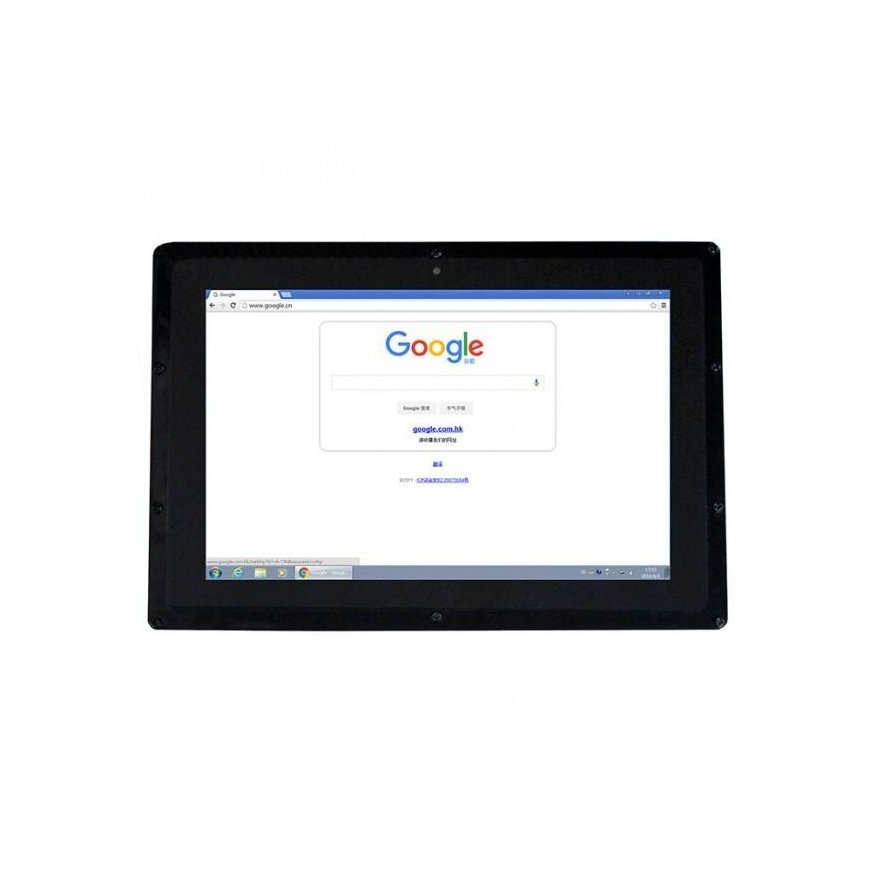
- Works with all HDMI devices (touch function not available at this time)
- 4 mounting holes (screws included)
- Screen dimensions: 135.60x216.96mm
- External dimensions of the case: 274.11x187mm
- Color: black
Programming
The display works with the latest Raspbian software, without any special drivers. In order for the display to display the correct resolution image, you need to change a variable in the settings. You can do this by opening config.txt and entering the code:
-
sudo nano /boot/config.txt
and at the end of this file you need to add the following instructions:
-
max_usb_current=1 -
hdmi_group=2 -
hdmi_mode=1 -
hdmi_mode=87 -
hdmi_cvt 1280 800 60 6 0 0 0
After making changes, you should restart Raspberry.
The set includes:
- 10.1' touchscreen
- HDMI cable
- Power supply 5V 2A
- Mounting screws
- USB - microUSB cable for touch interface
- Case for Raspberry Pi and display - black
