






Оттенок товара и его реальный цвет могут отличаться от того, что показано на фотографии, так как изображения носят иллюстративный характер. Описание товара является общим и может не включать все его характеристики.
Waveshare Capacitive Touch Screen for Raspberry Pi Microcomputer - LCD IPS 10.1
3587772 AN-06803
5904422375294
Доставка 9-14 р.д.
Все о продукте
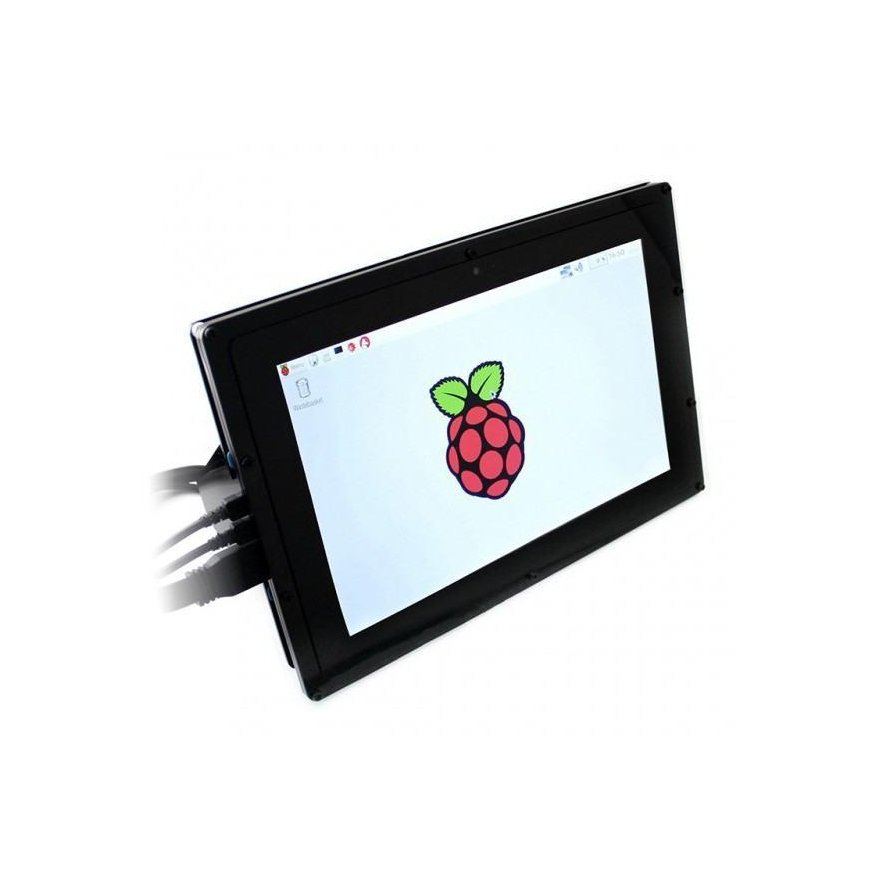
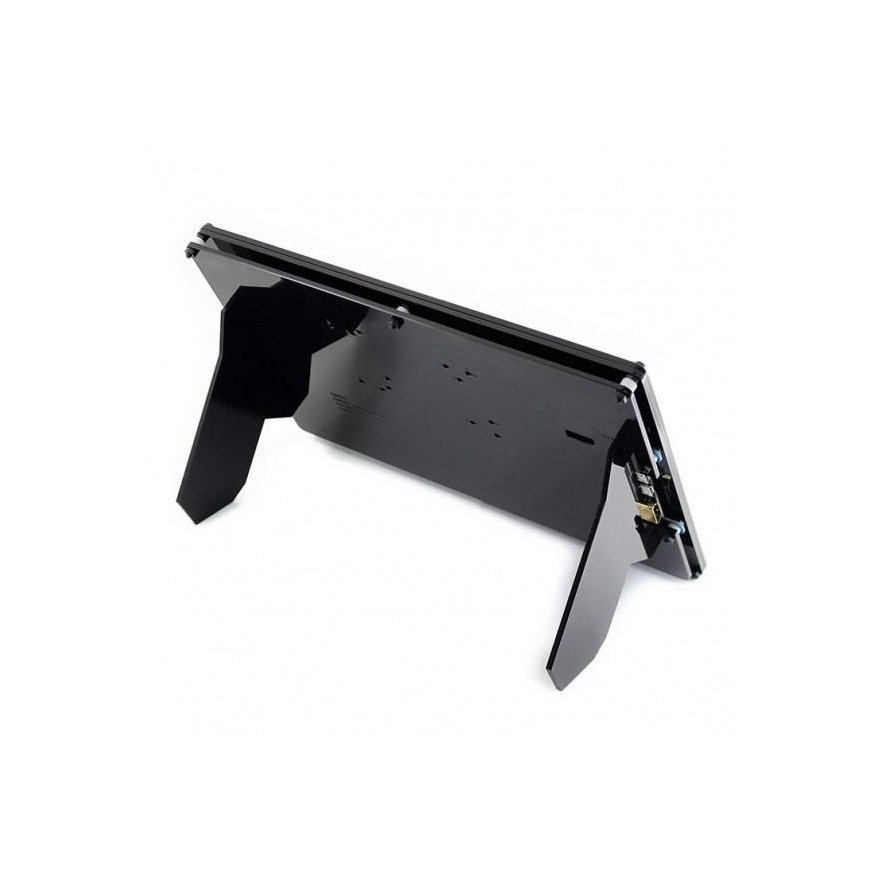
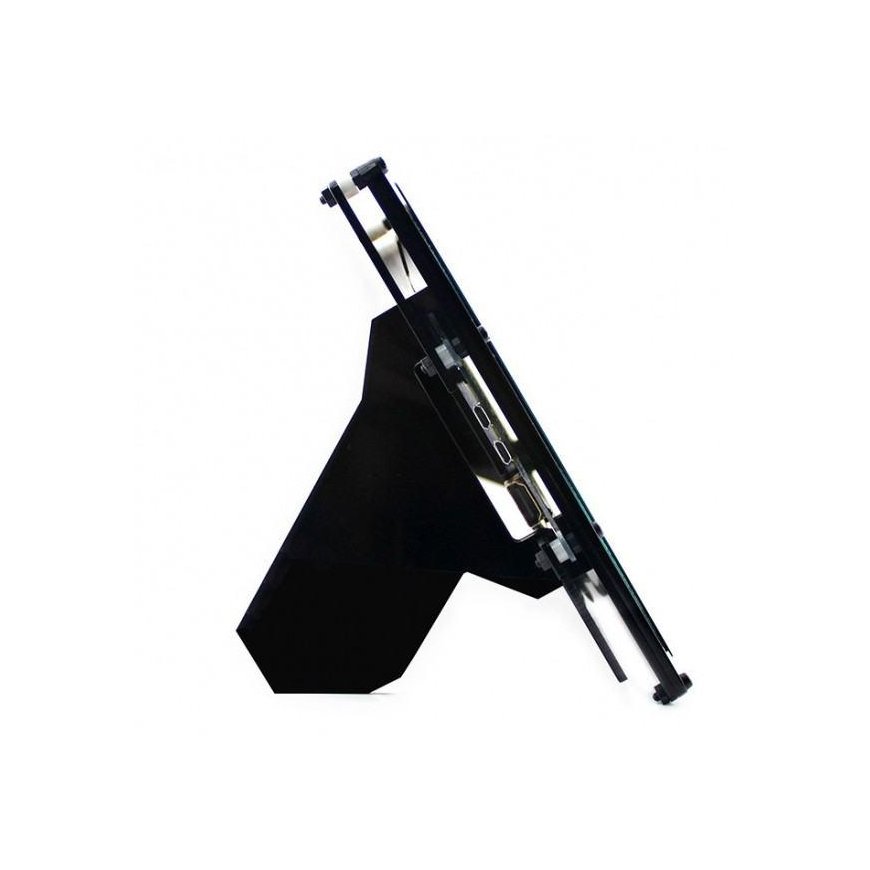
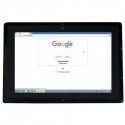
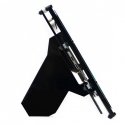
Screen with IPS matrix 10.1 '' 1280 x 800 px, Waveshare. It has a capacitive touch panel. Works with Raspberry Pi versions 4B, 3B+, 3B+ 2B, 1B+, 1B, 1A and Zero and Zero W via HDMI connector and USB cable. The kit also includes a black case that contains a mini computer with an attached screen.
Specifications:
- Type: touch screen
- Diagonal: 10.1'
- Resolution: 1280 x 800 px
- Works with:
- Raspberry Pi 3/2/+/Zero (works directly, without additional drivers)
- Beagle Bone Black
- Banana Pi / Banana Pro
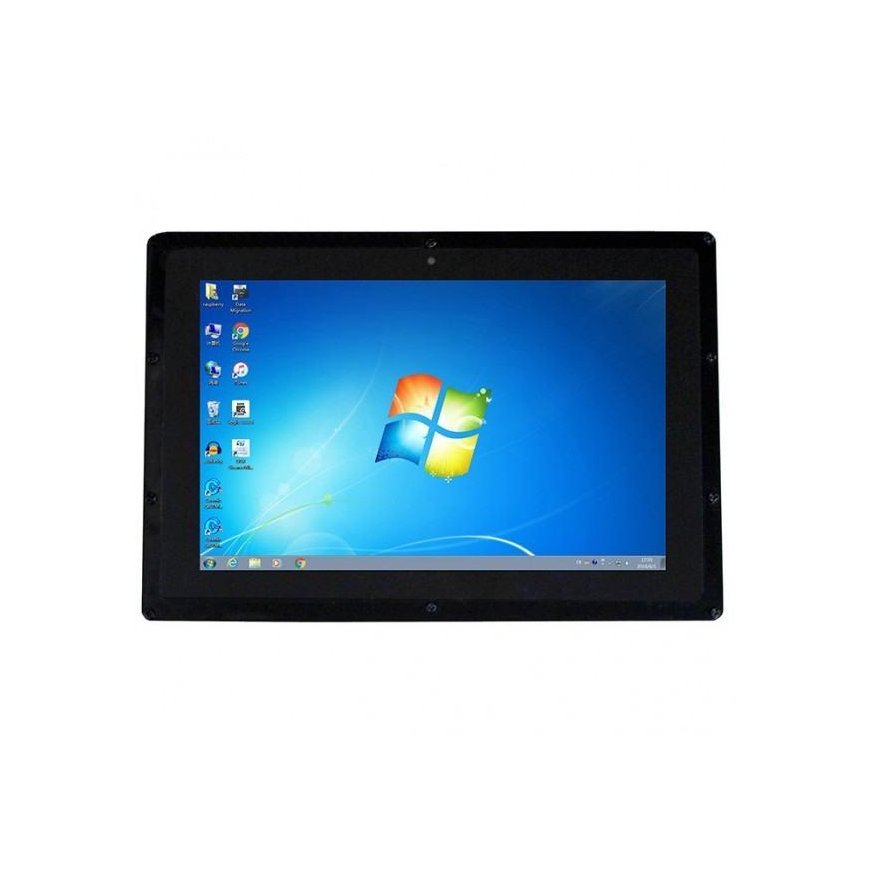
- Windows 7 / 8 / 8.1 / 10
- Works with all HDMI devices (touch function not available at this time)
- 4 mounting holes (screws included)
- Screen dimensions: 135.60x216.96mm
- External dimensions of the case: 274.11x187mm
- Color: black
Programming
The display works with the latest Raspbian software, without any special drivers. In order for the display to display the correct resolution image, you need to change a variable in the settings. You can do this by opening config.txt and entering the code:
-
sudo nano /boot/config.txt
and at the end of this file you need to add the following instructions:
-
max_usb_current=1 -
hdmi_group=2 -
hdmi_mode=1 -
hdmi_mode=87 -
hdmi_cvt 1280 800 60 6 0 0 0
After making changes, you should restart Raspberry.
The set includes:
- 10.1' touchscreen
- HDMI cable
- Power supply 5V 2A
- Mounting screws
- USB - microUSB cable for touch interface
- Case for Raspberry Pi and display - black
