

The product's shade and actual color may differ from what is shown in the picture, as the images are for illustrative purposes. The product description is general and may not include all the product's features.
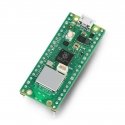
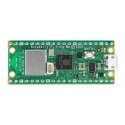
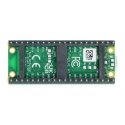
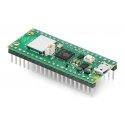
Raspberry Pi Pico WH - RP2040 ARM Cortex M0+ CYW43439 - WiFi - with pins
3567893 AN-21575
5056561800196
Shipping 8-12 b.d.
All about the product
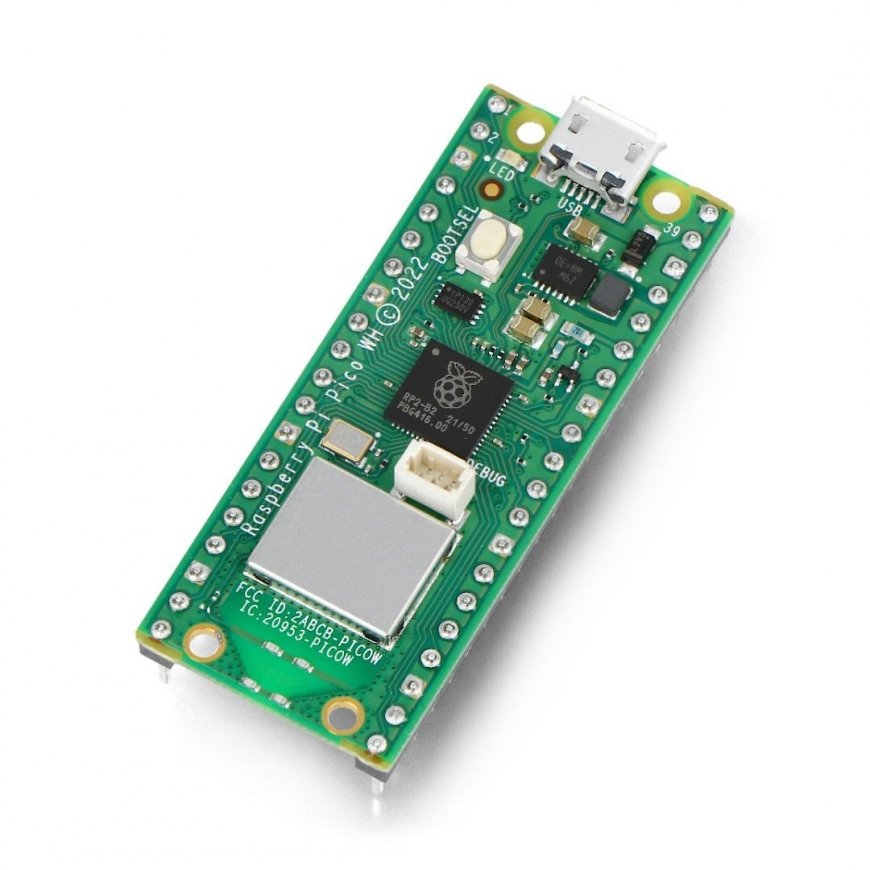
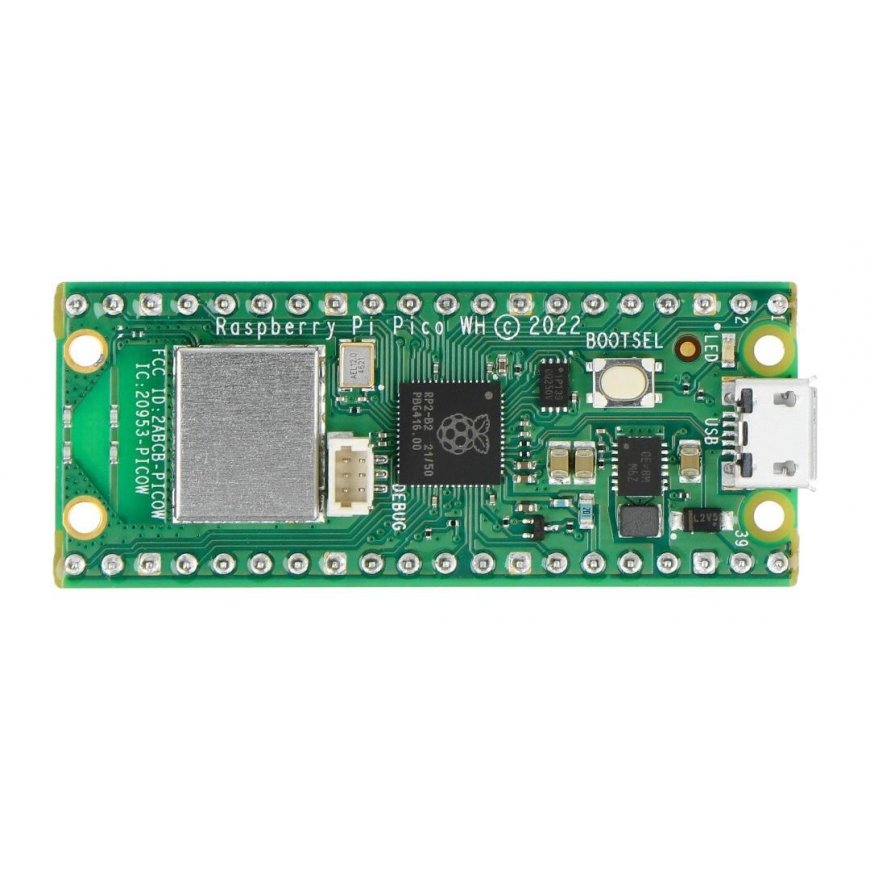
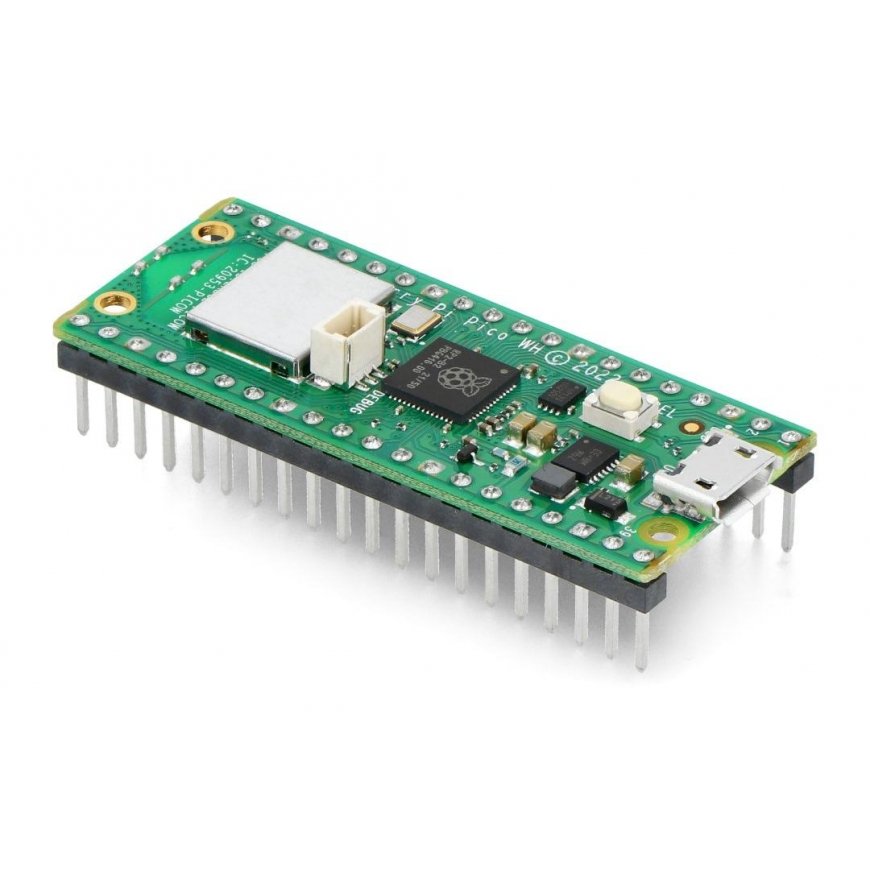
The Raspberry Pi Pico WH is based on the proprietary Raspberry RP2040 microcontroller and the Infineon CYW43439 wireless communication system. The RP2040 is a dual-core ARM Cortex M0+ chip operating at 133 MHz with 264 kB SRAM and 2 MB Flash memory. The integrated CYW43439 chip allows for wireless WiFi IEEE 802.11 b/g/n communication. The Pico WH has 26 GPIO pins that operate at 3.3V. The board also has a built-in temperature sensor. The Raspberry Pi Pico WH is programmed via the microUSB port in C/C++ and MicroPython.
https://www.youtube.com/watch?v=QIdyTlmdVW8
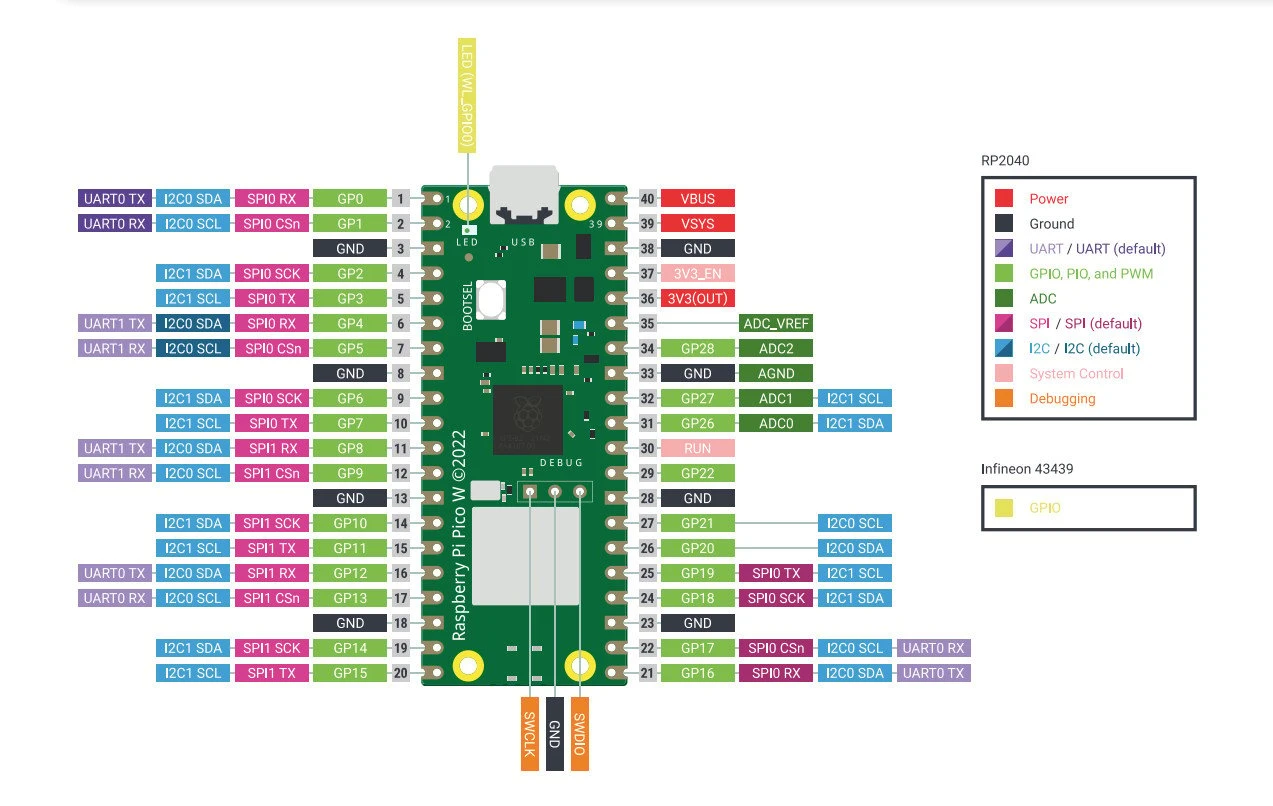
Raspberry Pi Pico WH module pins
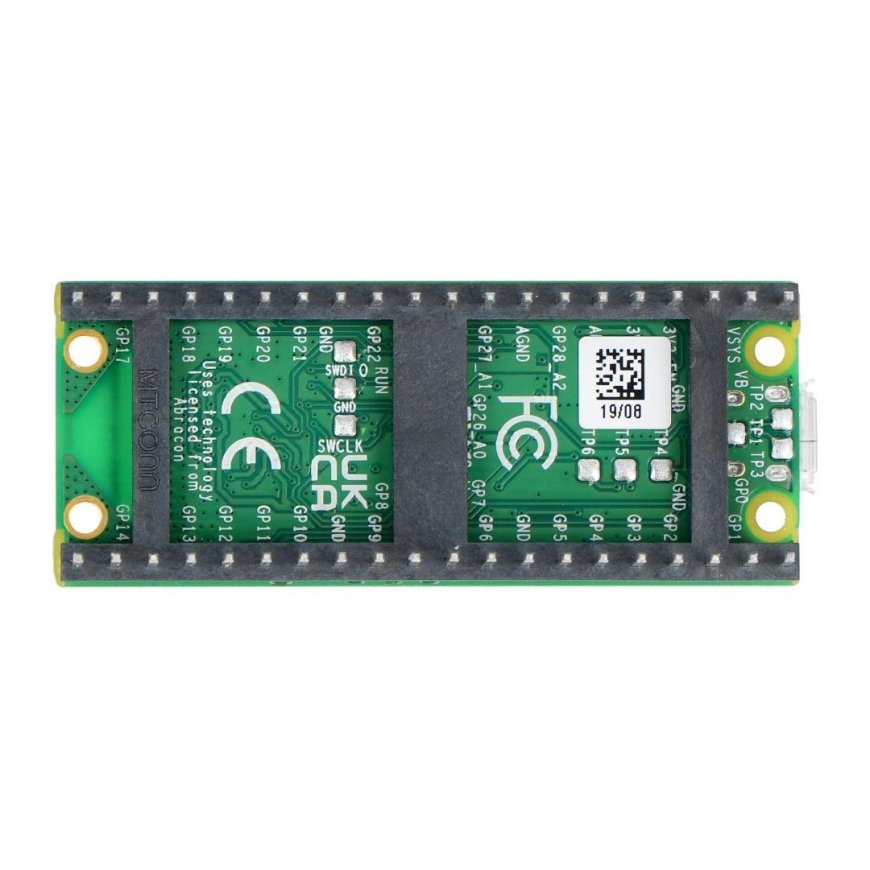
The Raspberry Pi Pico WH board has 26 GPIO pins, including interfaces such as: 2x SPI, 2x I2C, 2x UART, 3x ADC 12-bit, 16x PWM. The module is additionally equipped with 8 programmable IO pins (PIO), which are designed to support non-standard peripherals.
Raspberry Pi Pico WH power supply
The Pico WH module is powered via an integrated microUSB port, which is also used for communication between the Raspberry Pi board and a computer. The module requires a 5V power supply that can supply from 1.8V to 5.5V, using e.g. a 3.7V Li-Pol battery.
Raspberry Pi Pico WH programming
The Raspberry Pi Pico WH can be programmed in both C/C++ and MicroPython. The process of uploading a program to the board is extremely simple. The computer will detect the module as a USB mass storage device called RPI-RP2. The prepared program file needs to be dragged and dropped into the newly found volume. The manufacturer provides an SDK repository for the C/C++ and MicroPython programming languages, which you can find in the useful links below.
https://www.youtube.com/watch?v=o-tRJPCv0GA
Getting started with MicroPython
The Raspberry Pi Pico WH is programmed by "dropping" a ready-made MicroPython program into the USB storage space created by the board on your computer. A sample UF2 file is also available for download to help you get started with MicroPython.
- Download the MicroPython UF2 file.
- Press and hold the BOOTSEL button and connect the board to a USB port on your Raspberry Pi or computer.
- Once the Pico is connected to the computer, release the BOOTSEL button.
- The Raspberry Pi Pico will be detected as a mass storage device with volume RPI-RP2.
- Drag the MicroPython UF2 file to the RPI-RP2 volume.
- Pico will restart, now using MicroPython.
- You can access the REPL and MicroPython via the USB serial port.
The first program written by every programmer is Hello World, in this case the Raspberry Pi Pico WH will be programmed via the Raspberry Pi 4B USB serial port.
- Download the UF2 Hello World file.
- Press and hold the BOOTSEL button and connect the Raspberry Pi Pico to the Raspberry Pi USB port.
- The board will be detected as a mass storage device with a volume of RPI-RP2.
- Drag the UF2 file to the RPI-RP2 volume.
- Pico will restart.
- Open a terminal on your Raspberry Pi 4B and run the commands:
- sudo apt install minicom
- minicom -b 115200 -o -D /dev/ttyACM0
- You should see Hello World in the terminal window.
- System: Raspberry Pi RP2040
- Core: ARM Cortex-M0+ dual-core 133 MHz
- Wireless chip: CYW43439
- Wireless connection: WiFi 2.4 GHz IEEE 802.11 b/g/n
- SRAM memory: 264 kB
- Flash memory: 2MB
- Pins: 40 pins / 23 digital GPIO + 3 ADC pins
- Interfaces: 2x UART, 2x I2C, 2x SPI, up to 16 PWM channels
- Power supply: 5V (USB)
- Logic operating voltage: 3.3V
- Power/data connector: microUSB
- Dimensions: 51.3x21x12.9mm
