



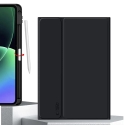
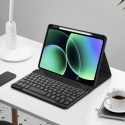
The product's shade and actual color may differ from what is shown in the picture, as the images are for illustrative purposes. The product description is general and may not include all the product's features.
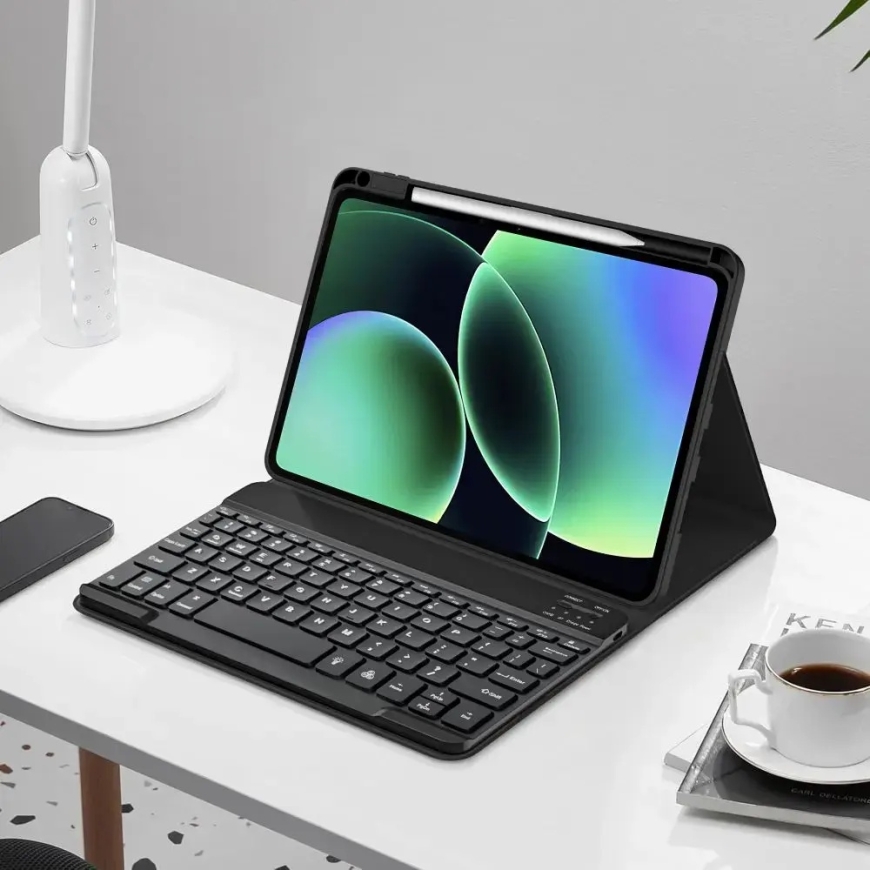
TECH-PROTECT SC PEN + KEYBOARD XIAOMI PAD 7 / 7 PRO / 8 / 8 PRO 11.2 BLACK
5087238 5906302339464
Shipping 10-12 b.d.
All about the product
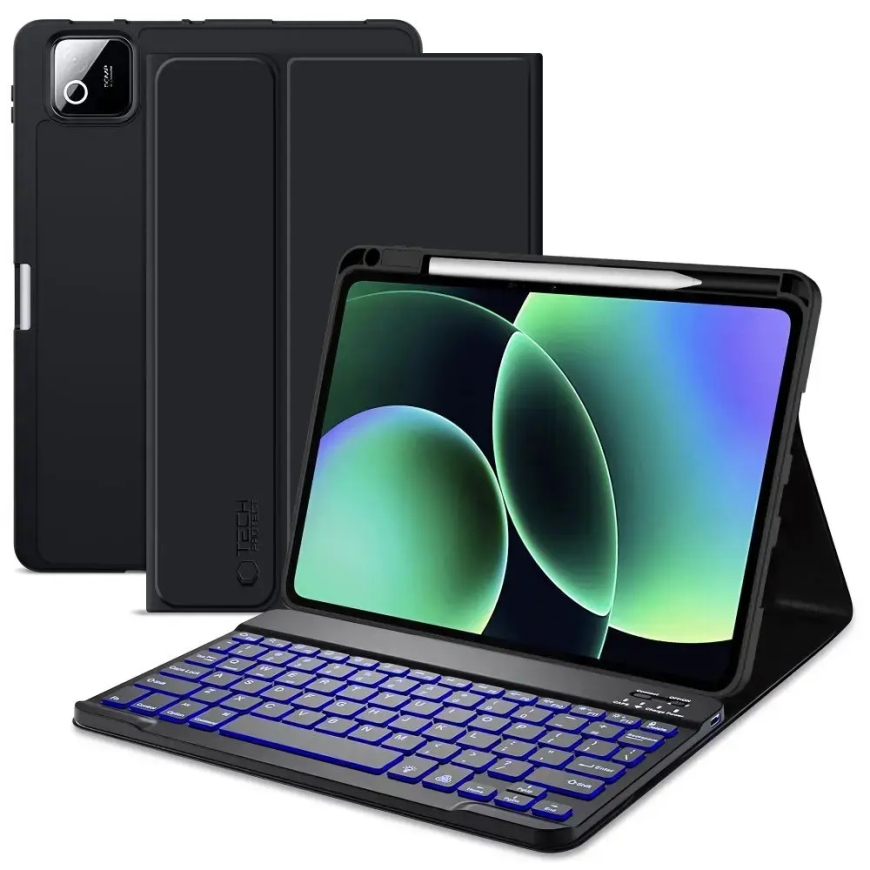
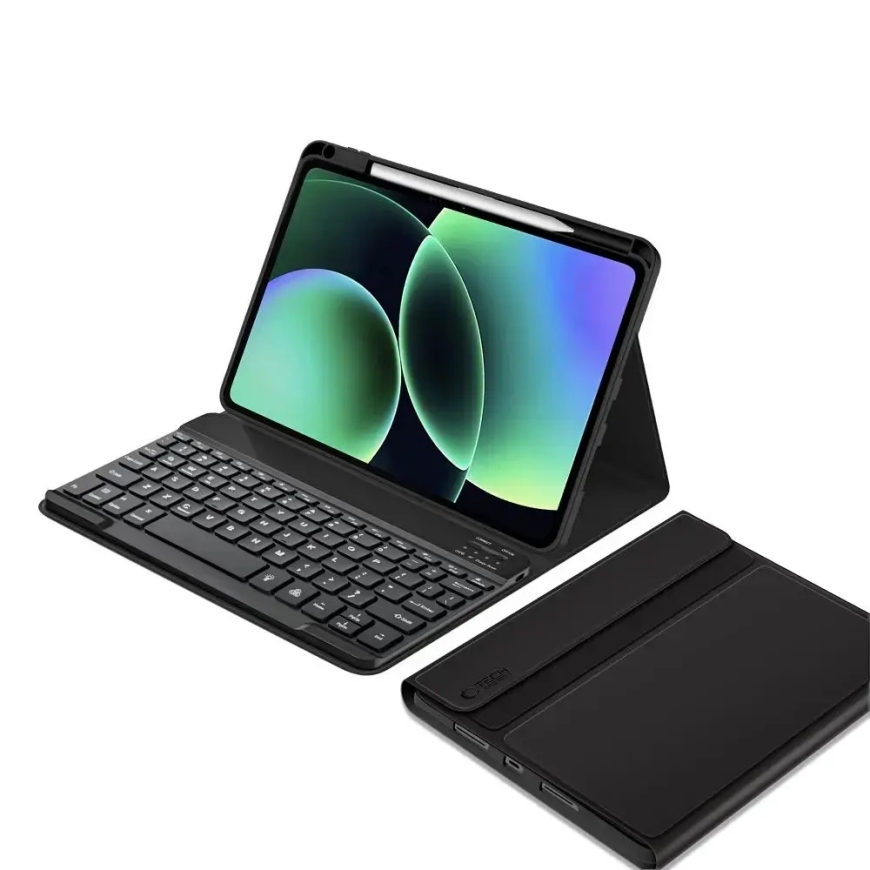
The Tech-Protect SC Pen + Keyboard case is the ultimate companion for your Xiaomi Pad, combining robust protection with high-end productivity. Crafted from premium materials and flexible, matte-finish TPU, this case shields your tablet from scratches and impacts while maintaining a sleek, professional profile. Whether you are typing up documents or streaming media, this versatile accessory transforms your tablet into a complete workstation.
Key Features
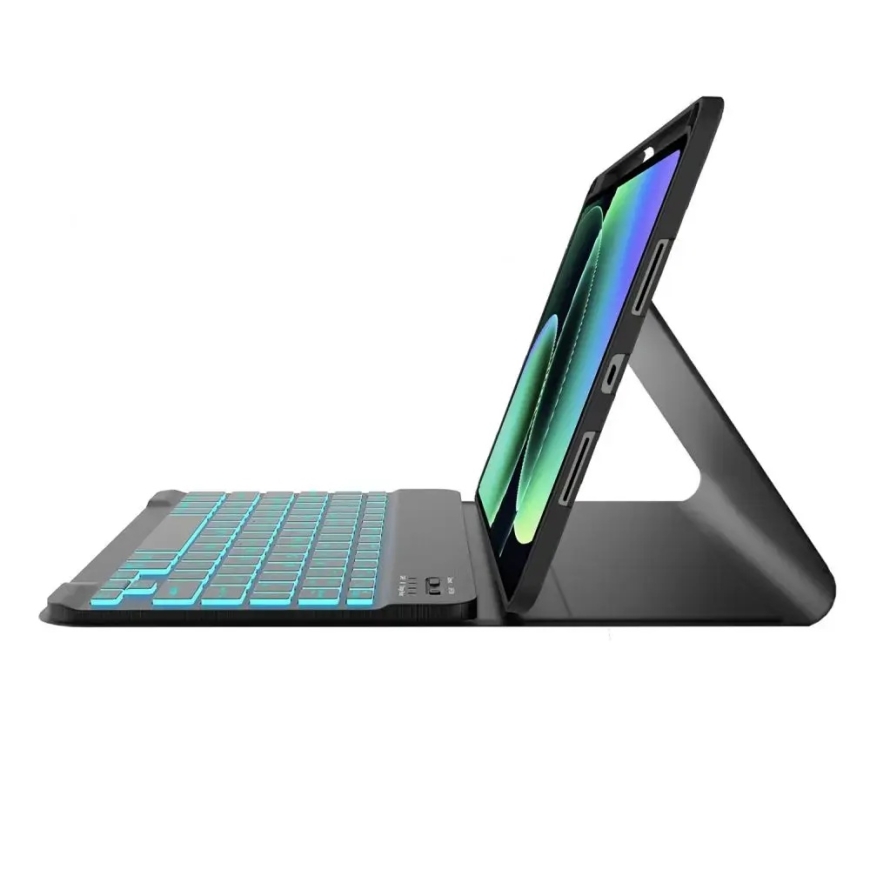
- Integrated Keyboard: Features a magnetic, wireless Bluetooth keyboard with built-in backlighting for comfortable typing in any lighting condition.
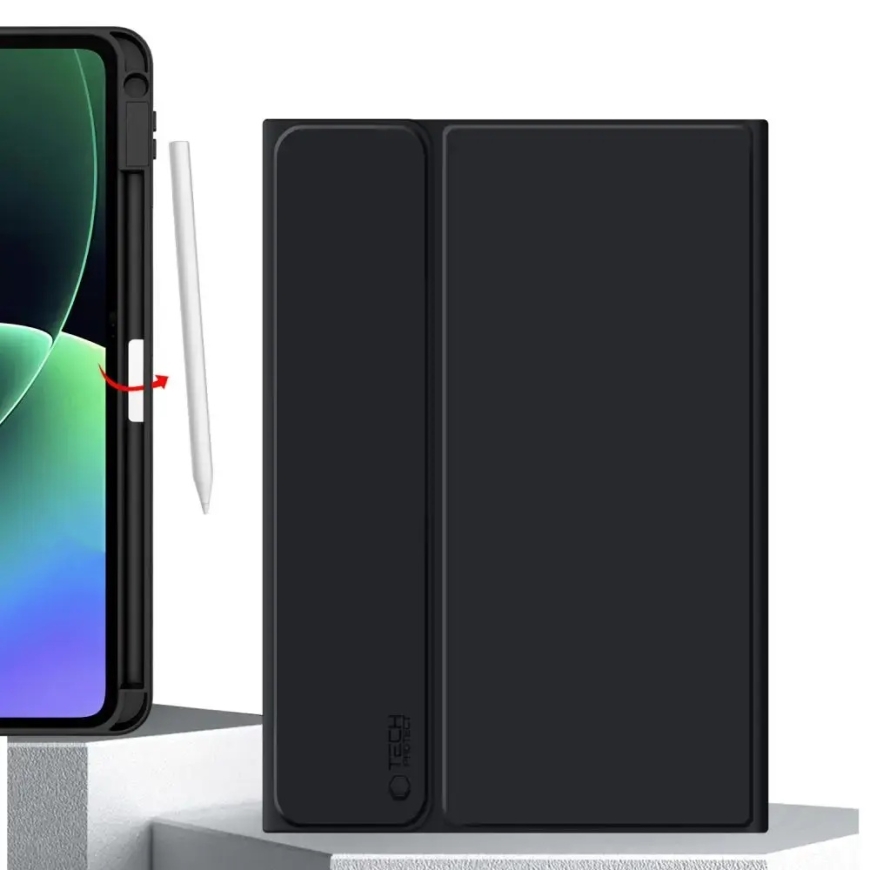
- Smart Design: Includes a dedicated, secure slot for your stylus, ensuring it is always ready when inspiration strikes.
- Versatile Stand: The foldable design allows you to position your tablet at the perfect angle for typing or viewing.
- Battery Efficiency: Supports automatic wake/sleep functionality to help preserve your tablet's battery life.
- Precision Fit: Expertly engineered cutouts provide full access to the camera, ports, and speakers without removing the case.
- Long-Lasting Performance: The keyboard offers up to 140 hours of continuous operation on a single charge.
Technical Specifications
- Compatibility: Xiaomi Pad 7 / 7 Pro / 8 / 8 Pro (11.2")
- Keyboard Connectivity: Bluetooth (up to 10m range)
- Battery Life: Up to 140 hours
- Material: Durable TPU with a matte finish
- Color: Black
- Special Features: Backlit keys, stylus storage, auto sleep/wake, integrated stand
Kit Contents
- 1 × Tech-Protect SC Pen Case
- 1 × Wireless Bluetooth Keyboard
- 1 × USB-A to USB-C Charging Cable (18 cm)
Note: To ensure proper connectivity, please use the following key combinations after pairing: Fn+Q for iOS, Fn+W for Android, or Fn+E for Windows.
