






The product's shade and actual color may differ from what is shown in the picture, as the images are for illustrative purposes. The product description is general and may not include all the product's features.
Niimbot Label Printer, Thermal Label Printer for Self-Adhesive Labels B2, Niimbot 203 DPI, Bluetooth, USB
4554731 1AC97472809
6942639202681
Shipping 12-16 b.d.
All about the product
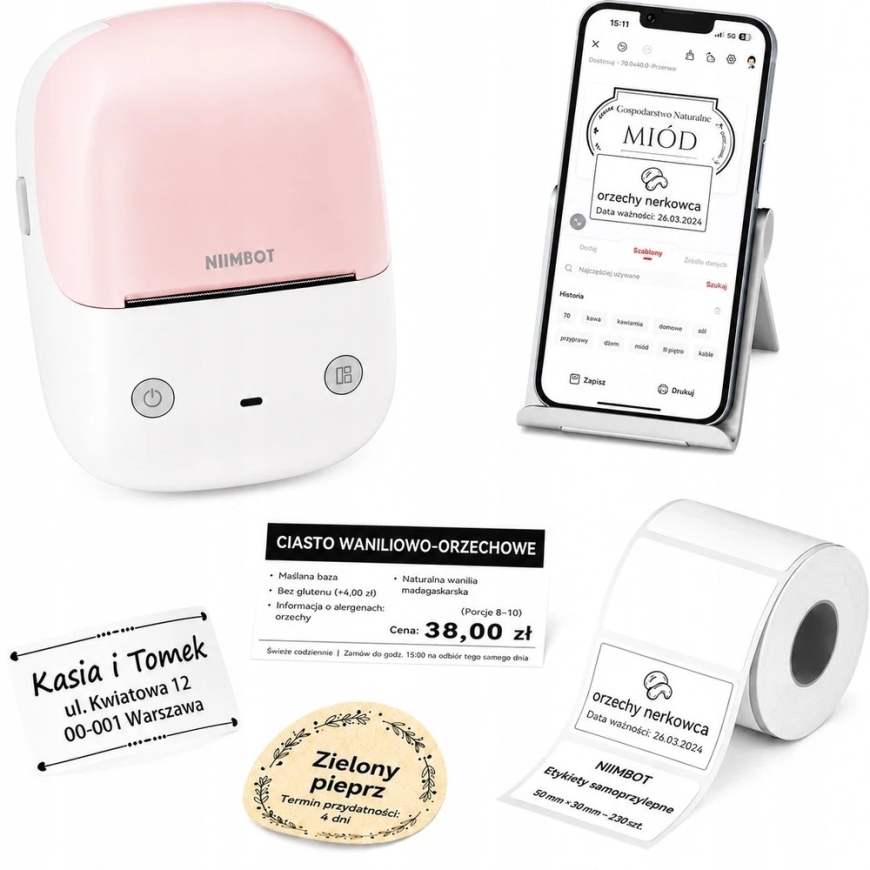
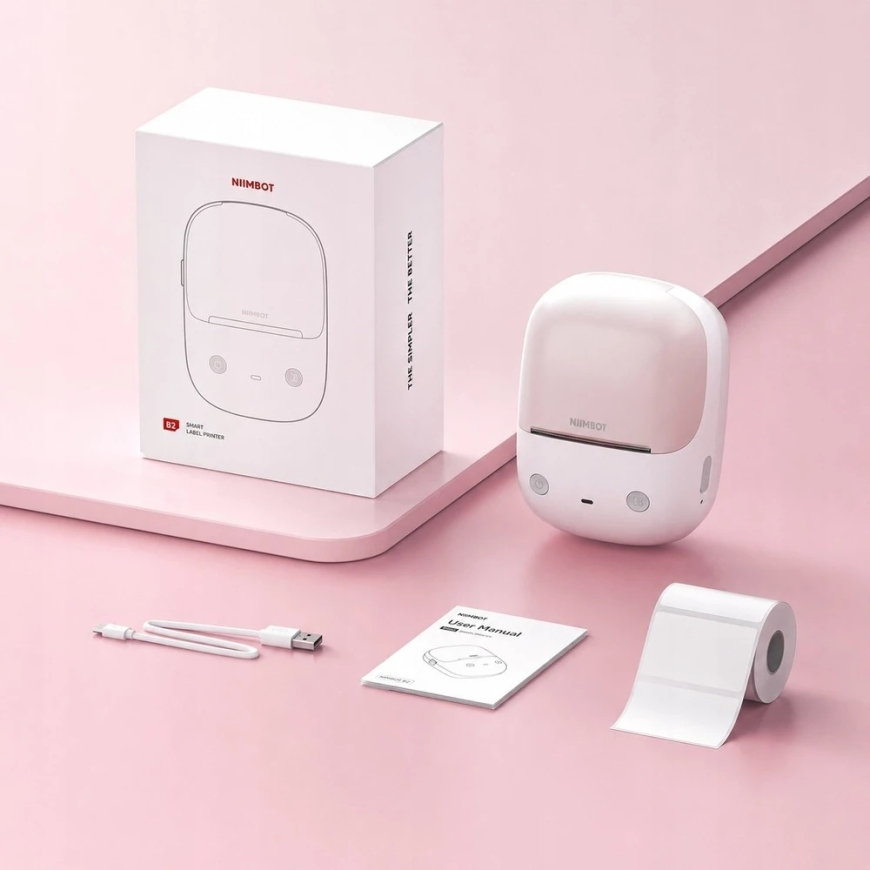
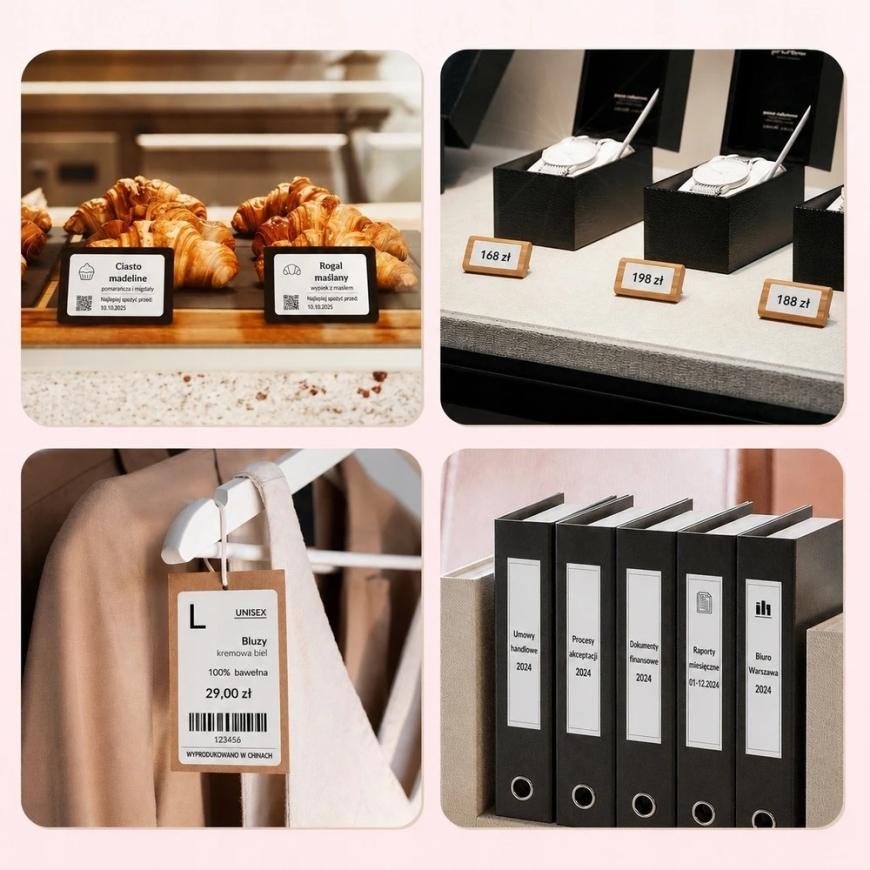
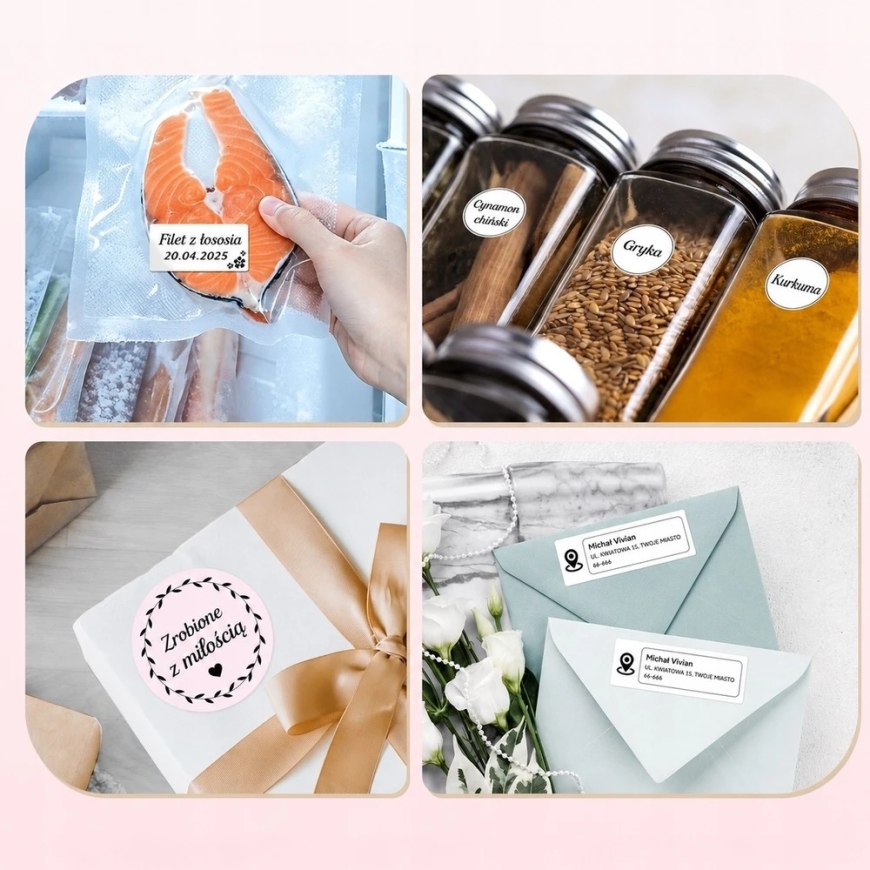
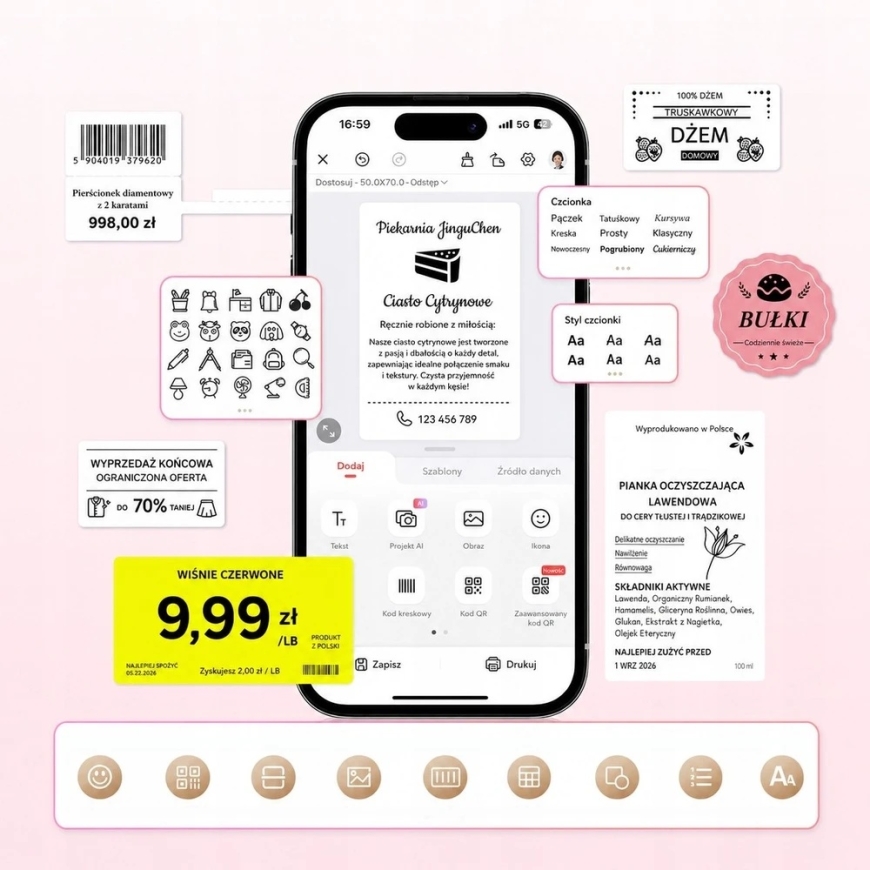
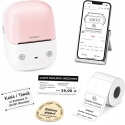
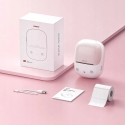
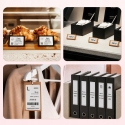
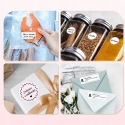
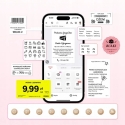
⚡Niimbot B2 Thermal Label Printer 203 DPI Bluetooth for printing stickers white-pink⚡ Color white-pink ✅ The NIIMBOT B2 label printer with Bluetooth and USB-C connectivity uses high-quality thermal printing technology with a resolution of 203 DPI, ensuring your labels will be clear, even with fine text or barcodes. ✅ With support for labels ranging from 20mm to 50mm in width and 8mm to 350mm in height, you gain greater flexibility and the ability to work with different types of labels. The printing speed is up to 40mm/s. ✅ The printer has an offline printing feature, thanks to 3 configurable presets that allow printing without the use of an application. ✅ The built-in 1500mAh battery and connectivity with a mobile app make the printer a very practical and versatile device that you can use at home, in the office, at school, and in small businesses. ✅ It is great for printing labels for jars, kitchen spices, product expiration dates, medicine packaging, documents, school notebooks, as price tags, and much more. It is a great tool for art and craft enthusiasts instead of buying pre-made items. ???? No registration and no subscription - just the NIIMBOT app. You print right away, and extra VIP features are completely optional. ⚠️ Note! The printer works only with original labels. ⭐ Why choose this printer? ✔️ You print labels in seconds Connect the printer to your smartphone via Bluetooth or your computer via USB and create labels exactly when you need them. No cables, no complicated setup, and no unnecessary waiting. ✔️ Even faster operation without launching the app Built-in presets allow you to print selected labels with one click. You can immediately print the current date and time, the last label, or a previously saved template. ✔️ Professional look for every label The resolution of 203 DPI guarantees clear inscriptions, barcodes, and markings. Your labels will be readable, aesthetic, and durable. ✔️ You create labels without experience The app includes ready-made templates that you can easily edit. Just a few clicks to prepare aesthetic and professional labels. ✔️ One printer for many applications Label products, documents, containers, shelves, spices, or warehouse equipment. The support for various label sizes makes the device adaptable to your needs. ✔️ Ideal for home, office, and business The ability to connect with up to 10 mobile devices allows the entire team to use the printer. This is a practical solution for online stores, warehouses, offices, and home users. ➡️ Product features Thermal printing without ink and toner – you print comfortably and without additional consumables Real-time offline printing – 3 configurable presets enable printing without the app real-time timestamp, last printed label, or selected template Resolution of 203 DPI – ensures clear, readable, and aesthetic prints Bluetooth or USB connection – quickly pair the printer with your phone or connect it to your computer. Supports self-adhesive labels 20-50mm wide and 8-350mm high – you can adjust the print for various applications, from small labels to larger ones Printing speed up to 40 mm/s – efficiently prepare a larger number of labels without long waiting times Access to editable templates in the mobile app – quickly design labels tailored to your needs Automatic roller positioning – the printer automatically adjusts labels, making work easier Automatic label size recognition – you do not need to manually set parameters before each print Built-in 1500mAh battery – allows you to work for a long time without frequent recharging USB charging – convenient replenishment of power from a laptop, charger, or power bank Compatibility with Android and iOS – works with your smartphone regardless of the system Ability to connect up to 10 mobile devices – ideal solution for teamwork or business Compact design – takes up little space and is suitable for both home and office ➡️ Easy and convenient operation The label printer connects to your phone via Bluetooth. Just download the Niimbot app from the AppStore or Google Play, turn on Bluetooth on your phone, and connect to the B2 device with one button. Install the Niimbot app Turn on Bluetooth Edit and print labels The printer can be connected to up to 10 phones simultaneously, making it great for teams or businesses. If you prefer to work on a larger screen, connect the printer to a computer also via Bluetooth or USB cable (driver required). You will then gain access to more advanced editing and the ability to switch freely between phone and computer. ➡️ Tons of creative templates With the app, you can easily and intuitively create any text barcode/QR code image Excel table scan current time expiration date emoji many ready-made logos The app helps design any label easily. You can print serially the same or different stickers - quickly, conveniently, and incredibly efficiently. Importantly, the app is available in Polish, so the operation is simple and intuitive. ???? No registration and no subscription - just the NIIMBOT app. You print right away, and extra VIP features are completely optional. ➡️ Specification Manufacturer Niimbot Manufacturer code B2 Connectivity technology Bluetooth, USB-C Printing technology Thermal Special function Portable Printing resolution 203 dpi Supported label width 20-50 mm Supported label height 8-350mm Max. printing speed 40mm/s Built-in battery 1500mAh Dimensions 126 x 91 x 67 (mm) Color White-pink ➡️ The package includes 1x Niimbot B2 label printer (white-pink color) 1x Roll of labels (white 50x30mm, 230 pcs.) - inside the printer 1x USB charging cable INFORMATION! Colors in photos may differ from those in reality due to the type, intensity and angle of light, as well as depending on the monitor settings.
