


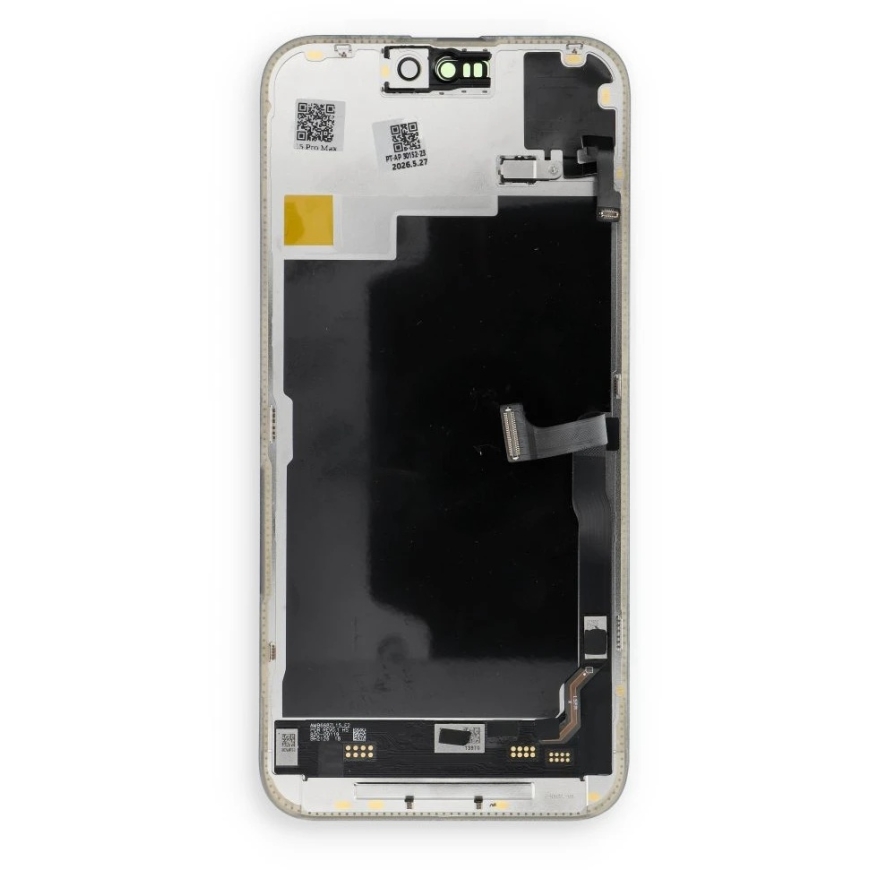
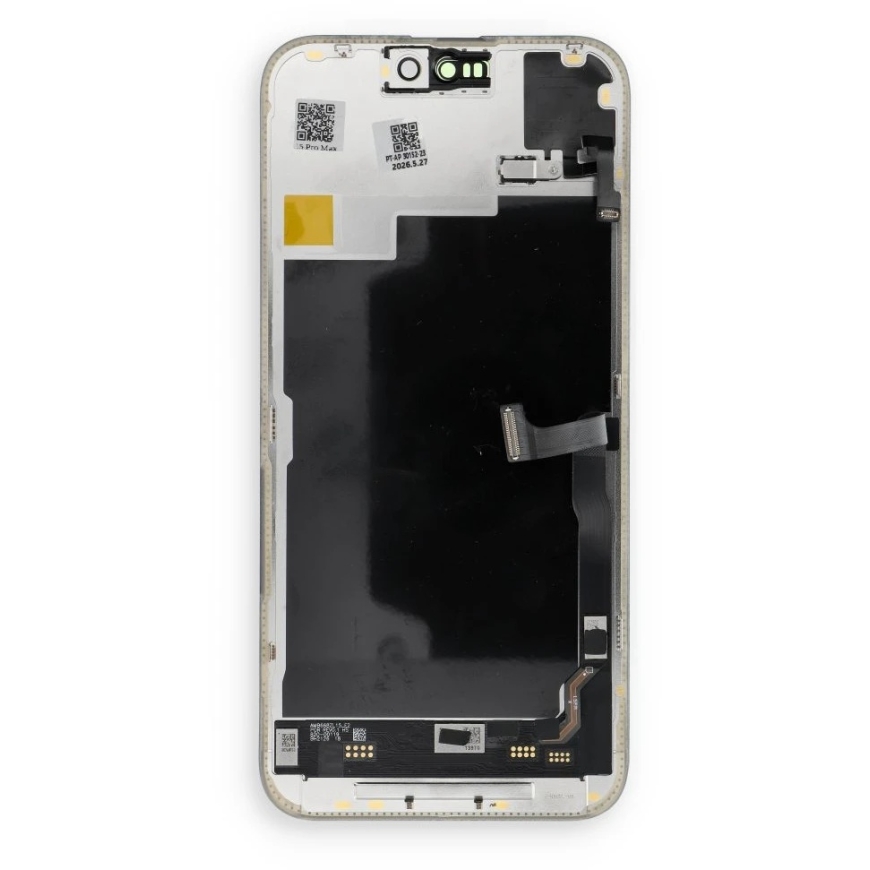
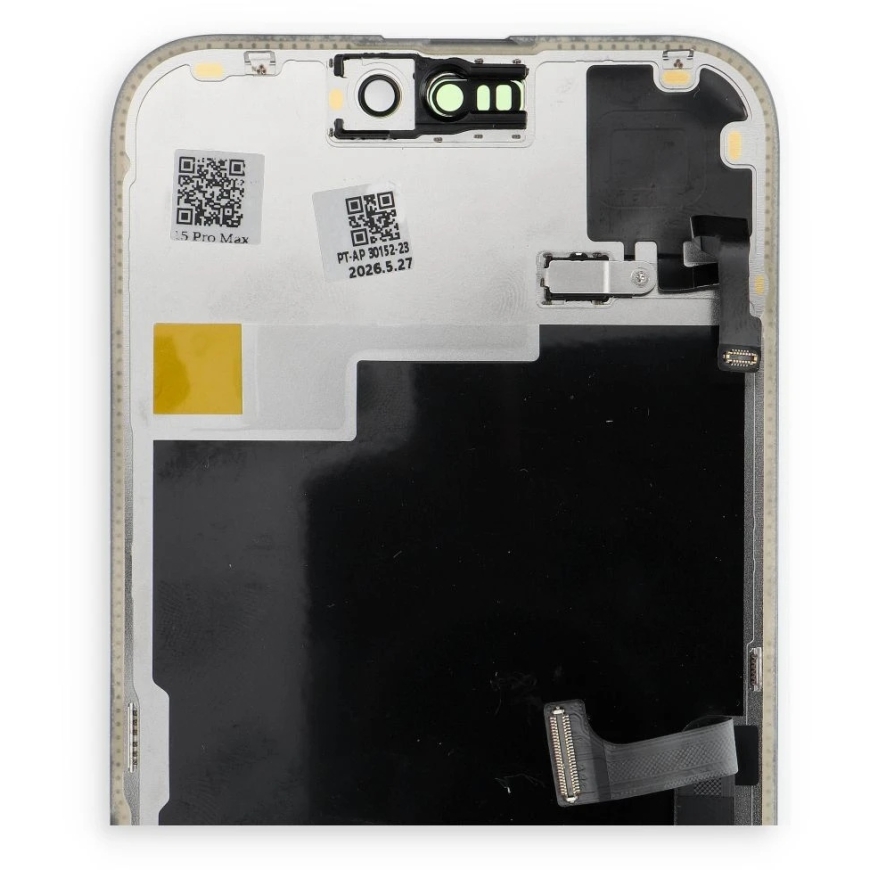
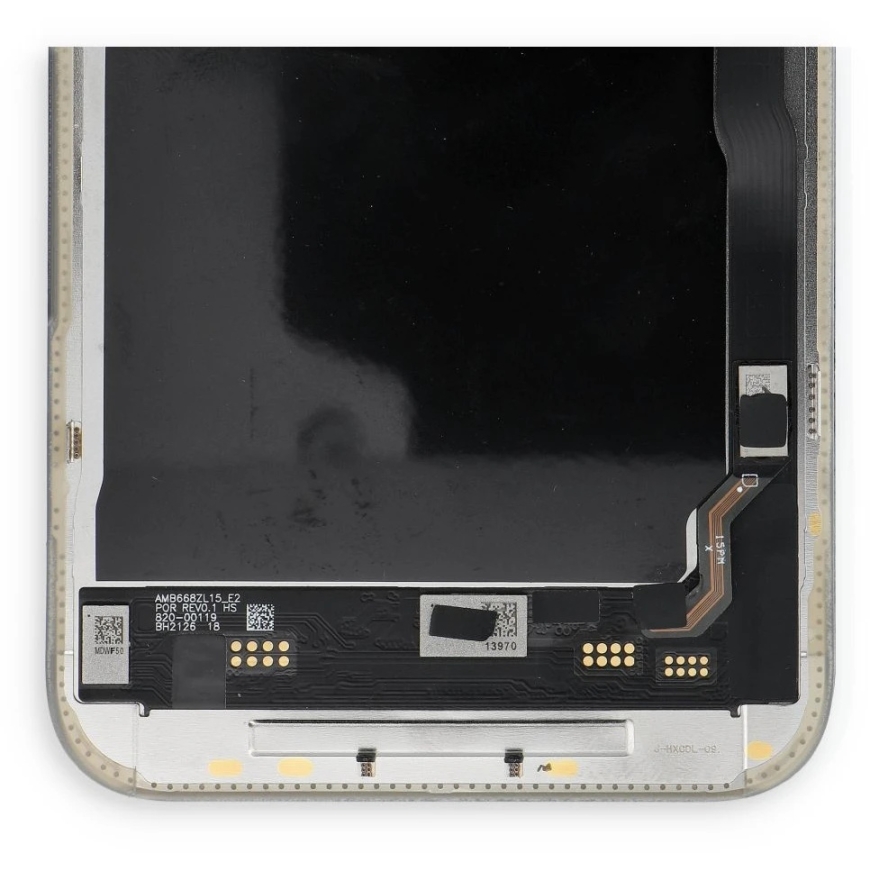
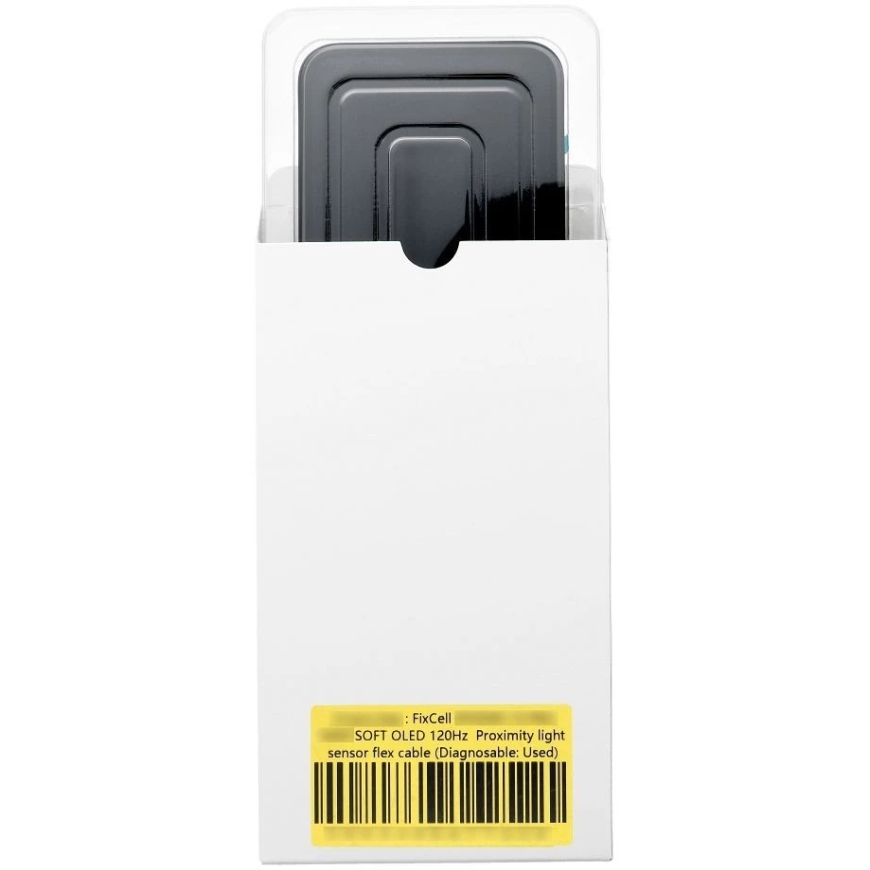
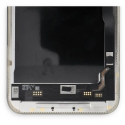
"FixCell" LCD Screen for "iPhone 15 PRO MAX", SOFT OLED 120Hz Proximity Light Sensor Flex Cable (Diagnostic: Used)
"FixCell" LCD Screen for "iPhone 15 PRO MAX", SOFT OLED 120Hz Proximity Light Sensor Flex Cable (Diagnostic: Used) – 2
"FixCell" LCD Screen for "iPhone 15 PRO MAX", SOFT OLED 120Hz Proximity Light Sensor Flex Cable (Diagnostic: Used) – 3
"FixCell" LCD Screen for "iPhone 15 PRO MAX", SOFT OLED 120Hz Proximity Light Sensor Flex Cable (Diagnostic: Used) – 4
"FixCell" LCD Screen for "iPhone 15 PRO MAX", SOFT OLED 120Hz Proximity Light Sensor Flex Cable (Diagnostic: Used) – 5
"FixCell" LCD Screen for "iPhone 15 PRO MAX", SOFT OLED 120Hz Proximity Light Sensor Flex Cable (Diagnostic: Used)

The product's shade and actual color may differ from what is shown in the picture, as the images are for illustrative purposes. The product description is general and may not include all the product's features.

"FixCell" LCD Screen for "iPhone 15 PRO MAX", SOFT OLED 120Hz Proximity Light Sensor Flex Cable (Diagnostic: Used)

159.01 €
Monthly payment from 4,99 €
4545703

5903396477324

Shipping 10-14 b.d.

You are interested in this product?
(Read terms of service)

All about the product

“iPhone” diagnostic screen – service version

Professional, service level “iPhone” screen with EEPROM, which simulates the original IC chip, allowing the device to boot, operate, or be tested without triggering the “screen replacement” message.

Essential for repair technicians – used to check the operation of the motherboard, “Face ID,” touch circuitry, “True Tone,” and other features that may be lost when replacing the screen with a non-original integrated processor.

Tested with “iOS 18.” We do not take responsibility for possible compatibility changes in future “iOS” versions that may affect screen recognition.

After installing the device, it must be turned on and booted in diagnostic mode for the screen to initialize properly.
