






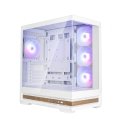
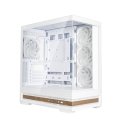
The product's shade and actual color may differ from what is shown in the picture, as the images are for illustrative purposes. The product description is general and may not include all the product's features.
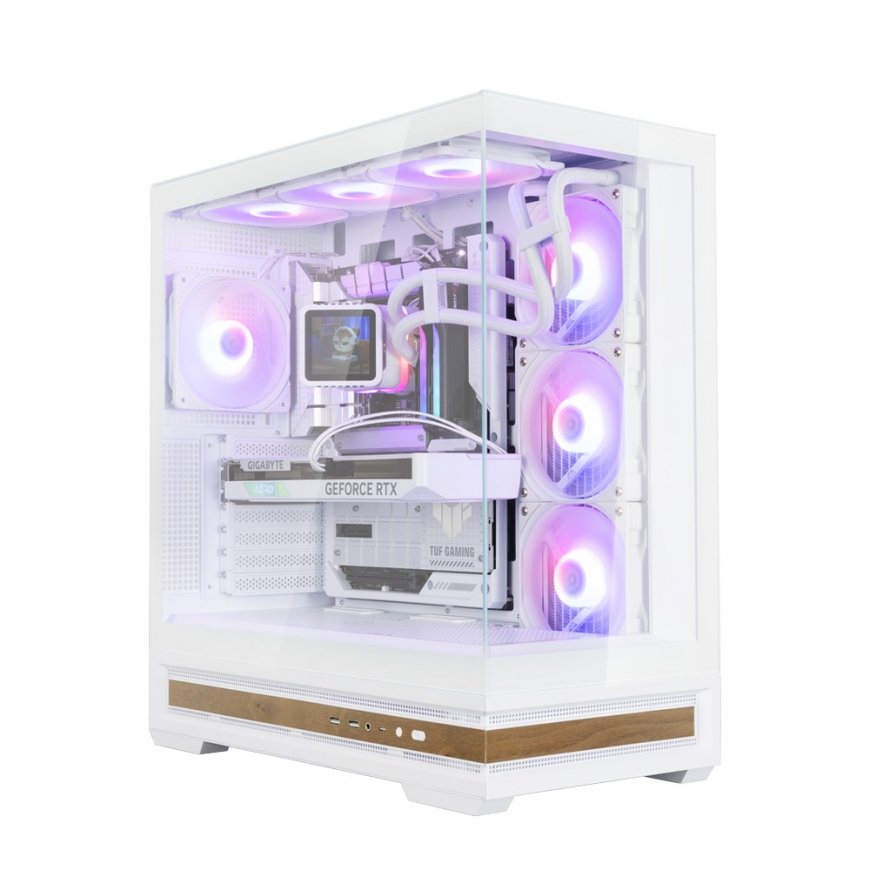
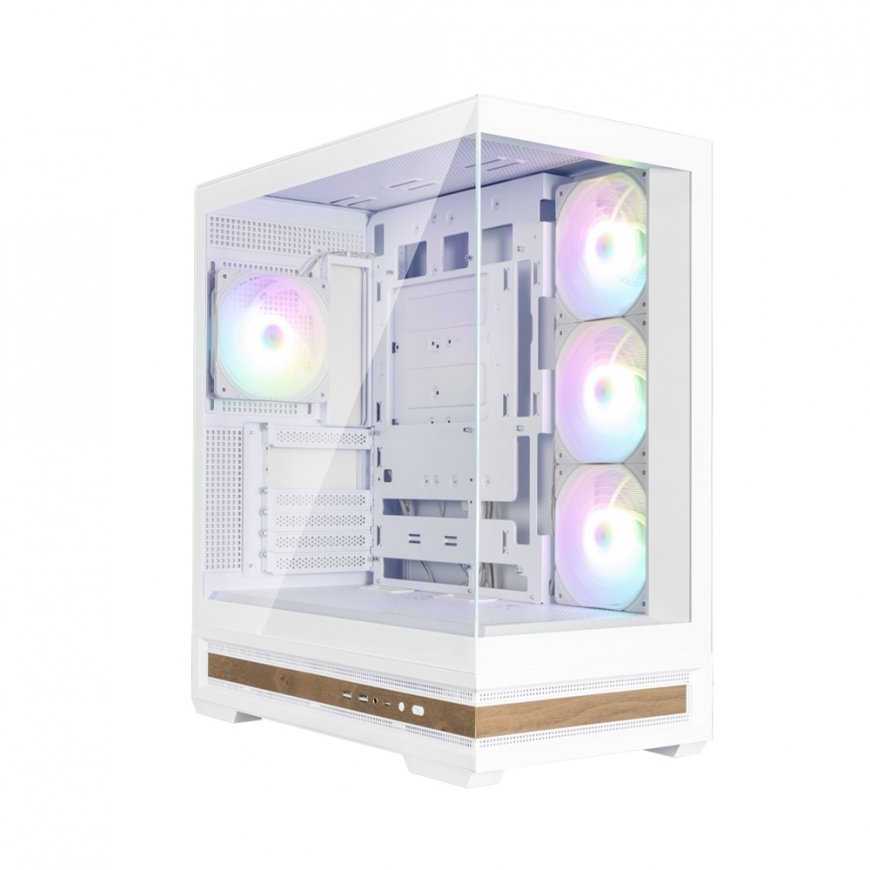
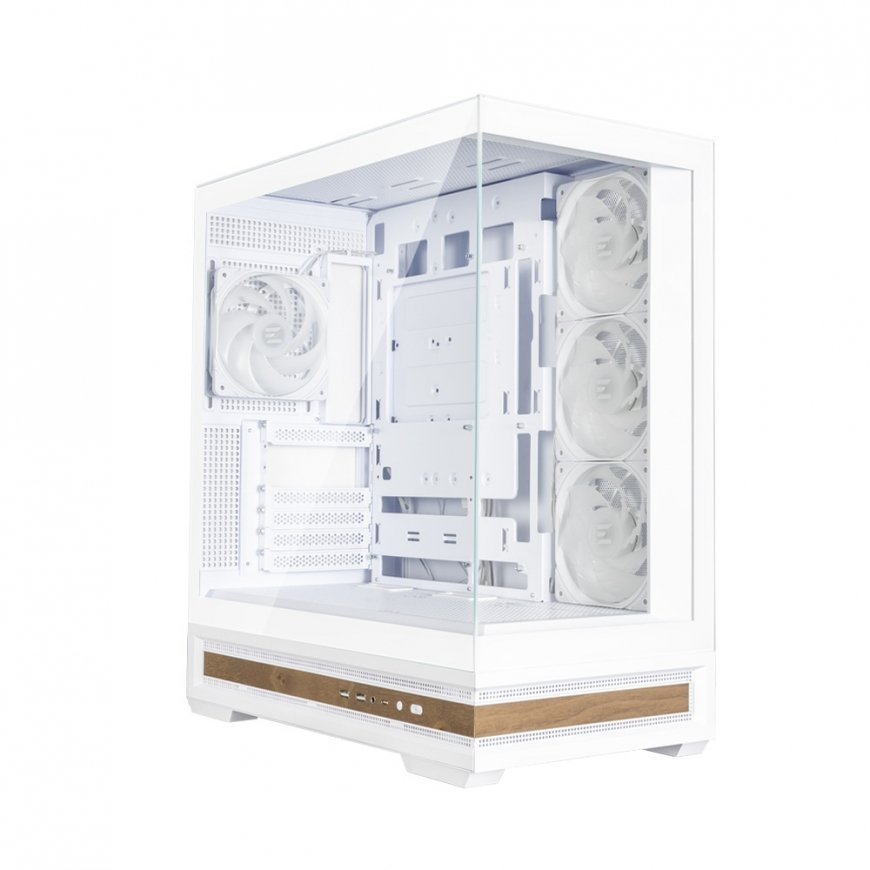
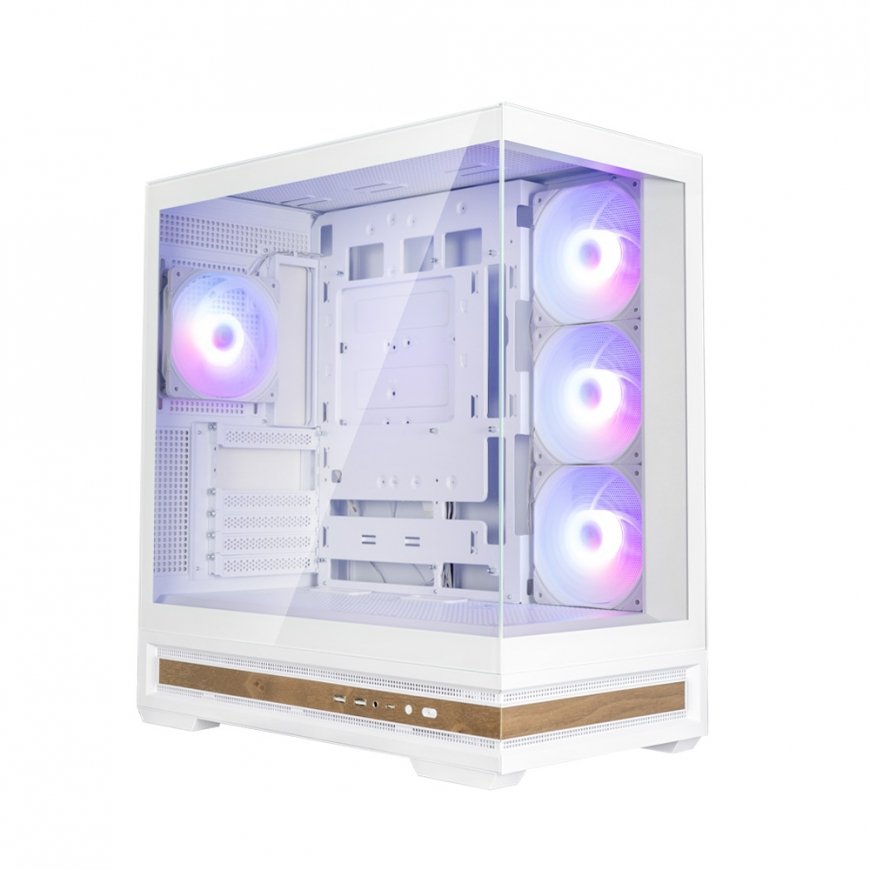
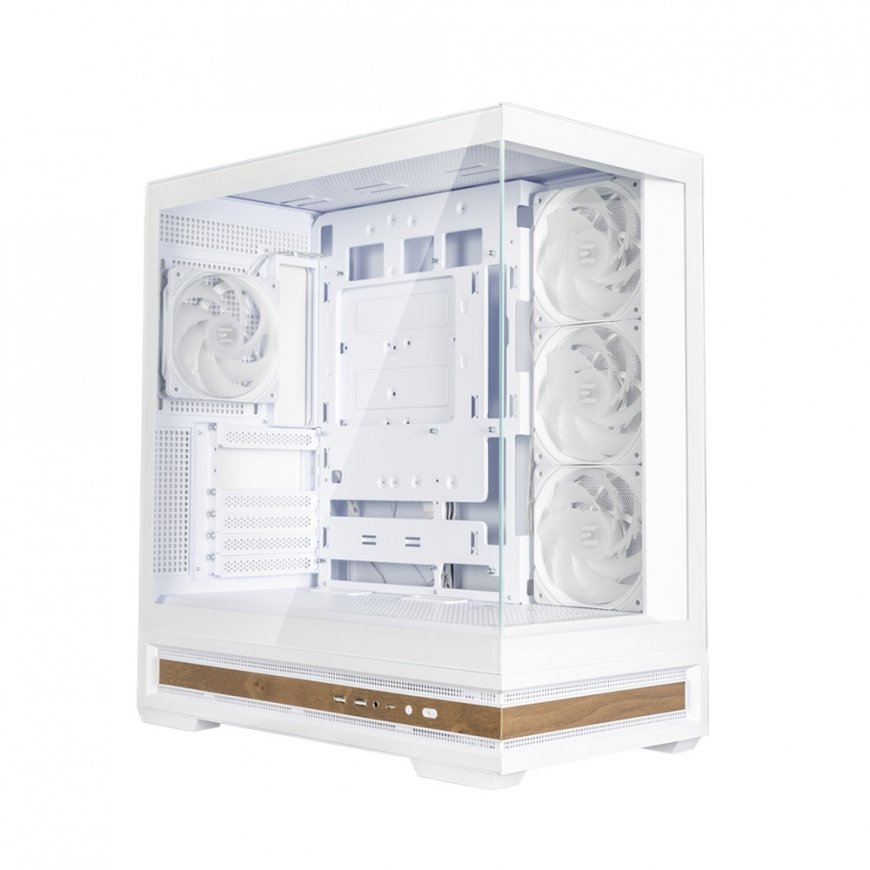
Zalman P40 NAMU WHITE Midi Tower
112.00 €
Monthly payment from 3,78 €
3982145 8800263650408
8800263650408
Shipping 2-3 b.d.
You are interested in this product?
All about the product
Panoramic View withSeamless Tempered Glasses
Two frameless front and side tempered glasses showing unique PC build
Premium Tempered Glass Panel
Using 4mm thick tempered glass, P40 NAMU offers exceptional durability
Vibrant AF120 Lighting Effect
1. The blade vibration is minimized by preventing the trembling of the blades during fan operation and the durability is enhanced
2. Wind noise is minimized by suppressing the vortex phenomenon that occurs on the blades
3. Airflow is maximized by minimizing the amount of air flow lost to the outer circumference of the rotor
ARGB CONTROLLER
RGB control hub and LED Control Button(Reset Button) at side enable variety RGB effects.
Connect to motherboard 5v RGB pin header to create various RGB modes.
How to use ARGB controller
- Press the I/O LED(Reset) button to change the LED (Reset) pattern and color.(26 patterns)
- Press and hold the LED(Reset) button for 3 seconds to sync the motherboard after the white light flashes once
- Press and hold the LED(Reset) button for 3 seconds to turn off the LED(Reset) after the white light flashes twice
- Press the LED(Reset) button again to disconnect the motherboard sync and change the controller mode
Tool-Free Tempered Glasses
The Side panel can be easily and completely removed for convenient access to PC components
Easy panel management with groove fixing structure at the bottom of the tempered glass
Convenient maintenance
Effortless side panel removal offers superior convenience during maintenance.
Unrestricted Cooling Potential
Delivers the ultimate cooling solution with side intake design, combined with optimized fan placement for superior internal airflow.
Top/Side 360mm Radiator Supports
Support for Reverse layout Motherboard
All connectors on the underside of the motherboard for clean cable management and a minimalist build appearance.
P40 DS is perfect for hidden-connector PC and makes cable management much easier.
Efficient Cable Management with Optimal Routing Design
34mm cable management space helps keep wires organized.
Convenient cable management layout and space makes it easier than ever to organize messy cables for a clean look
Rotatable PCI slot for flexible GPU installation (Vertical/Horizontal)
Dedicated GPU Bracket Included
Top & Bottom Magnetic Dust Filter
Magnetic dust filters on the top and bottom effectively minimize dust buildup while enabling rapid heat dissipation during operation.
Features | |
| Product colour | White |
| Material | Plastic, Steel, Tempered glass |
| Anti-dust filter | Yes |
| Maximum graphics card length | 42 cm |
| Cable management | Yes |
Design | |
| Number of 3.5" bays | 2 |
Weight & dimensions | |
| Weight | 8.7 kg |
| Depth | 452 mm |
| Height | 492 mm |
| Width | 235 mm |
Other features | |
| Type | PC |
Packaging content | |
| Manual | Yes |
Ports & interfaces | |
| USB 3.2 Gen 1 (3.1 Gen 1) Type-A ports quantity | 2 |
| USB 3.2 Gen 2 (3.1 Gen 2) Type-A ports quantity | 0 |
| USB 3.2 Gen 2 (3.1 Gen 2) Type-C ports quantity | 1 |
