






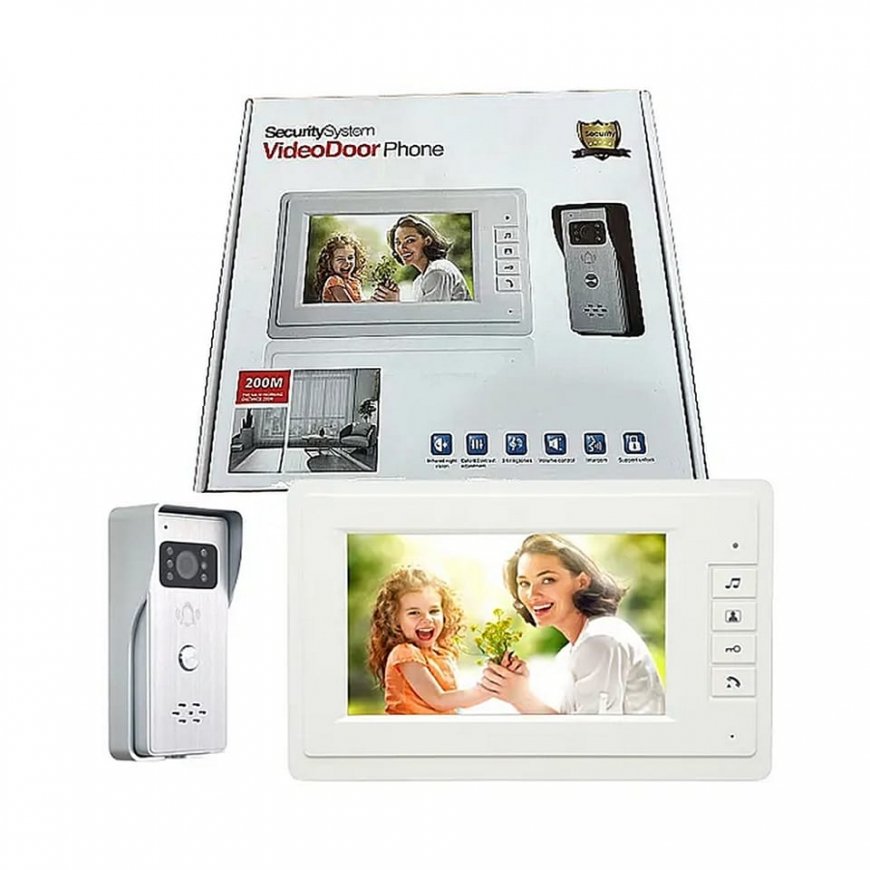
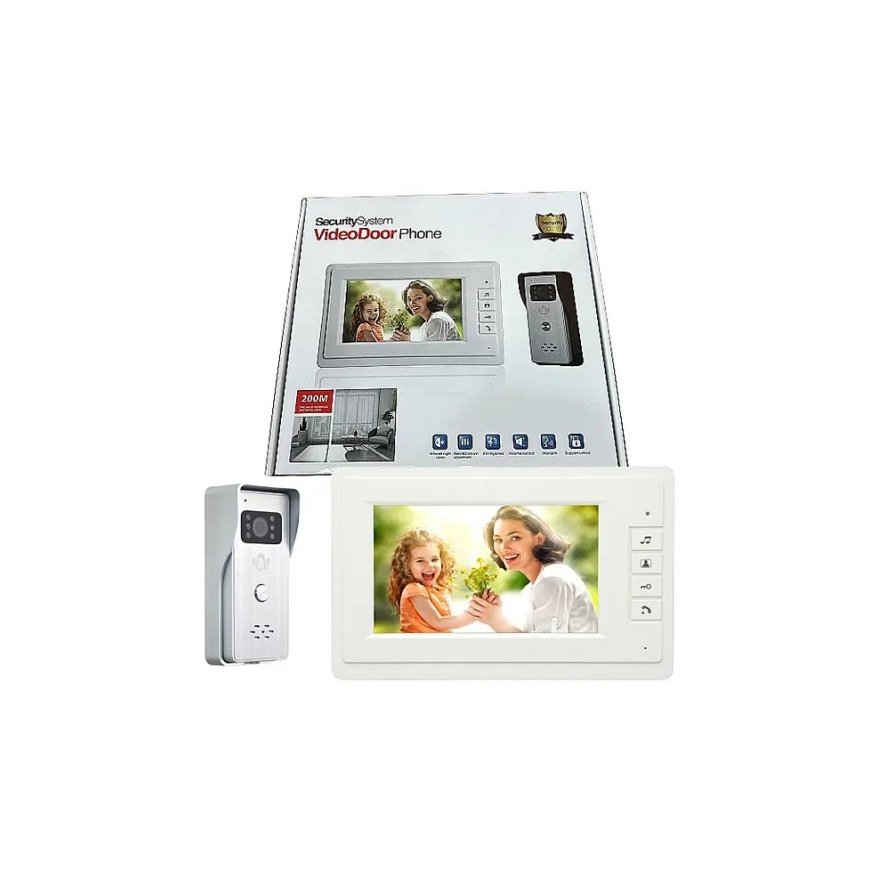
The product's shade and actual color may differ from what is shown in the picture, as the images are for illustrative purposes. The product description is general and may not include all the product's features.
Eurokomp Video Intercom E6255
3852961 E6255
5903933692883
Shipping 9-13 b.d.
All about the product
Specification of the indoor unit:
1. Screen size: 7 inches (16:9 display)
2. Digital resolution: 800*480 pixels
3. Viewing angle: up 50 degrees, down 70 degrees, left or right 70 degrees
4. Brightness: 200 CD/m2
5. Ringtone: chord polyphonic ringtone
6. Sensitivity: 56DB
7. Signal system: PAL
8. Input voltage: AC100-240V
9. Total power consumption: max. 6 W (400 mA)
10. Power consumption in standby mode: max. 1.1 W
11. Power supply specification: DC 15 V
12. Call delay: 120 s
13. Monitor delay: 40S
14. Effective distance: 200 M (4.0, 75 m2)
15. Operating temperature: from -20 to 60 degrees
16. Relative humidity: 10% to 90%
17. Installation method of the indoor unit: wall type
Specification of the outdoor unit:
1. Infrared lamp illumination distance: about 4 meters
2. Gain control: automatic
3. Resolution: 800 lines 1080P
4. Call delay: 120 s then automatically turned off
5. Image transmission distance: max. 200 meters
6. Viewing angle: 92 degrees
7. KW: max. 2W
8. Power: DC 15 V
9. Camera: high resolution and color CMOS
10. Outdoor infrared night vision function: infrared 10 LUX
11. Installation of the outdoor unit: built-in or wall-mounted type
1. Connect the 4P/5P cable to the outdoor camera, the other end to the indoor monitor socket 1, and then connect the 2P cable to the indoor monitor socket, and finally connect the power supply
2. When a guest presses the call button on the outdoor unit, the indoor unit will ring and display the guest's image. When the host presses the return call button, they can talk to each other. The call time and image delay is about 120 seconds.
3. When the device is turned on, you can press the unlock button on the indoor unit to unlock the electronic lock
4. After pressing the monitor button on the indoor unit, you can monitor the situation outside for 40 seconds each time
5. Press the monitoring button and then the call button to monitor the surroundings and talk to the guest. After the conversation is finished, you can press the call button to turn off the indoor unit
6. The ringtone volume in the room can be adjusted using the rotary button or menu for optimal effect
7. For monitoring, press the ringtone button, and you will hear several ringtones. You can choose the one you prefer. No further operation means successful setting. When the indoor unit is turned off, all ringtones will return to default settings.
Package contents:
- Cardboard packaging
- Outdoor unit
- Indoor unit
- Cables with connectors
- Power supply 15V, 1A
- Mounting bracket with screws
- User manual
