






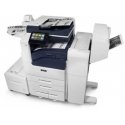
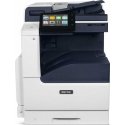
The product's shade and actual color may differ from what is shown in the picture, as the images are for illustrative purposes. The product description is general and may not include all the product's features.
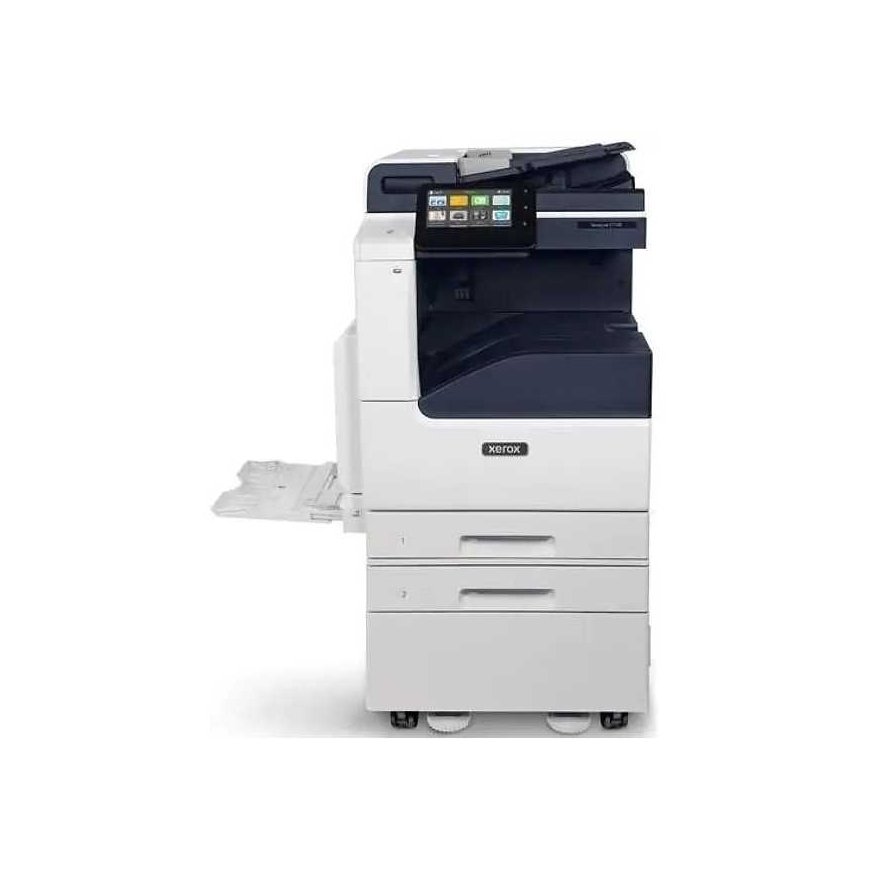
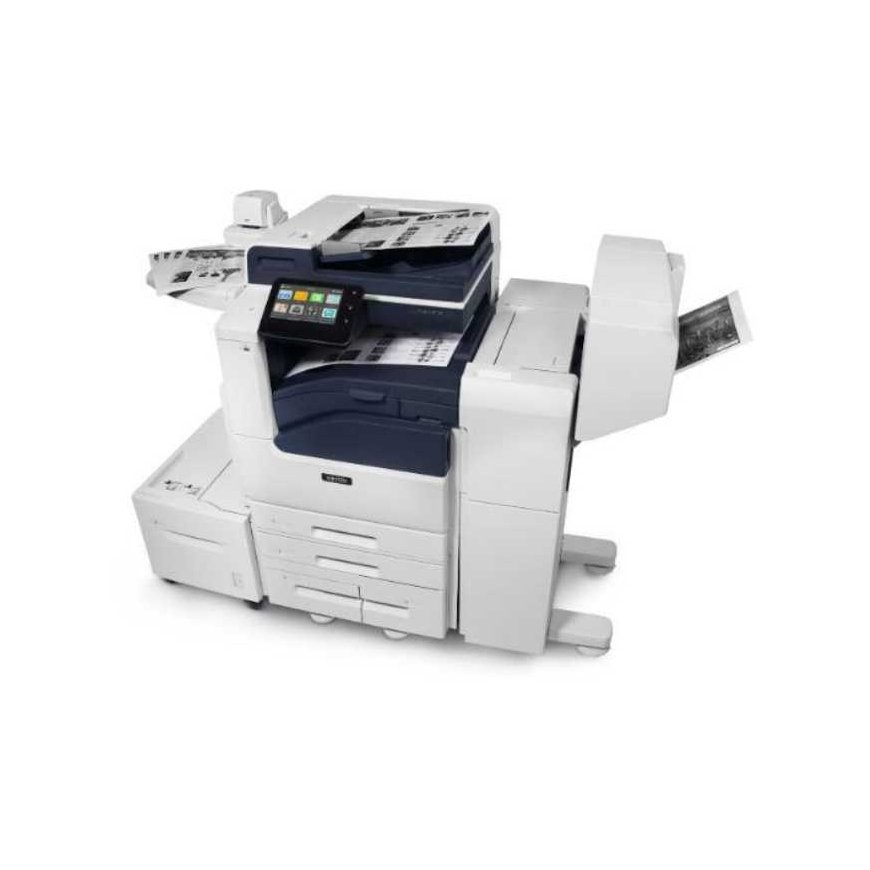
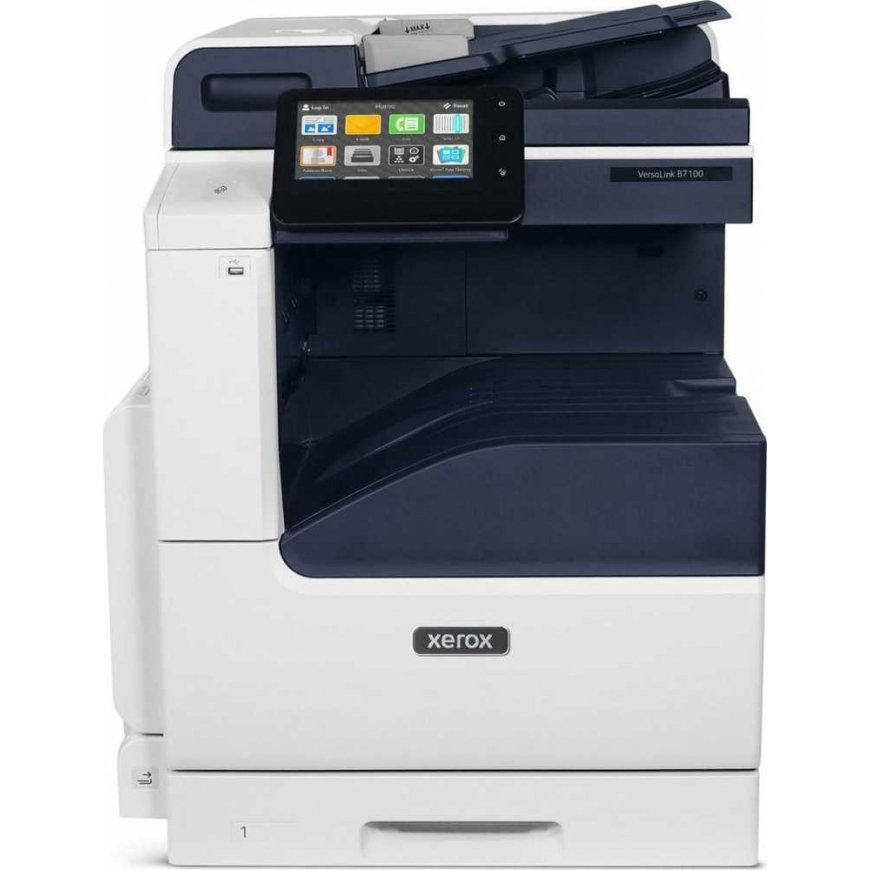
Xerox VersaLink B7100 A3 Mono MFP. Duplex copying / printing / scanning / faxing PCL5c / 6 DADF / 100-sheet manual feed tray / 5
3825811 B7101V_D
0095205068153
Shipping 12-16 b.d.
All about the product
ADAPTIVE TECHNOLOGY THAT ADAPTS
Your work is constantly evolving, so you need technology that is always one step ahead. The VersaLink printer with Xerox ConnectKey technology will adapt to support you not only in technological advancements but also in work processes. With regular firmware updates and an ever-growing collection of productivity-enhancing tools included in the App Gallery, VersaLink products will help you stay ahead of changes.
COMPLETE TASKS WITH EASE
Fast printing is easy thanks to a tablet-like touchscreen that combines simplicity with efficiency, saving you time. A familiar and intuitive user interface guides you through tasks, eliminating extra steps. Personalizing the user interface allows you to work the way you need. With mobile features like Wi-Fi Direct, you can print directly from your favorite mobile devices. NFC (Near Field Communication) technology allows you to verify authenticity using a smartphone and connect in seconds. The Xerox Quick Link app enables quick connection and printing without IT support, reducing the burden on IT teams. And with VersaLink devices, more features mean greater convenience, not greater complexity. Top-notch scanning and automation features for physical and digital workflows allow you to scan, digitize, and route information seamlessly, reducing errors and saving you time. Industry-specific applications for education, healthcare, legal services, and more help you stay connected and productive.
SECURITY IN A DIGITAL WORLD
Translator. Proofreader. Form checker. Anything digitizer. VersaLink makes it easy to tackle even the most demanding tasks. With access to a growing portfolio of cloud applications and the ability to tailor solutions to your specific needs through the Xerox Partners program, you will always be prepared. And with access to the Xerox Workflow Central platform, which allows you to convert physical and digital files into usable formats directly from the VersaLink user interface, you can easily manage even complex workflows. It helps you maximize the use of workplace assistants so you can be productive and secure.
PROACTIVE SECURITY YOU CAN RELY ON
Multi-layered protection of VersaLink devices safeguards all system components. A comprehensive suite of proactive security features enables you to stop even the most sophisticated security threats, preventing malicious attacks, malware spread, unauthorized access, or changes and disruptions that cause delays. To simplify report generation and security event management, VersaLink devices can be integrated with Security Information and Event Management (SIEM) tools. McAfee software continuously monitors, detects, and blocks threats in real-time. Automated security responses also provide invaluable time savings and peace of mind.
EXCELLENT IMAGE QUALITY
Color is the difference between communication that is useless and communication that has a real impact. With high-resolution output of 1,200 × 2,400 dpi, the VersaLink printer elevates your documents to a new level with sharp image quality.
SUSTAINABILITY WITHOUT COMPROMISE
All VersaLink devices meet or exceed the strictest globally recognized sustainability standards, including EPEAT and ENERGY STAR, providing environmental benefits without compromising performance or quality.
TECHNICAL SPECIFICATIONS
- Speed (5): Up to 25 ppm. Up to 30 ppm. Up to 35 ppm.
- Monthly duty cycle (6): Up to 107,000 pages/ Up to 129,000 pages/ Up to 153,000 pages
- Hard drive, processor, memory: 320 GB HDD(4) //1.05 GHz dual-core processor/4 GB memory
- Connectivity: Ethernet 10/100/1000 Base-T, high-speed USB 3.0 interface, Wi-Fi and Wi-Fi Direct with optional Wi-Fi kit, NFC Tap-to-Pair functionality
- Controller features: Unified address book, configuration cloning, scan preview, Xerox Extensible Interface Platform, Xerox App Gallery application, Xerox standard accounting tool, role-based permissions, support for simple authentication, online support
- Copying and printing resolution: Copying: up to 600 x 600 dpi; Printing: Up to 1,200 x 2,400 dpi
- Max. first page copy speed: As fast as 5.8 seconds for black and white/ As fast as 4.3 seconds for color/ As fast as 4.3 seconds for color
- First page print speed: As fast as 6.2 seconds for black and white/ As fast as 5.2 seconds for color/ As fast as 4.8 seconds for color/
- Page description languages: PCL 5e/PCL 6/PDF/XPS/TIFF/JPEG/HP-GL/optional Adobe PostScript 3™
- Paper input (2)
- A)Standard: Duplex automatic document feeder with single pass (DADF): 130 sheets: speed: up to 80 images/min; user formats: 49 × 85 mm to 297 × 431.8 mm. Manual feeder: 100 sheets; user formats: 88.9 × 98.4 mm to 297 × 431.8 mm- Tray 1: 520 sheets; user formats: 139.7 × 182 mm to 297 × 431.8 mm
- B)Select one option: Single-tray module: 520 sheets; user formats: 139.7 × 182 mm to 297 × 431.8 mm. Single-tray module with stand: 520 sheets; user formats: 139.7 × 182 mm to 297 × 431.8 mm. Three-tray module (1,560 sheets): 520 sheets each; user formats: 139.7 × 182 mm to 297 × 431.8 mm. Tandem tray module (2,520 sheets): Tray 2: 520 sheets; user formats: 139.7 × 182 mm to 297 × 431.8 mm; Tray 3: 870 sheets; standard formats: A4 or B5; Tray 4: 1,130 sheets; standard formats: A4 or B5
- C)Optional: Envelope tray: Up to 60 envelopes: #10 Commercial, Monarch, DL, C5; user formats: 98 × 148 mm to 162 × 241 mm. High-capacity feeder (HCF): 2,000 sheets; standard formats: A4 or B5
- Paper output/ Finishing (2)
- A)Standard: 500-sheet output tray
- B)Optional: Dual output tray for offset6: 250 sheets each, lower tray with offset. Integrated office finisher: Stacker tray for 500 sheets, stapling 50 sheets, stapling in two positions. Office finisher: Stacker tray for 2,000 sheets, stapling 50 sheets, stapling in 3 positions, optional hole punching, optional booklet maker (folding, V1 binding). Manual stapler with work surface: Staples up to 50 sheets
- Customization: Customization options include user interface modification, showing/hiding features, securing personal access through user authentication, and creating one-touch applications
- Print drivers: Job identification, bi-directional status, job tracking, Xerox Global Print Driver, application default settings, Xerox Pull Print Driver
- Xerox Embedded Web Server: PC or mobile device – status information, settings, device management, cloning, Fleet Orchestrator features, Configuration Watchdog, remote control panel
- Printing features: Print from USB, sample set, stored job, booklet creation, save and restore driver settings, scaling, job tracking, application control, duplex printing, draft mode. Optionally: Print from cloud storage (Dropbox, OneDrive, and Google Drive) via optional applications
- Scanning and fax: Scan preview, scanning to USB/email/network (FTP/FTP/SMB), file formats for scanning: PDF, PDF/A, XPS, JPG, TIFF; practical features: Scan to home folder, searchable PDF files, single/multi-page PDF and TIFF files, password-protected PDF files; fax features: Fax directly from the device (optionally one line or two lines, includes network fax, direct fax, fax forwarding to email), dialing fax numbers, unified address book, optical character recognition (OCR), fax to server, TWAIN driver (scanning); Optional: Scan to cloud storage (Dropbox, OneDrive, and Google Drive)
- Mobile connectivity: NFC (Near Field Communication) technology; Optional: Wi-Fi Direct, Wi-Fi (802.11 b/g/n/ac), AirPrintTM (iOS) including iBeacon (Bluetooth)
- Mobile printing: Mopria Print Service, Apple AirPrint TM, Xerox Print Service (Android), Xerox @PrintByXerox app; Optional: Xerox Workplace Mobile app (iOS/Android)
- Mobile scanning: Mopria Scan, Apple AirPrint TM; Optional: Xerox Workplace Mobile app (iOS/Android)
- Cloud support: Remote services; Optionally: direct connection to cloud services via optional applications (available through the Xerox App Gallery or visit xerox.com/AppGallery)
- Network security: 802.1x, IPsec, HTTPS, SFTP, and encrypted email, McAfee Enterprise Security Manager1, LogRhythm SIEM1, Splunk SIEM1, network authentication, SNMPv3, SHA-256 message hash authentication, automatic TLS 1.1/1.2/1.3 security certificate signing, Cisco Identity Services Engine (ISE) integration, automatic threat response through McAfee DXL/Cisco pxGrid integration, local authentication (internal database), FIPS 140-2
- Device access: User access and internal firewall, port/IP/domain filtering, Audit Log protocol, access control, user permissions, TPM; Optionally: Smart Card Enablement Kit (CAC/PIV/.NET/SIPRNet)7, integrated Xerox RFID card reader, NFC standard (authentication through optional Xerox Workplace Cloud/Suite print management and content security; for more information visit www.xerox.com/cs-cz/office/print-management-solutions)
- Data protection: Embedded McAfee control for whitelisting, firmware authentication, task-level encryption via HTTPS and drivers, encrypted and signed email; encrypted hard drive (AES 256-bit, FIPS 140-2) with image overwrite feature; Optionally: Xerox Workplace Cloud/Suite Content Security, McAfee Integrity Check
- Document security: Full system security against HCD PP according to ISO 15408 criteria, encrypted secure printing, FIPS 140-2 compliant data encryption with print drivers
- Print management: Standard Xerox accounting; optionally: Xerox Workplace Suite/Cloud, Xerox Virtual Print Management Service, more at www.xerox.com/cs-cz/office/print-management-solutions#printmanagement
- Management of individual devices and device groups: Xerox CentreWare Web, Xerox Support Assistant, Automated Meter Read, Xerox Cloud Fleet Management Solution, Configuration Cloning; Optionally: Managed Print Services Suite, remote cloud management with Xerox Workplace Cloud7
- Security: Secure device management: Xerox Printer Security Audit Service (automated security settings configuration, monitoring, and automatic troubleshooting), digital certificate management, SIEM reporting, interactive dashboard reporting
- Xerox and partner applications: Automate everyday processes with applications that translate, redact, convert text to speech, or handwritten notes to text files and paper documents into Microsoft applications, all from a single cloud platform. Visit www.xerox.com/cs-cz/connectkey/workplace-apps and search for applications by your industry or workflows.
- Software and solutions: Xerox DocuShare (www.xerox.com/cs-cz/services/enterprise-content-management-solutions), XMPie (www.xerox.com/cs-cz/digital-printing/workflow-software/printing-software/xmpie-personalize
- (1) SIEM support with Xerox Device Manager;
- (2) Paper capacities are stated for papers with a weight of 75 g/m2; for papers with different weights, they vary.
- (3) USB ports can be disabled.
- (4) HDD and dual offset catch
- trays are optional for the desktop model.
- (5) Declared print speed according to ISO/IEC 24734.
- (6) Maximum volume expected to be burst during any of the months. Regular achievement is not expected.
- (7) Image overwrite feature requires a hard drive. Certification: xerox.com/OfficeCertifications
