



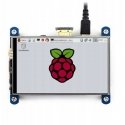
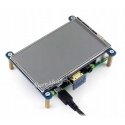
Оттенок товара и его реальный цвет могут отличаться от того, что показано на фотографии, так как изображения носят иллюстративный характер. Описание товара является общим и может не включать все его характеристики.
Waveshare Resistive Touch Screen for Raspberry Pi Microcomputer - LCD IPS 4" 800x480px HDMI + GPIO
59.00 €
Мес. плата от 2,42 €
3588340 AN-07602
5904422336011
Доставка 11-18 р.д.
Вас заинтересовал этот товар?
Все о продукте
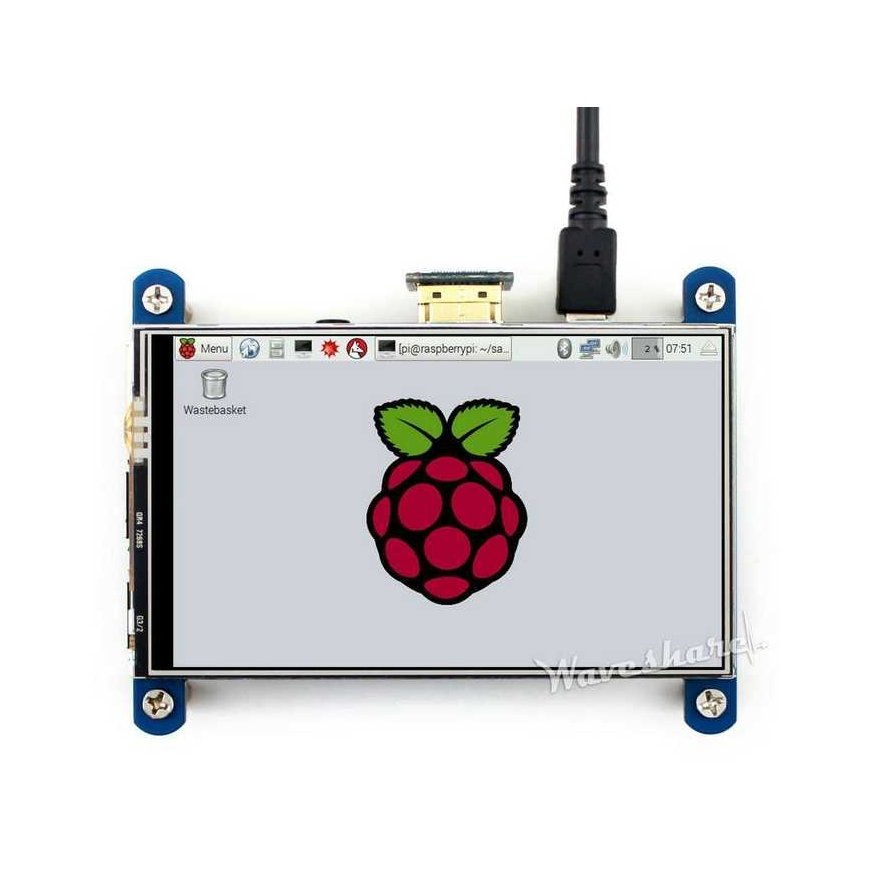
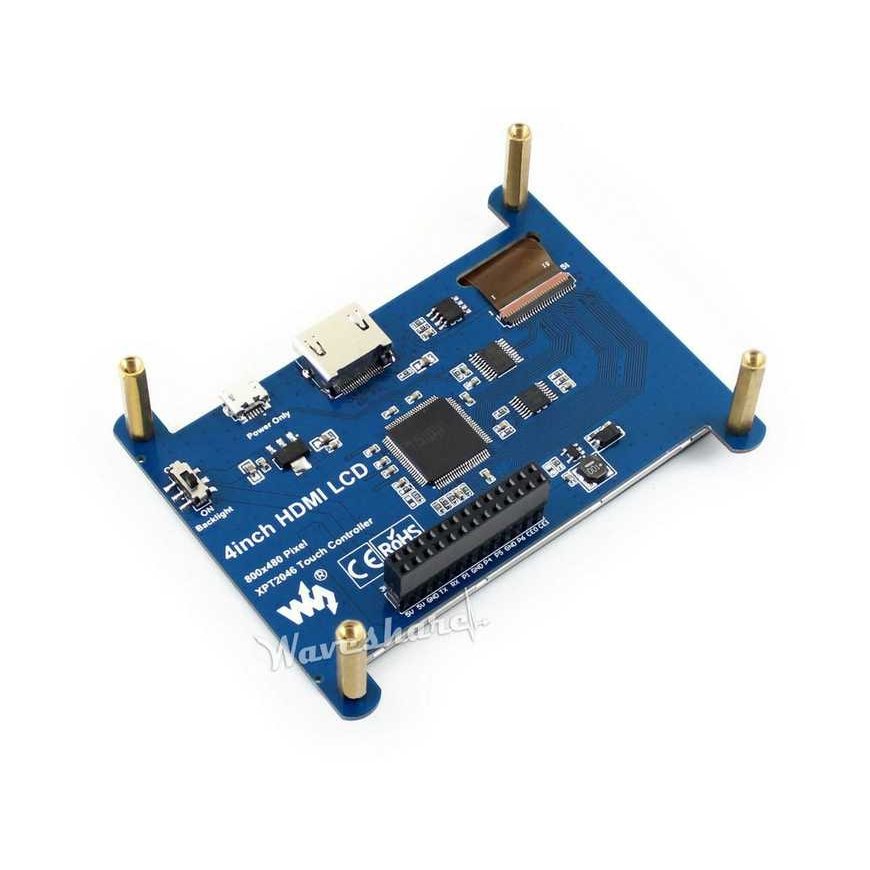
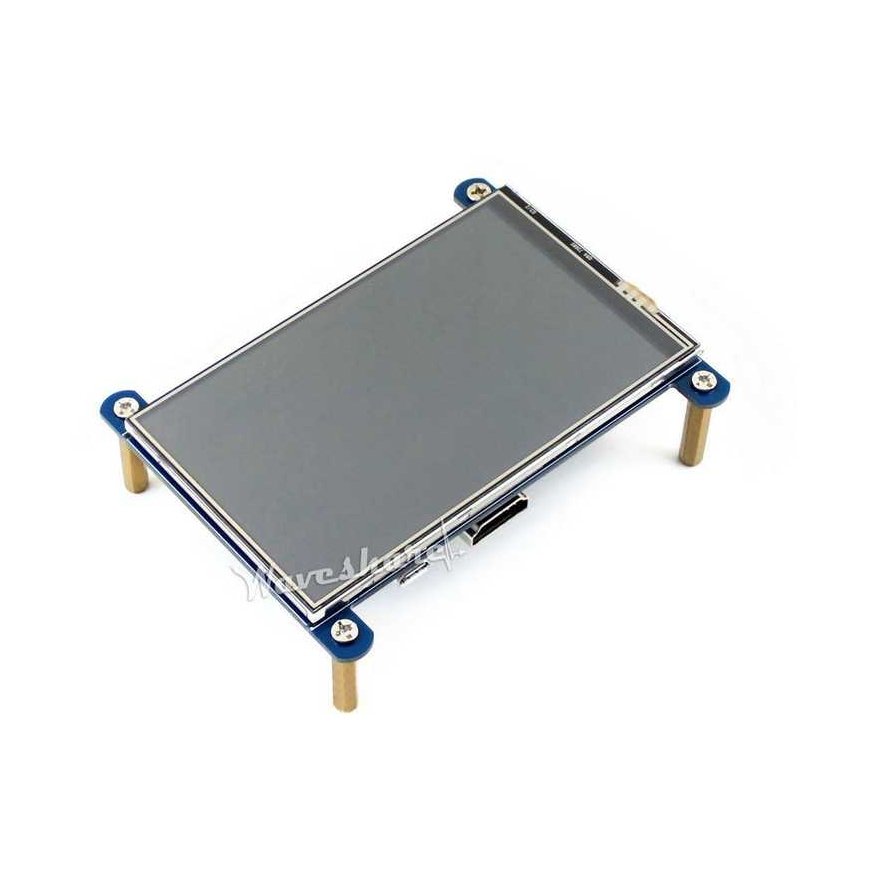
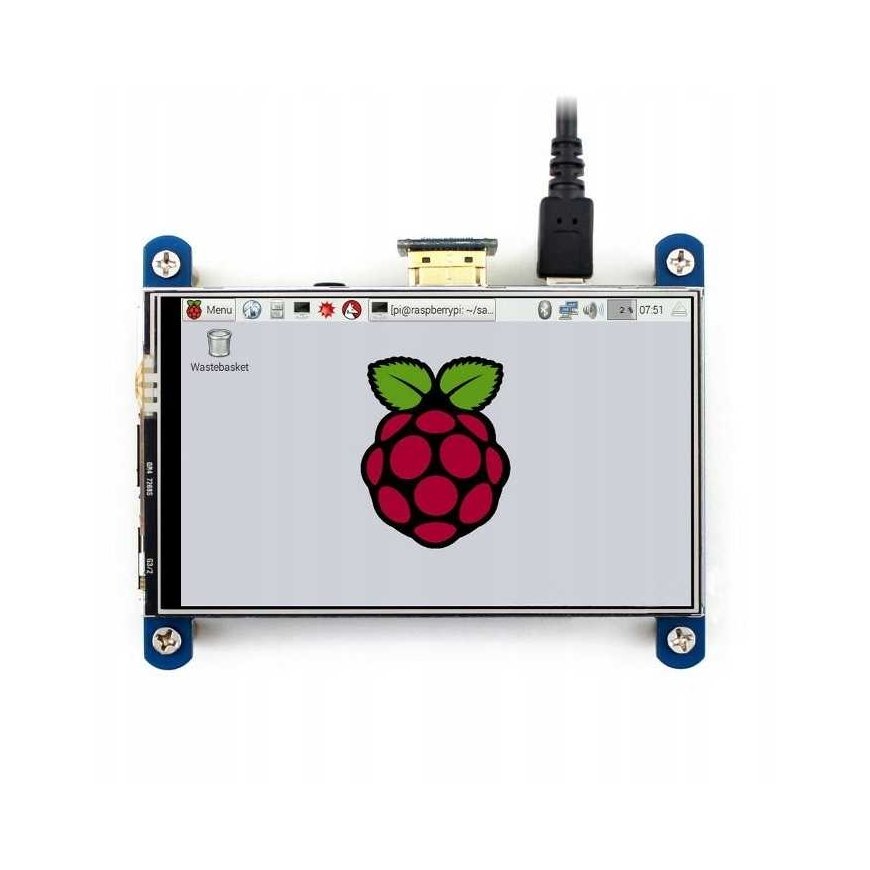
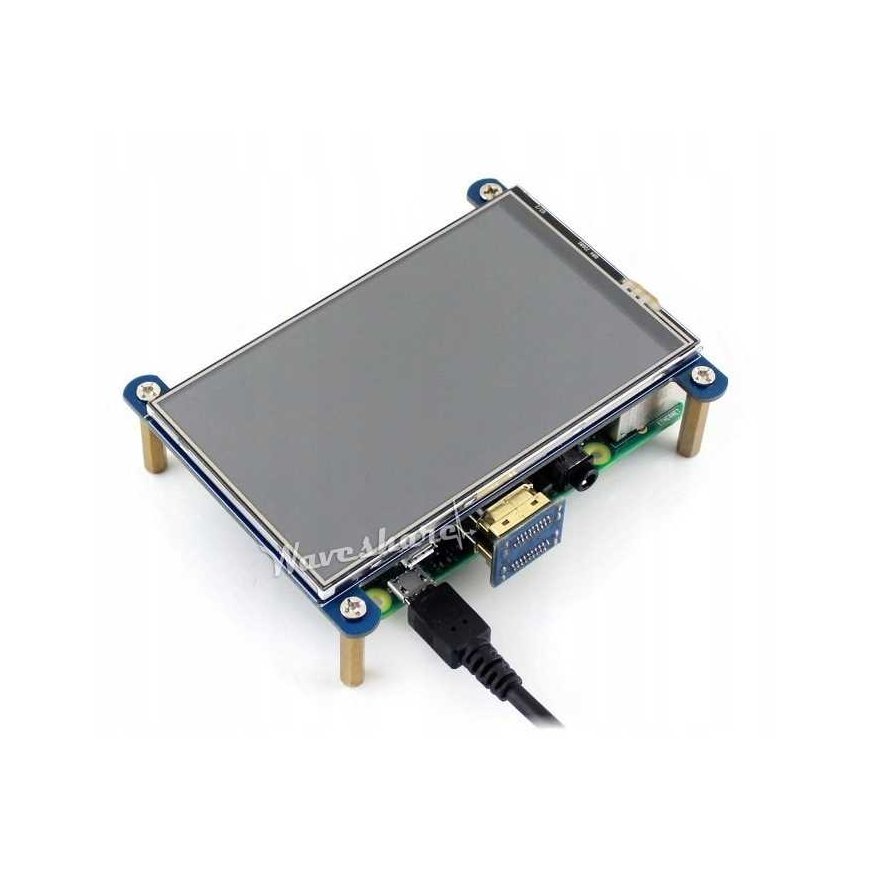
Resistive touchscreen with a 4-inch diagonal and 800 x 480 px resolution. Works with Raspberry Pi versions: 3B, 2B, B+, Zero and Zero W by connecting with an HDMI connector and GPIO pins - the necessary cables are already included in the kit along with a special transparent case for the microcomputer itself and the screen. The screen can also be connected to: Banana Pi and Beagle Bone Black microcomputers.
- 800×480 high quality resolution
- Resistive touch control
- IPS technology, high quality and perfect image with very wide viewing angle
- Direct-connect works with all Raspberry Pi models except Pi 1 Model B or Pi Zero, which require an HDMI cable
- Drivers provided (works directly with your own Raspbian/Ubuntu)
- Also works as a computer monitor. In this case, the touch screen function does not work and an HDMI cable is required.
- HDMI interface for display, no need for any I/Os. However, the touchscreen function still requires I/Os
- The backlight can be turned off for lower power consumption
