



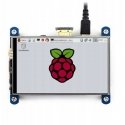
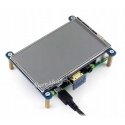
Toote toon ja tegelik värvus võivad erineda pildil kujutatust, kuna pildid on illustratiivse iseloomuga. Samuti on toote kirjeldus üldine ega pruugi sisaldada kõiki toote omadusi.
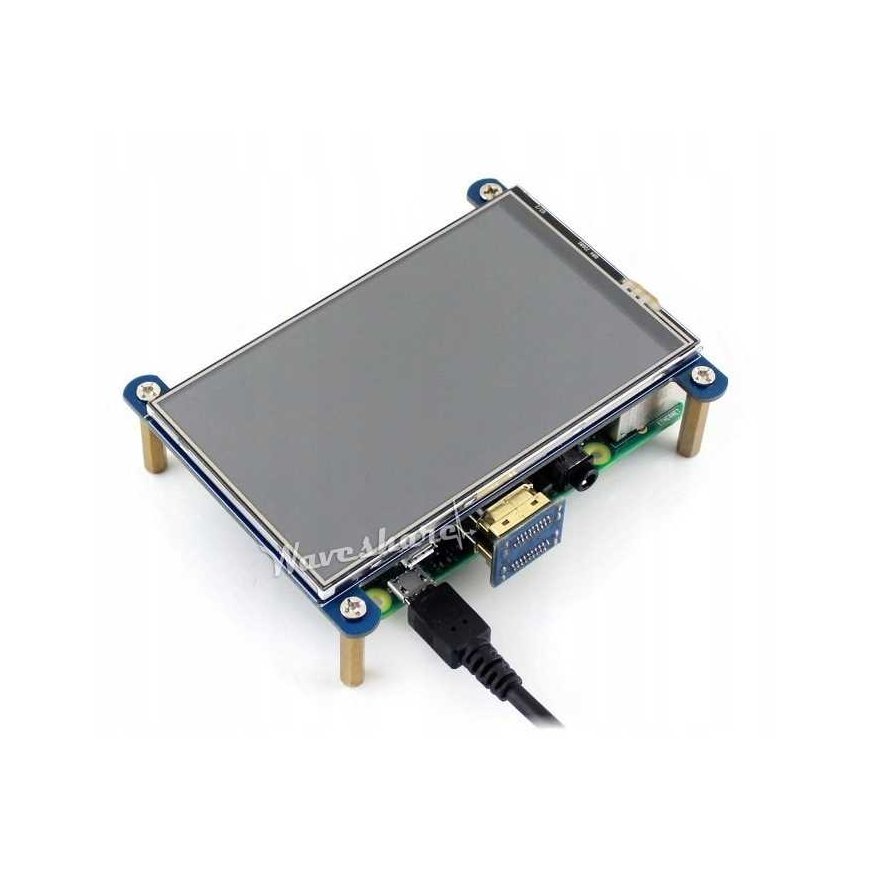
Waveshare Resistive Touch Screen for Raspberry Pi Microcomputer - LCD IPS 4" 800x480px HDMI + GPIO
59.00 €
Kuumakse alates 2,42 €
3588340 AN-07602
5904422336011
Tarneaeg 11-18 t.p.
Kauba vastu huvi?
Kõik toote kohta
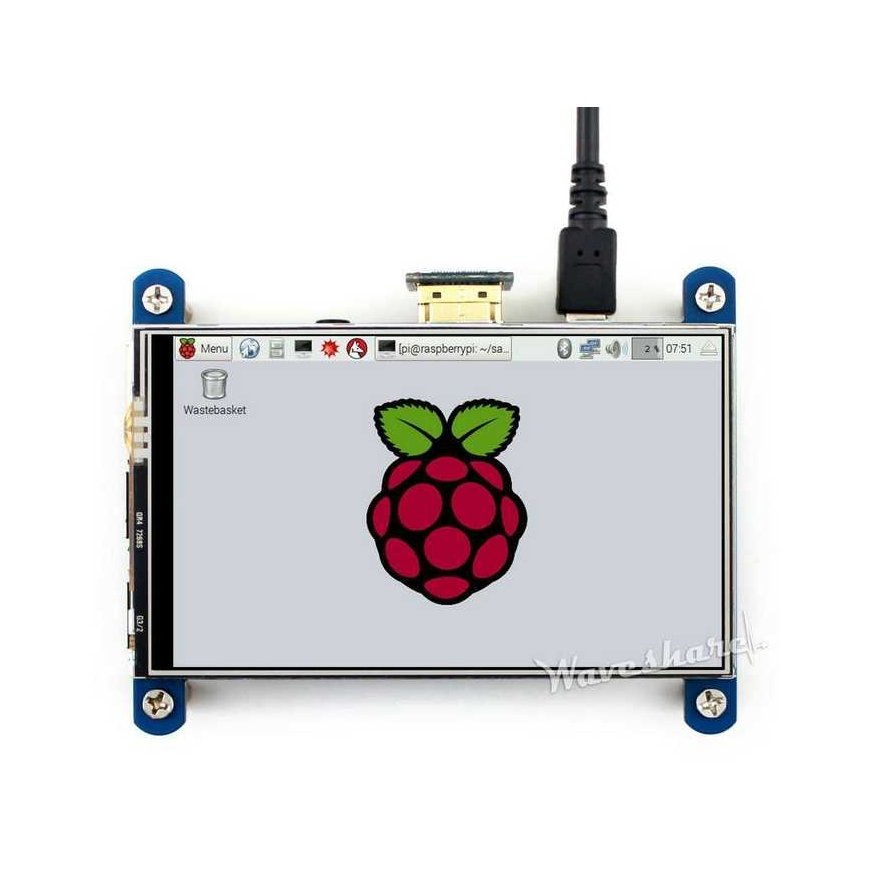
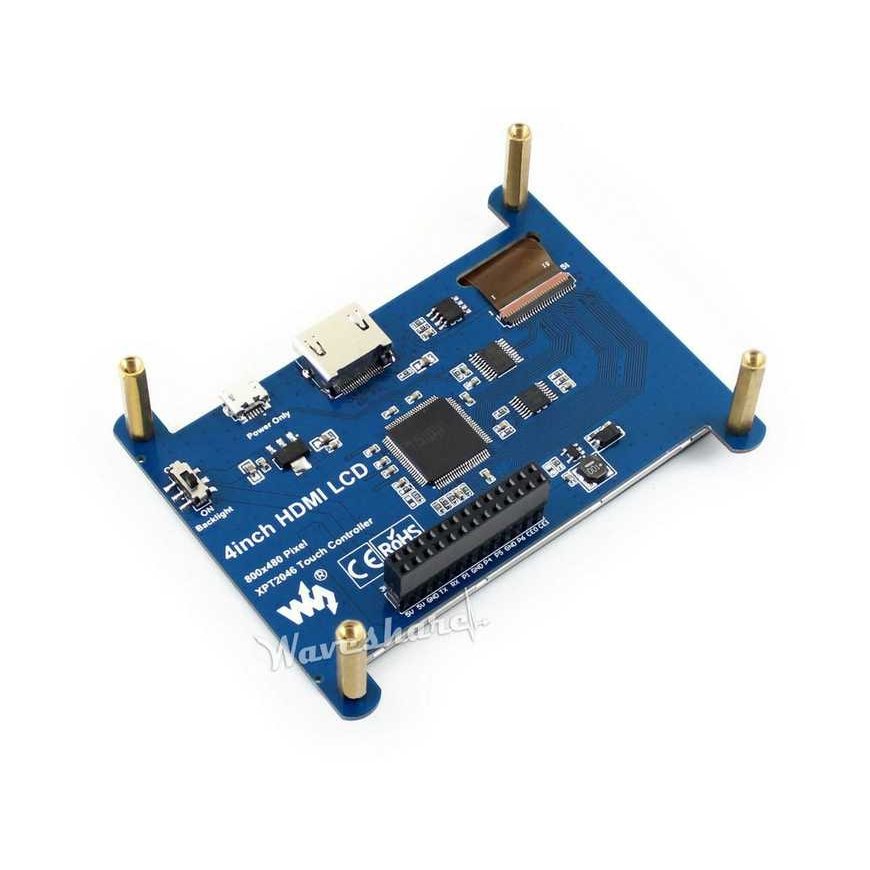
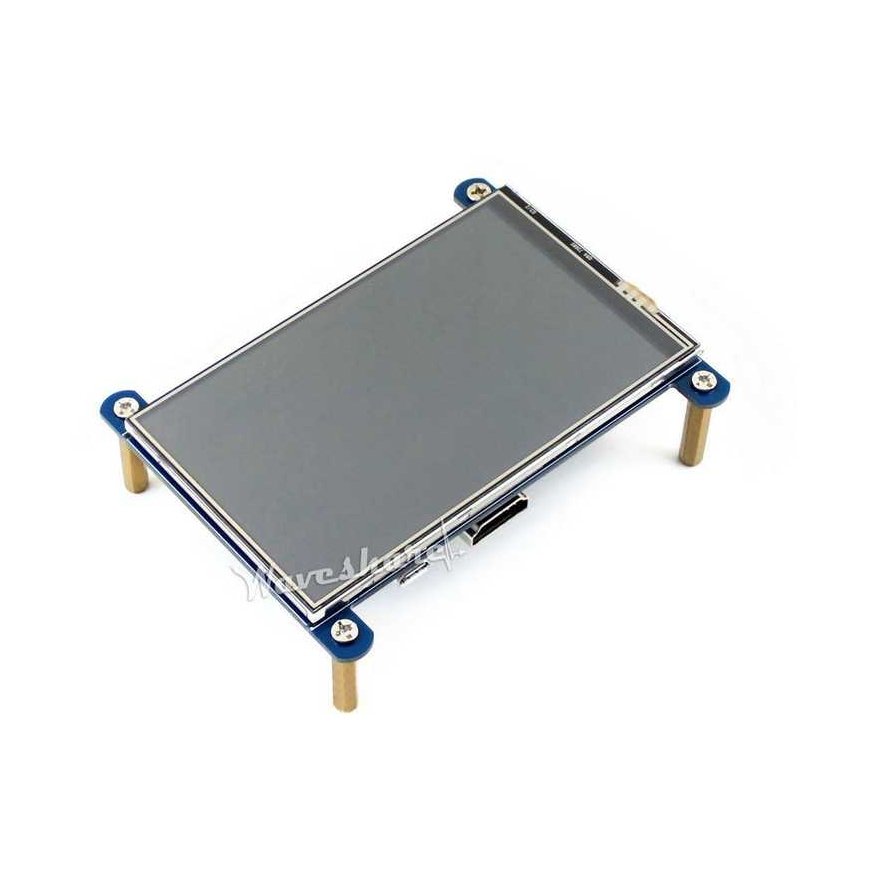
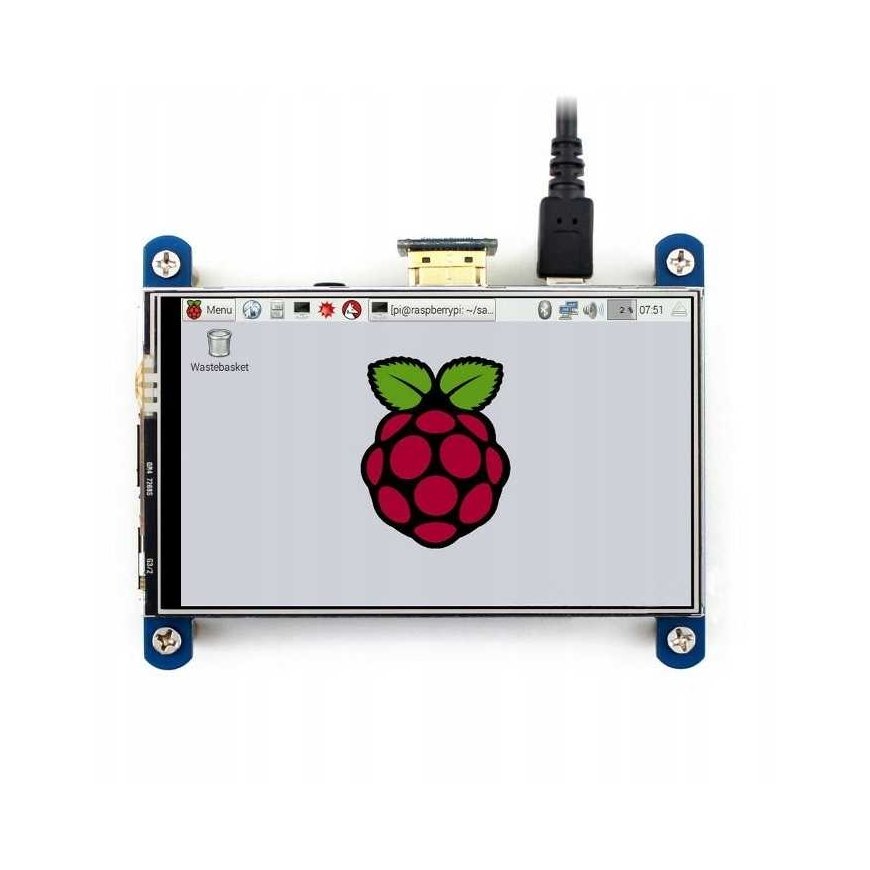
Resistive touchscreen with a 4-inch diagonal and 800 x 480 px resolution. Works with Raspberry Pi versions: 3B, 2B, B+, Zero and Zero W by connecting with an HDMI connector and GPIO pins - the necessary cables are already included in the kit along with a special transparent case for the microcomputer itself and the screen. The screen can also be connected to: Banana Pi and Beagle Bone Black microcomputers.
- 800×480 high quality resolution
- Resistive touch control
- IPS technology, high quality and perfect image with very wide viewing angle
- Direct-connect works with all Raspberry Pi models except Pi 1 Model B or Pi Zero, which require an HDMI cable
- Drivers provided (works directly with your own Raspbian/Ubuntu)
- Also works as a computer monitor. In this case, the touch screen function does not work and an HDMI cable is required.
- HDMI interface for display, no need for any I/Os. However, the touchscreen function still requires I/Os
- The backlight can be turned off for lower power consumption
