






-1%
The product's shade and actual color may differ from what is shown in the picture, as the images are for illustrative purposes. The product description is general and may not include all the product's features.
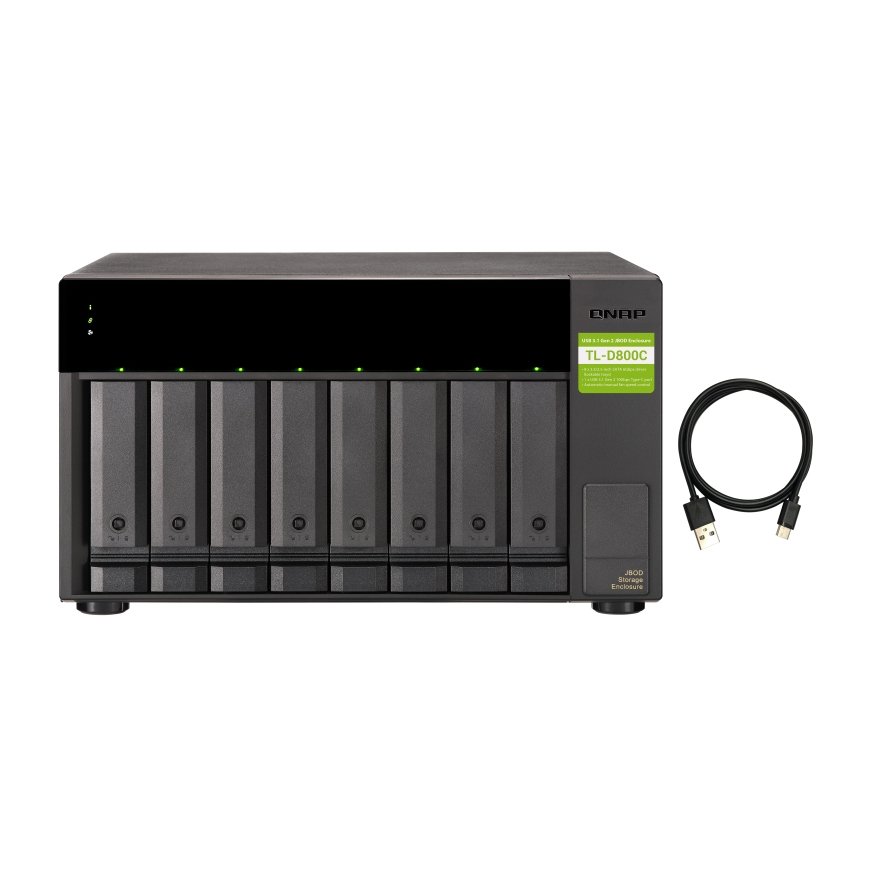
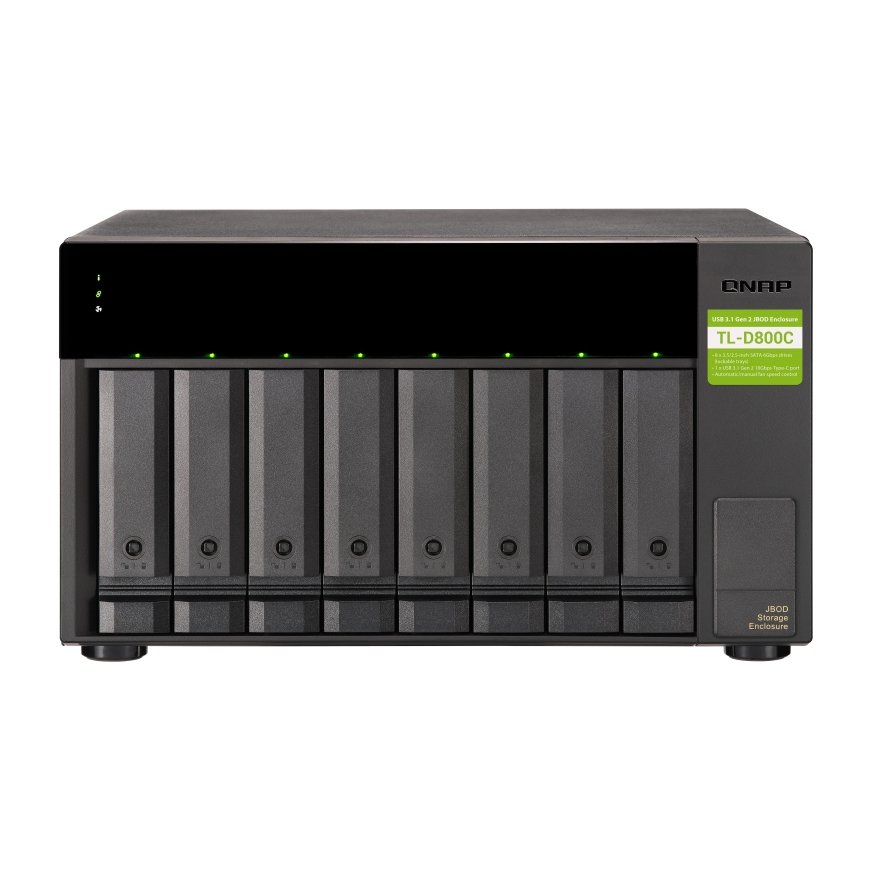
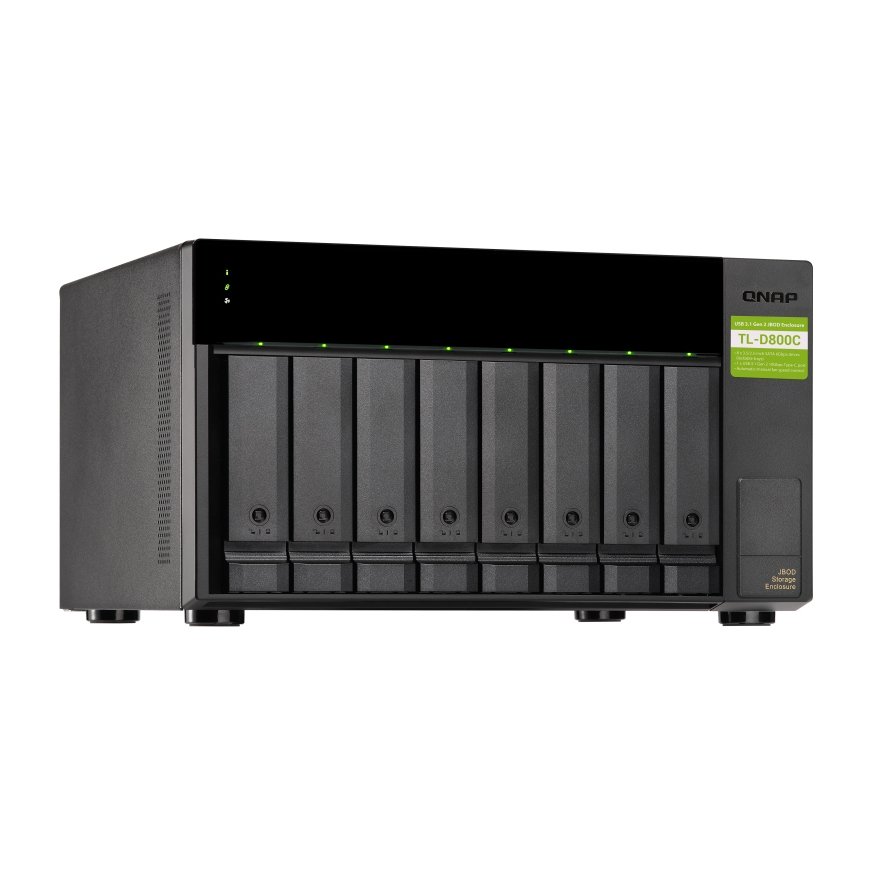
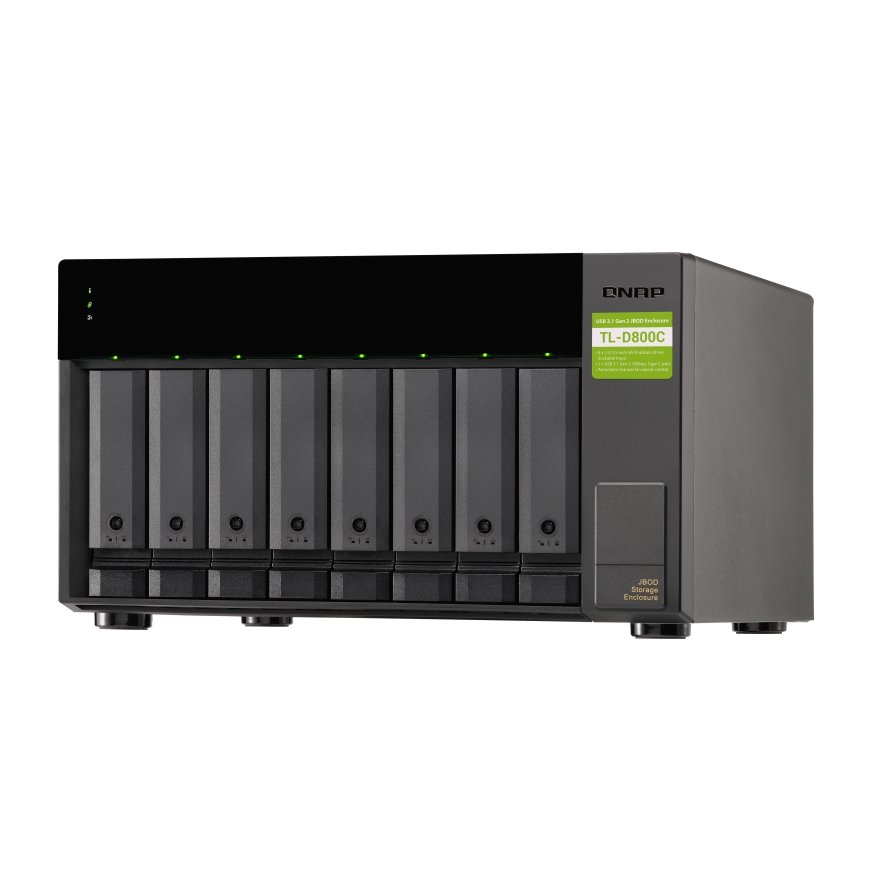
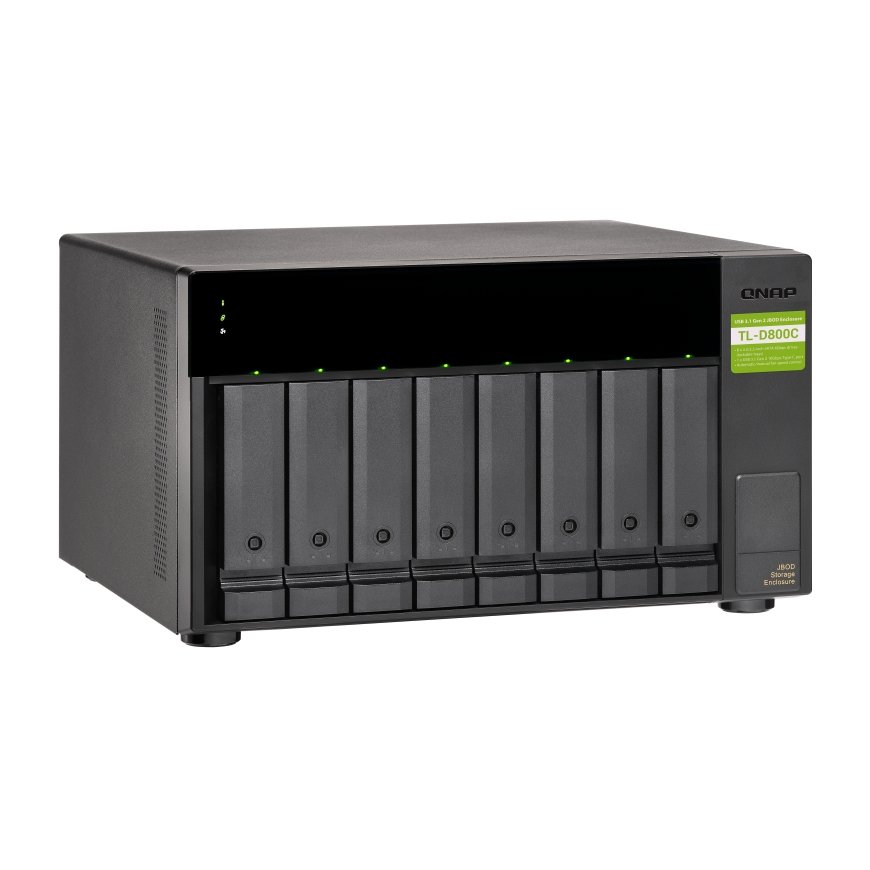
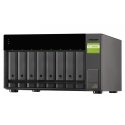
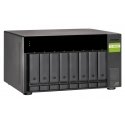
QNAP TL-D800C storage drive enclosure HDD/SSD enclosure Black, Grey 2.5/3.5"
819,00 €
809.00 €
Monthly payment from 21,73 €
1014288 TL-D800C
4713213516188, 0885022018185
Shipping 3-5 b.d.
You are interested in this product?
All about the product
High-speed USB transferThe TL-D800C features high-speed USB 3.2 Gen2 Type-C connectivity and built-in USB Attached SCSI Protocol (UASP) to provide convenient fast file sharing and intensive data transfer. The TL-D800C not only provides you higher file transfer performance than USB 3.2 Gen1 (USB 3.2 Gen 1) but offers a more cost-effective option than other storage enclosures on the market.
Flexible storage configuration and management
The TL-D800C provides software-controlled configurations for greater management flexibility. Users can use the QTS / QuTS hero Storage & Snapshots Manager to configure the TL-D800C as a storage enclosure for your QNAP NAS. The NAS expansion storage mode supports various NAS functions, including storage pools and snapshots. With TL-D800C, you can easily expand storage capacity.
JBOD migration speeds up remote file transfers
Migrating a large number of small files or a single large data file by network environment can be time-consuming and consume significant network bandwidth that causes decreased work efficiency. The TL-D800C supports remote file transfer. All you have to do is set up the RAID configuration and store a large number of files. Then you can move the TL-D800C to another place and connect it with the NAS to experience the device’s simple plug and play feature and fast data migration.
Use TL-D800C as a high-capacity disk drive reader by setting up single disk mode
You can treat each disk in your TL-D800C as an individual storage space, and also use it as a removable drive. It can function like a high-capacity disk drive reader. When one of disk reaches data storage limitation, you can remove it and put it into a dry box. Then swap a different disk into theTL-D800C empty drive slot. After that, you can install the disk that reached full data capacity into the TL-D800C and connect it with a NAS for direct file access.
Versatile usage scenarios to meet storage expansion needs
The TL-D800C meets many storage expansion requirements for the home and office.
Scenario 1: Expand your NAS capacity
The TL-D800C provides an alternative method for users to expand their NAS storage capacity. By connecting the TL-D800C to their NAS and using the Storage & Snapshots Manager in QTS or QTS hero, users can easily configure and manage their storage expansion. The TL-D800C supports a variety of QNAP NAS storage and file management functions, allowing users to build storage pools, finding files with Qsirch, and organizing files with Qfiling.
Scenario 2: External storage for your NAS
You can use the TL-D800C to expand your NAS storage. You can select disks to create storage pools for expanding your NAS capacity, or you can treat each disk as an individual external storage space and use it as a removable drive for greater flexibility. Regardless of the mode you use, you can always use Storage & Snapshots Manager in QTS or QTS hero to set up and manage your TL-D800C and use hard drive S.M.A.R.T. and Notification Center to check disk status anytime and anywhere.
Features
| Product colour | Black; Grey |
| USB connector type | USB Type-C |
| USB version | 3.2 Gen 2 (3.1 Gen 2) |
| Weight | 8.13 kg |
| Width | 329.3 mm |
| Depth | 279.6 mm |
| Height | 188.2 mm |
| Cables included | USB Type-C to USB Type-A |
| Package width | 295 mm |
| Package depth | 390 mm |
| Package height | 417 mm |
| Package weight | 7.54 kg |
| Manual | Yes |
| Country of origin | Taiwan |
| Operating temperature (T-T) | 0 - 40 °C |
| Storage temperature (T-T) | -20 - 70 °C |
| Operating relative humidity (H-H) | 5 - 95% |
| Data transfer rate | 6 Gbit/s |
| LED indicators | Link; HDD; Fan fail |
| Product type | HDD/SSD enclosure |
| USB connectivity | Yes |
| On/off switch | Yes |
| Fan diameter | 12 cm |
| USB ports quantity | 1 |
| Power source type | AC |
| Number of fans | 2 fan(s) |
| Noise level | 26.2 dB |
| Storage drive size | 2.5/3.5" |
| Supported storage drive interfaces | Serial ATA II; Serial ATA III |
| Number of storage drives supported | 8 |
| AC adapter input voltage | 100 - 240 V |
| AC adapter frequency | 50/60 Hz |
| Screws included | Yes |
| Hot-swap | Yes |
| Harmonized System (HS) code | 84733080 |
| USB connector gender | Female |
| Number of keys included | 2 pc(s) |
| Key lock | Yes |
