

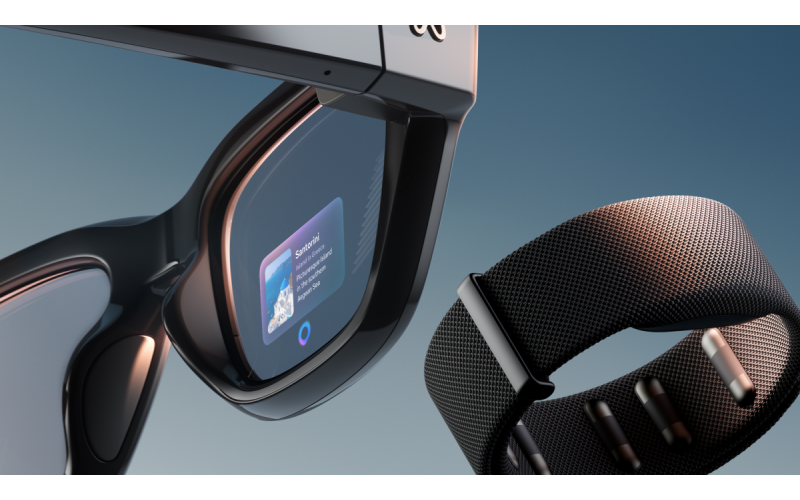
 Smartphones are now coming with artificial intelligence: who is already selling, who is advertising on July 22 - and why Apple gave in
 - Smartphones are now coming with artificial intelligence: who is already selling, who is advertising on July 22 - and why Apple gave in
-
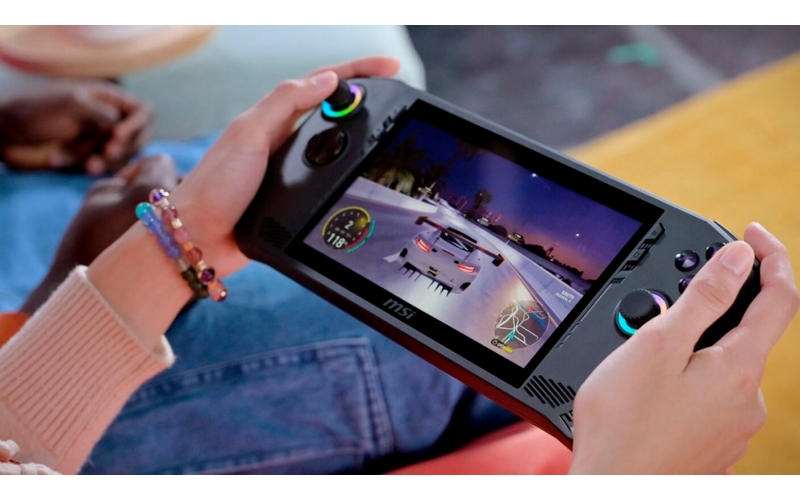 Intel has entered handheld consoles - AMD is no longer the only one
 -
 RAM-ageddon 2026: Why Your New Phone and Console Just Got €100 More Expensive
 -
 Apple Orders 10 Million Foldable iPhone Ultra Units — Reports
 -
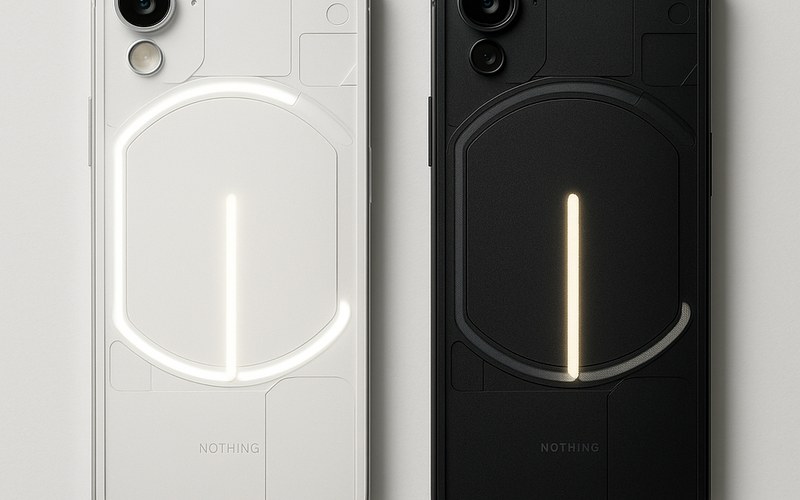 €329, 5200 mAh and Software Support Until 2032 — What the Nothing Phone (4b) Really Offers





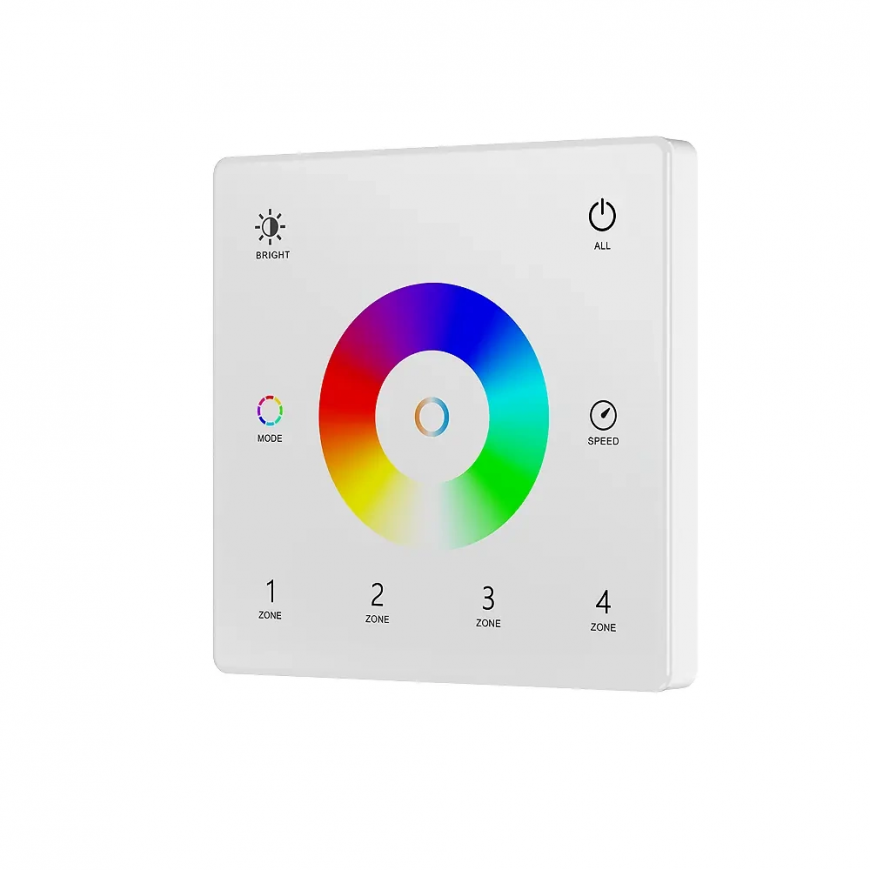
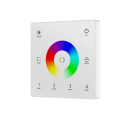
The product's shade and actual color may differ from what is shown in the picture, as the images are for illustrative purposes. The product description is general and may not include all the product's features.
Remote Control RGB+CCT Panel Slim White Wall Mounted 4 LED Zones RF2.4GHz SD Series
119,00 €
Monthly payment from 3.96 €
4217915 5906203621088
Shipping 1-14 b.d.
You are interested in this product?
LED wall panel white, 4 zones RGB+CCT LED RF SD series
➡️ Wireless wall panel (SD series) for controlling RGB+CCT LED lighting (up to 4 zones). It allows you to turn on/off, dim, select color (RGB), turn on white and adjust the color temperature.
☑️ 2.4 GHz radio communication (range up to 30 m with the possibility of extension). Powered by a 3V CR 2023 battery with energy saving mode.
☑️ Elegant glass panel (9.5 mm thick) for easy wall mounting.
ℹ️ Attention! The panel is compatible with SD Series devices ("SD Series" in the name).
⭐ Main advantages ⭐
✅ Support for colorful RGBCCT LED lighting installations from the SD series
✅ The remote control supports 4 lighting zones
✅ Slim design - only 9.5 mm thick
✅ Possibility to assign multiple SD series LED receivers to the remote control
✅ Smooth dimming control without visible jump effect
✅ 2.4 GHz radio communication - SD series
✅ The panel is paired by pressing the numeric zone button
✅ The range of the remote control is approximately 30 meters (in open space) + range extension (possibility of retransmission between LED receivers)
✅ Controller powered by CR 2032 battery (not included)
✅ Panel made of glass
✅ Quick, easy assembly and installation
ℹ️ Description of the panel operation
1.Enable/Disable all lighting zones.
2.Setting from 10 brightness levels.
3.Press to change the static RGB color.
4.A short press activates the next dynamic mode, a longer press for approx. 2 seconds activates the mode changing cycle.
5.Press briefly to obtain white color and to adjust the color temperature. Longer pressing from 1 to 6 seconds sets the brightness.
6. For dynamic mode, short press gives 10-level speed adjustment. A longer press for 2 seconds restores the default speed.For RGB static modea short press gives 11 levels of saturation adjustment. Longer pressing from 1 to 6 seconds smoothly regulates the saturation level.
7. Pressbriefly to turn on the lighting zone. Longer pressing for approx. 2 seconds turns on the lighting zone. A short, quick press on several zones at once will activate them simultaneously. One panel can control many SD series receivers.
ℹ️ Button combinations
1.Zone + Brightness. holding for 2 seconds sets the zone as single color.
2.Zone + Middle. Holding for 2 seconds sets the zone as two-color.
3.Zone + MODE. Holding for 2 seconds sets the zone as RGB/RGBW.
4.Zone + SPEED. Holding for 2 seconds sets the zone as RGB+CCT.
5.Switch + Brightness. Holding for 2 seconds sets all zones to single color.
6.Switch + Brightness. Holding for 2 seconds sets all zones as two-color.
7.Switch + Brightness. Holding for 2 seconds sets all zones as RGB/RGBW.
8.Switch + Brightness. Holding for 2 seconds sets all zones to RGB+CCT.
✨ Create an extremely advanced lighting system with the SD series! ✨
➡️ Look for other remote controls, controllers, relays and dimmers in our SD series offer.
ℹ️ Dimensions:
ℹ️ Specification:
- Remote control intended for lighting installationsRGB+CCT (colorful RGB LED strips with white temperature control)
- Lighting control system:PWM
- Lighting control method:radio (2.4 GHz - SD series)
- Number of supported zones/channels:4 zones
- Power supply:1x 3V CR2032 battery (not included)
- Communication type:one-way
- Remote control range:up to about 30 meters in an open area (possibility of retransmission between LED receivers)
- Working temperature:from -30 to + 55°C
- Tightness class:IP20
ℹ️ Dimensions:86 x 86 x 9,5 mm
Mounting hole spacing:60 mm
ℹ️ The set includes:
- Panel
- Mounting bracket