

 RAM-ageddon 2026: Why Your New Phone and Console Just Got €100 More Expensive
 - RAM-ageddon 2026: Why Your New Phone and Console Just Got €100 More Expensive
-
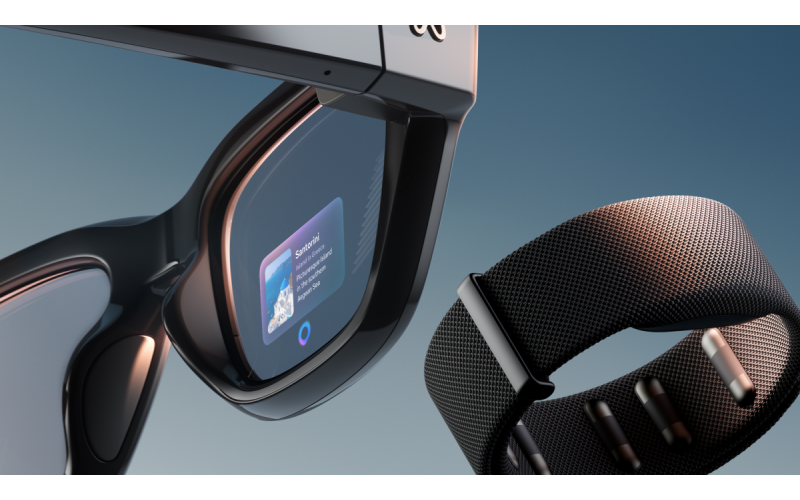 Smartphones are now coming with artificial intelligence: who is already selling, who is advertising on July 22 - and why Apple gave in
 -
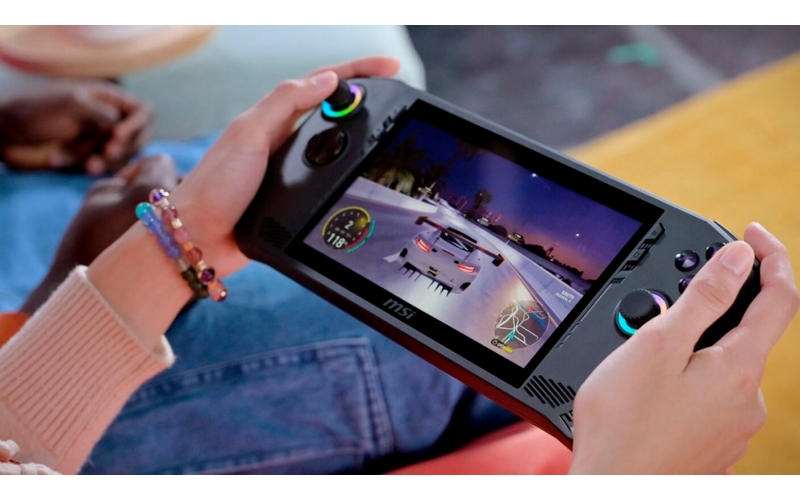 Intel has entered handheld consoles - AMD is no longer the only one
 -
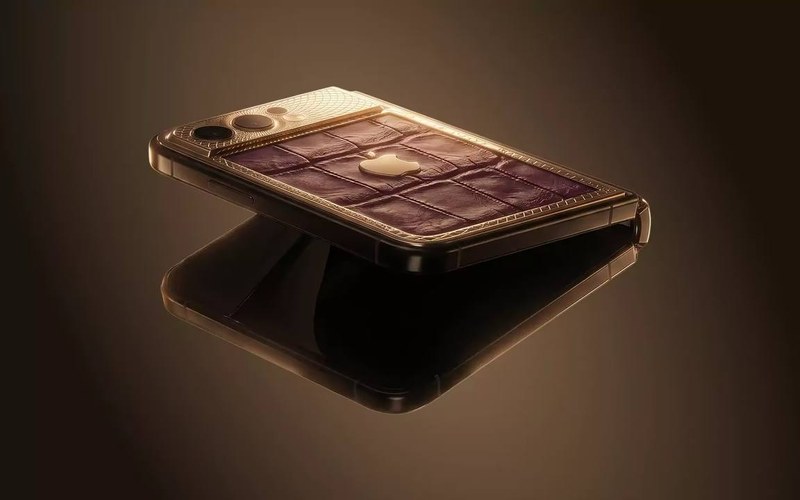 Apple Orders 10 Million Foldable iPhone Ultra Units — Reports
 -
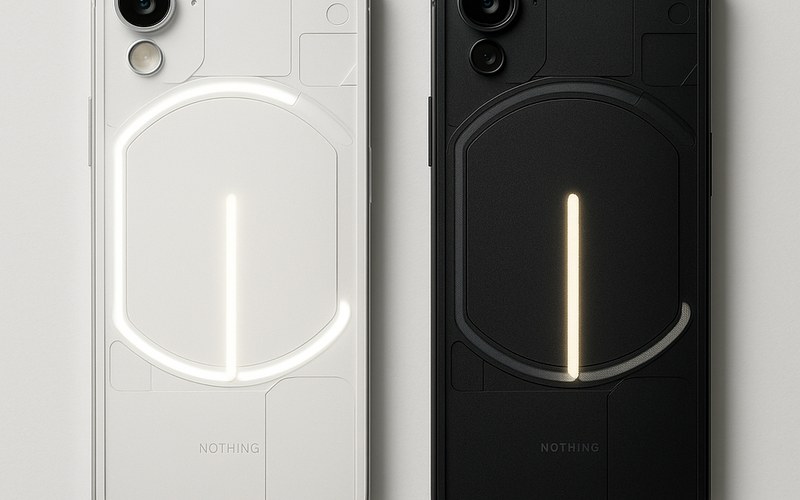 €329, 5200 mAh and Software Support Until 2032 — What the Nothing Phone (4b) Really Offers





The product's shade and actual color may differ from what is shown in the picture, as the images are for illustrative purposes. The product description is general and may not include all the product's features.
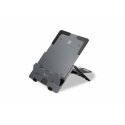
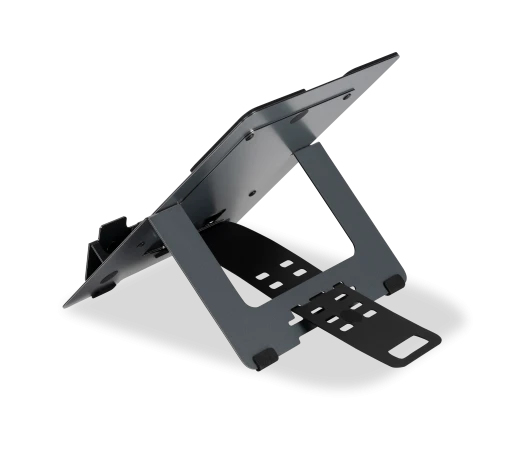
BakkerElkhuizen FlexTop 170 Laptop stand Black, Dark Grey 40.6 cm (16")
79,00 €
Monthly payment from 2.93 €
2026170 BNEFT170DG
8719274676560
This product is no longer in stock
You are interested in this product?
Easy setup.
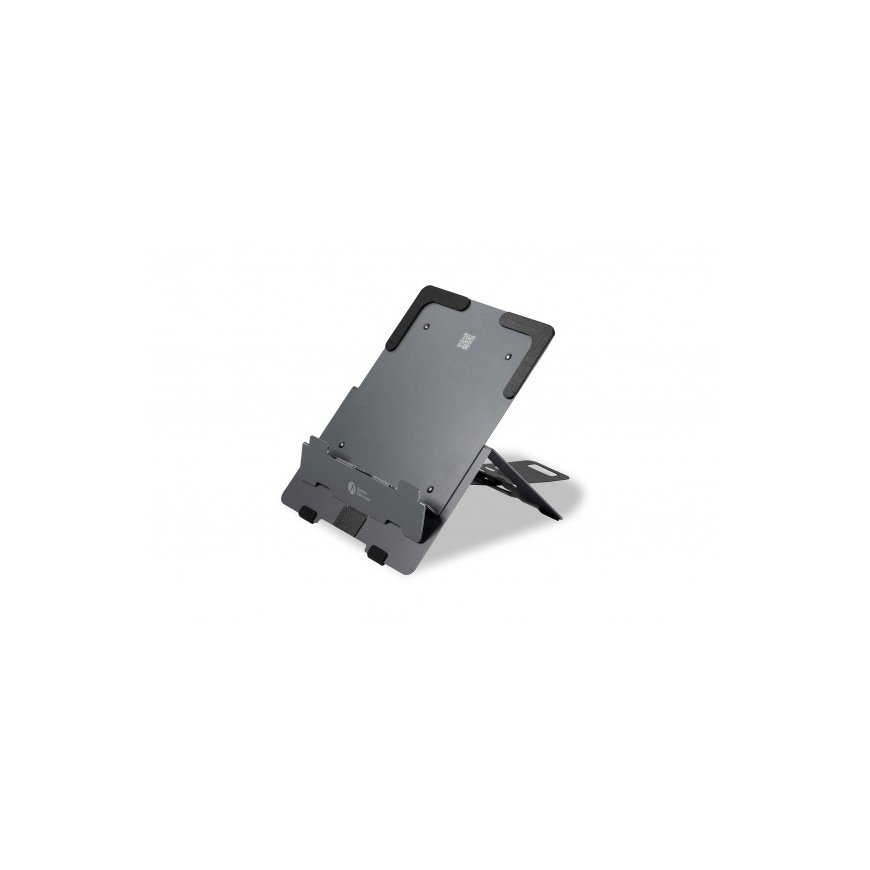
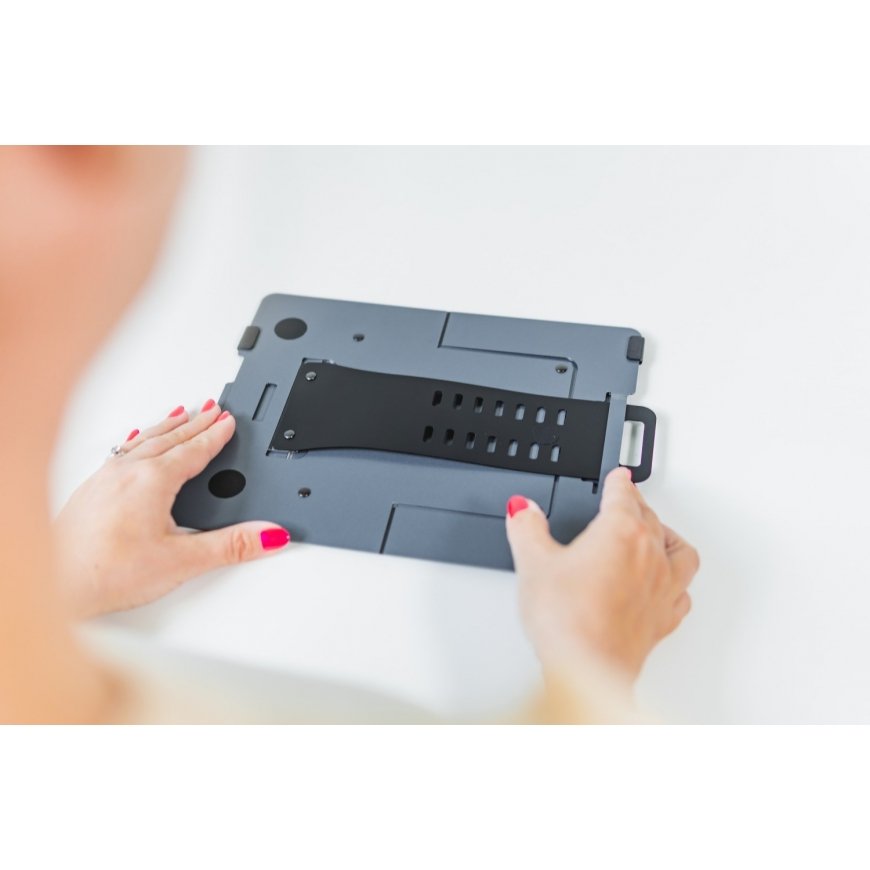
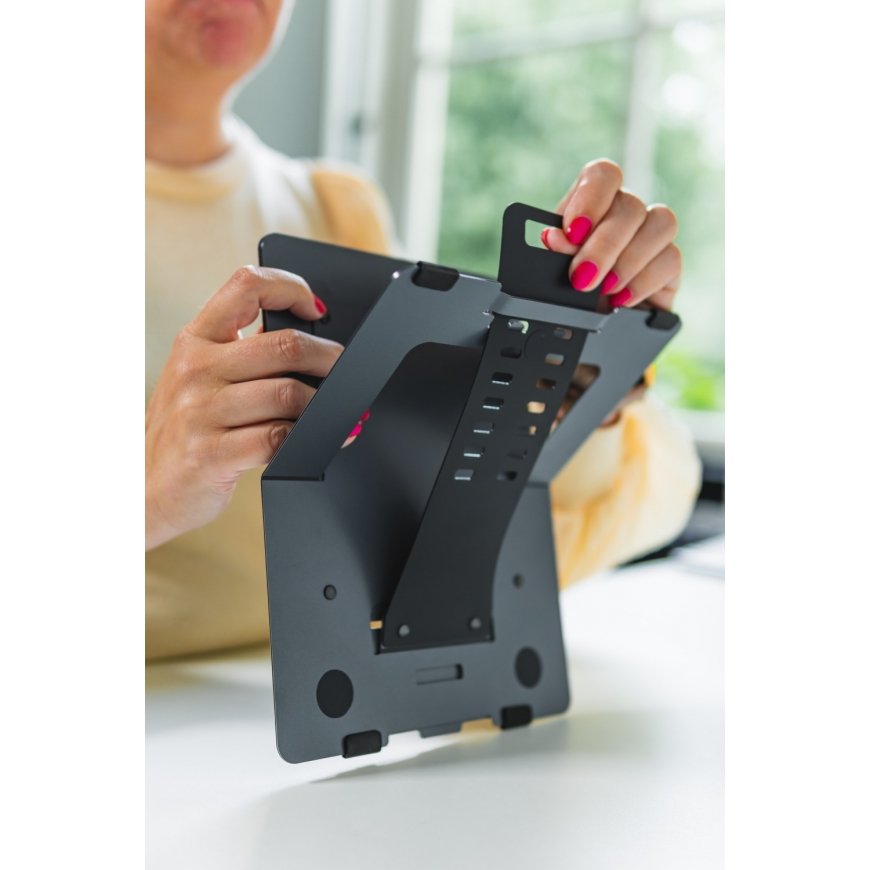
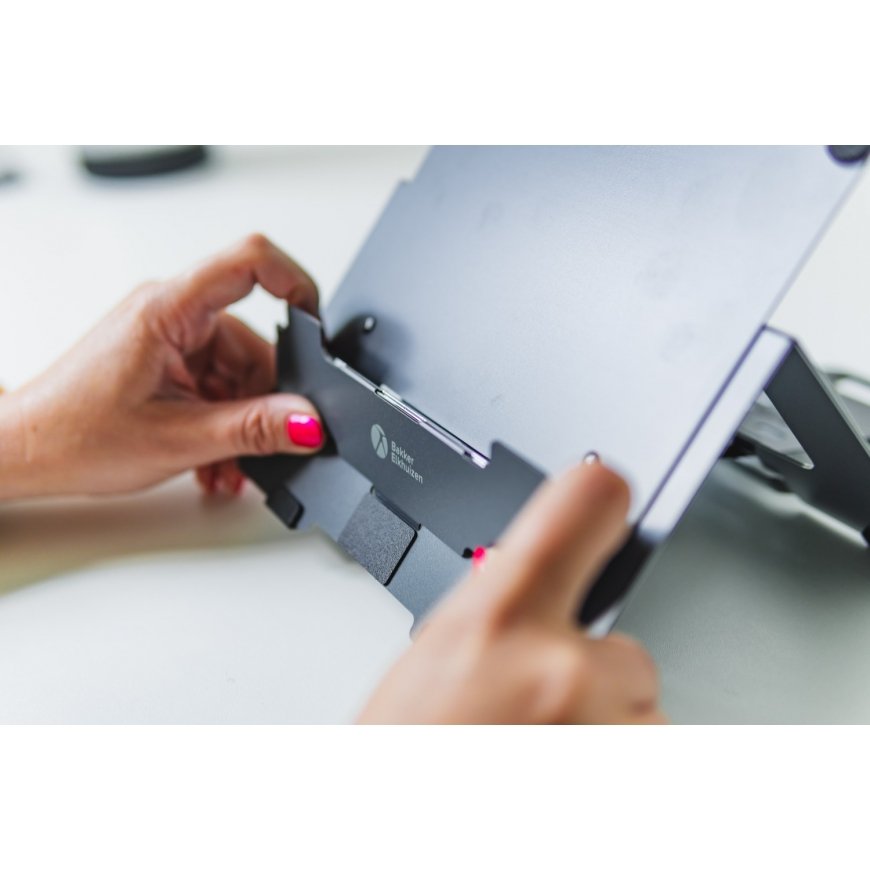
The FlexTop 170 can be easily unfolded. Simply loosen the flexible height adjustment strap from the magnetic lock at the bottom. Then choose one of the seven heights and set your personal optimal height level between 110 mm and 225 mm. Position lightweight laptops (up to 16 inches), tablets and mobile screens on the FlexTop 170, the foam lining protects the devices from scratches. The anti-slip feet at the bottom ensure that the laptop stand remains firmly in place.
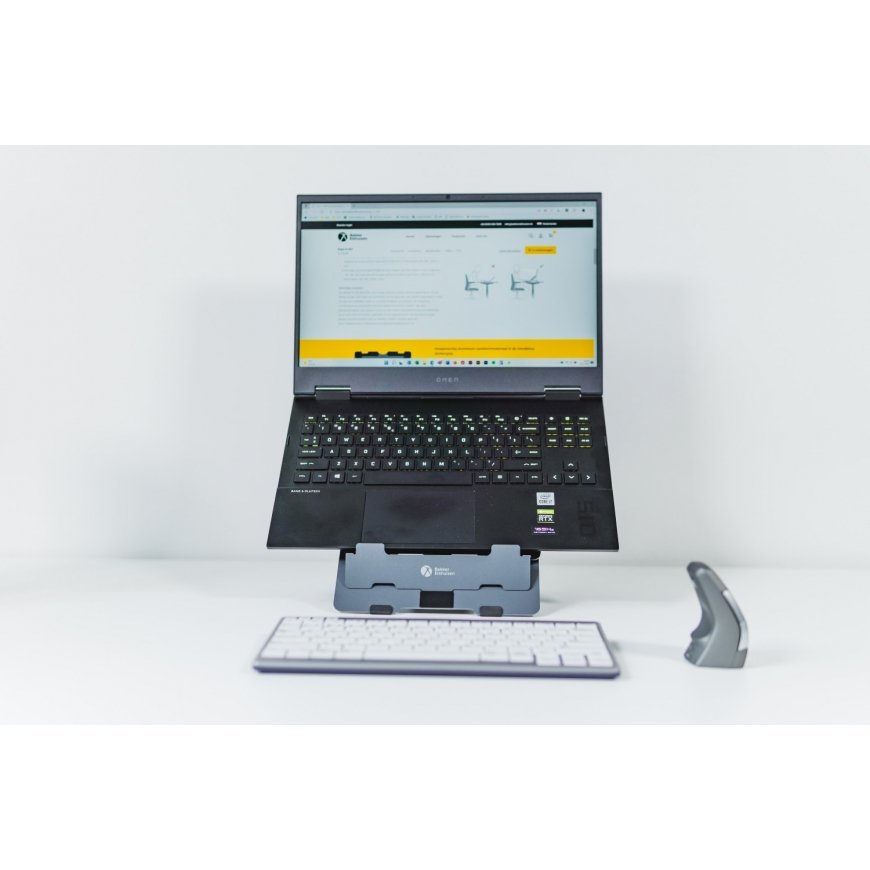
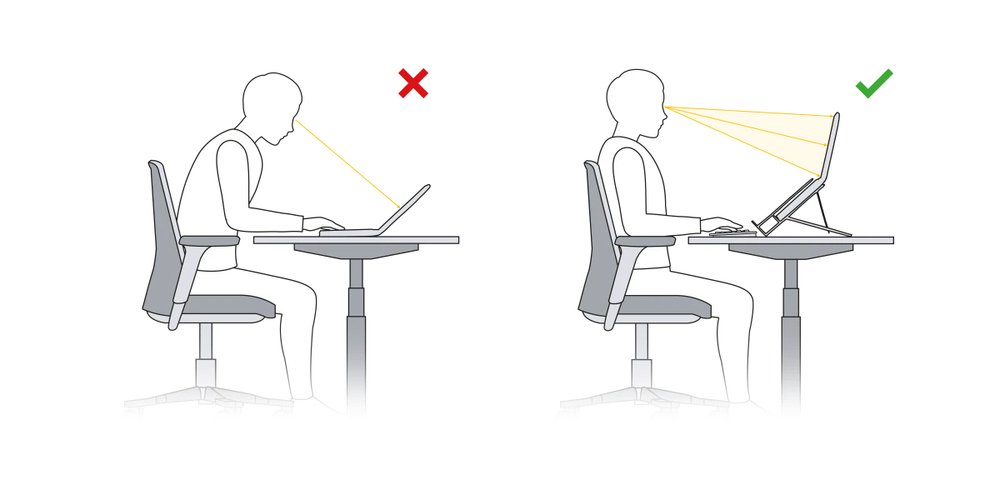
Adjust your laptop screen to the correct height, angle, and distance so that you automatically adopt an ergonomically correct posture.
Ergonomic background
Distance between your eyes and the screen should be 50-80 cm (approximately an arm length), depending on monitor size and resolution. Adjust the distance of your screen (VGB DGUV Information 215-410, 2019, S. 93.).
The angle of your line of vision to the middle of the screen should be approximately -35°, so also adjust the height of your screen (VGB DGUV Information 215-410, 2019, S.46.).
Legal requirements
The laptop is not suitable for longer use without external devices. If the laptop is used for more than one hour at a time, external devices are required to meet legal requirements and practice guidelines. To be able to work comfortably and productively with a laptop for a long time, a laptop stand, an external mouse, and an external keyboard are therefore indispensable. If you use an external monitor and position the laptop screen at the same height, both can also be used as a dual screen. (Arbeitsstättenverordnung, Anhang, 6.4 (3).)
More comfort in a healthy posture.
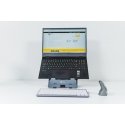
With the FlexTop 170 you get your screen to the right height, angle, and distance. When you raise your laptop screen (tablet, mobile screen) and reduce the viewing distance with the FlexTop 170, you prevent unnecessary bending of your neck and back "into your screen". You will sit with an upright and healthier posture in front of your screen and reduce physical discomfort (Boersma, A.L., Mol, E., ‘De effectiviteit van een laptopsteun’, Tijdschrift voor Ergonomie, 28, Nr. 2, April 2003.).
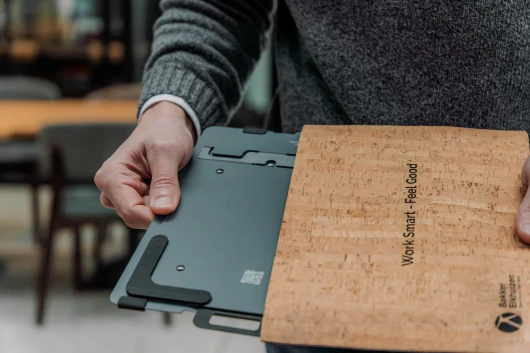
Ideal height.
The height adjustment range of the FlexTop 170 is 110 mm to 225 mm and is divided into seven levels. In the twinkling of an eye, you can bring up your laptop screen to a comfortable eye level, take the strain off your neck and work pain-free. With the right height you will automatically work more comfortable, and above all more productively.
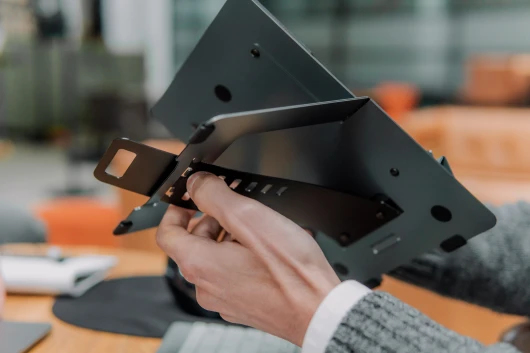
Design | |
| Maximum weight capacity | 3 kg |
| Product colour | Black, Taupe |
| Material | Steel, Rubber, Aluminium |
| Product type | Laptop stand |
| Minimum notebook screen size compatibility | 25.4 cm (10") |
| Maximum notebook screen size compatibility | 40.6 cm (16") |
| Number of devices supported | 1 |
Ergonomics | |
| Height adjustment range | 110 - 225 mm |
| Cable management | Yes |
| Height adjustment | Yes |
| Number of height positions | 7 |
| Adjustable | Yes |
| Foldable | Yes |
Weight & dimensions | |
| Weight | 225 g |
| Width | 206 mm |
| Depth | 7 mm |
| Height | 277 mm |
Packaging data | |
| Package weight | 315 g |
| Package height | 10 mm |
| Package width | 247 mm |
| Package depth | 345 mm |
Logistics data | |
| Harmonized System (HS) code | 84733080 |