





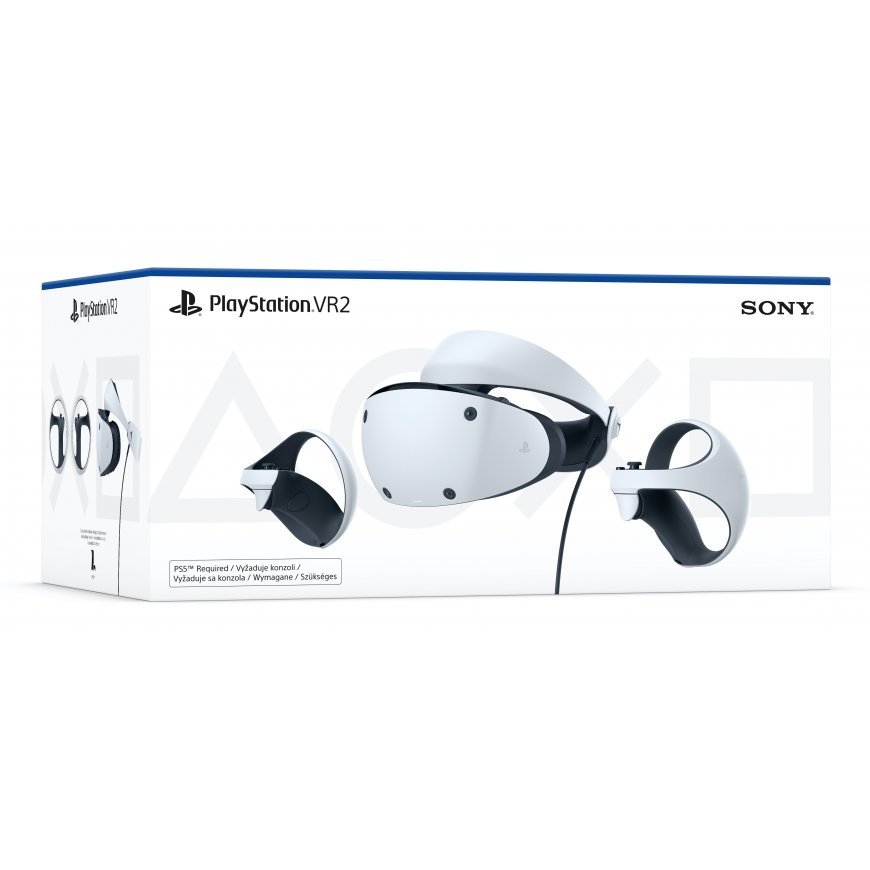
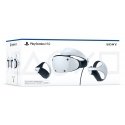
The product's shade and actual color may differ from what is shown in the picture, as the images are for illustrative purposes. The product description is general and may not include all the product's features.
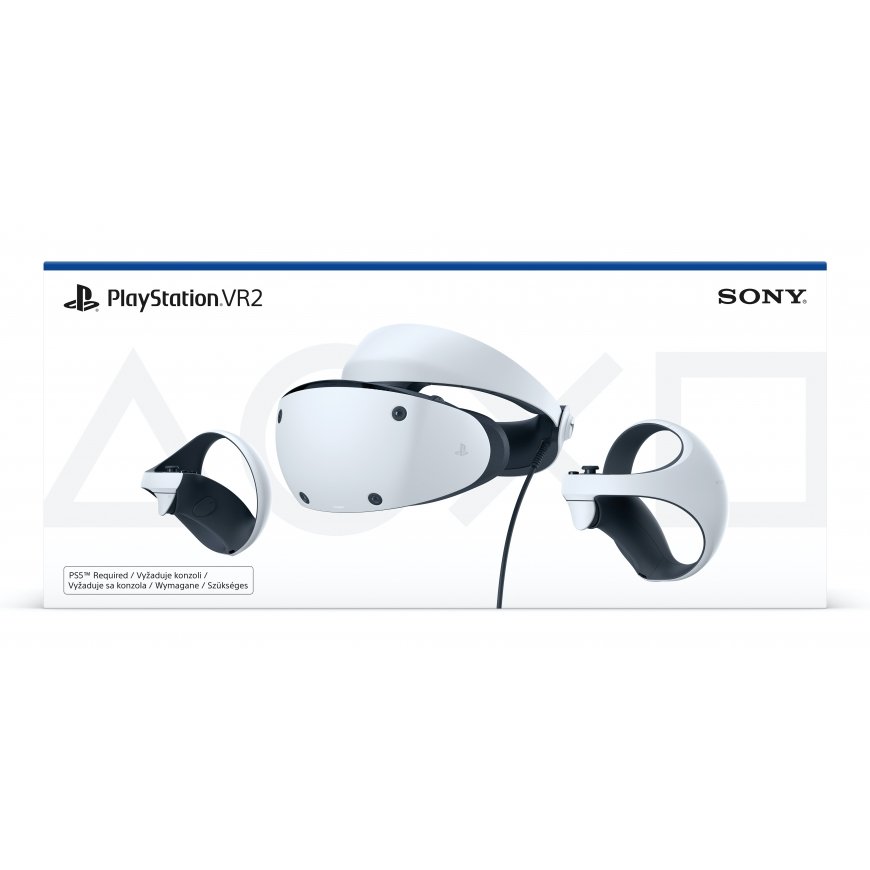
Sony PlayStation VR2 Dedicated head mounted display 560 g Black, White
434,71 €
Monthly payment from 12.09 €
1875166 PS719453994
0711719453994
2026-07-22
You are interested in this product?
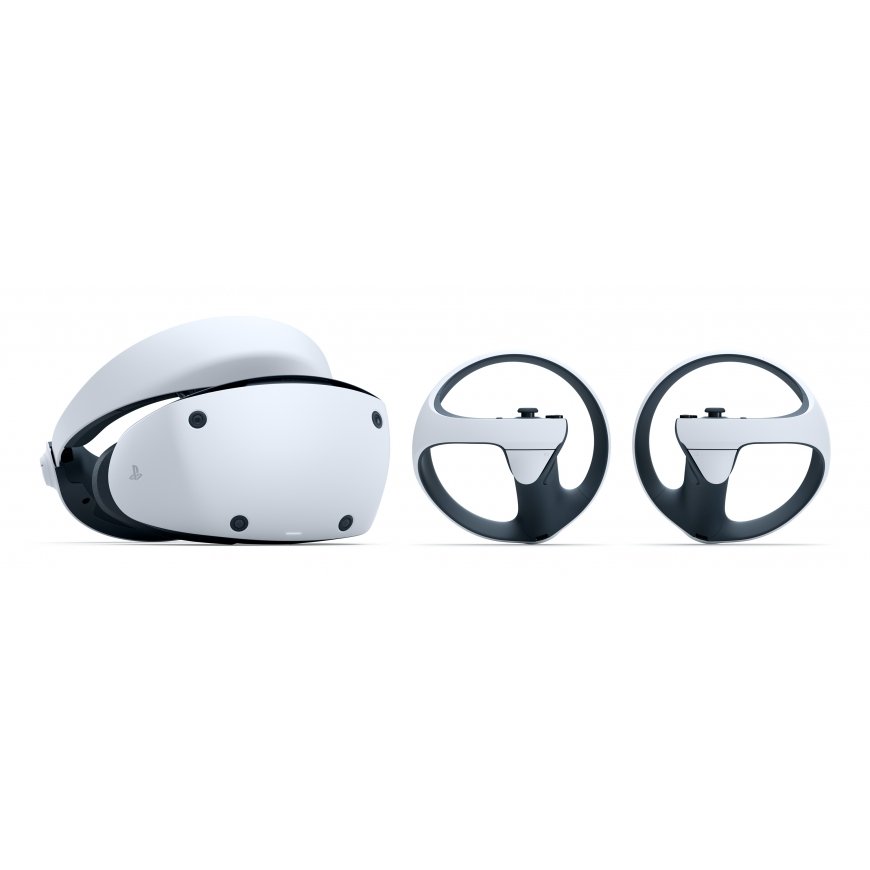
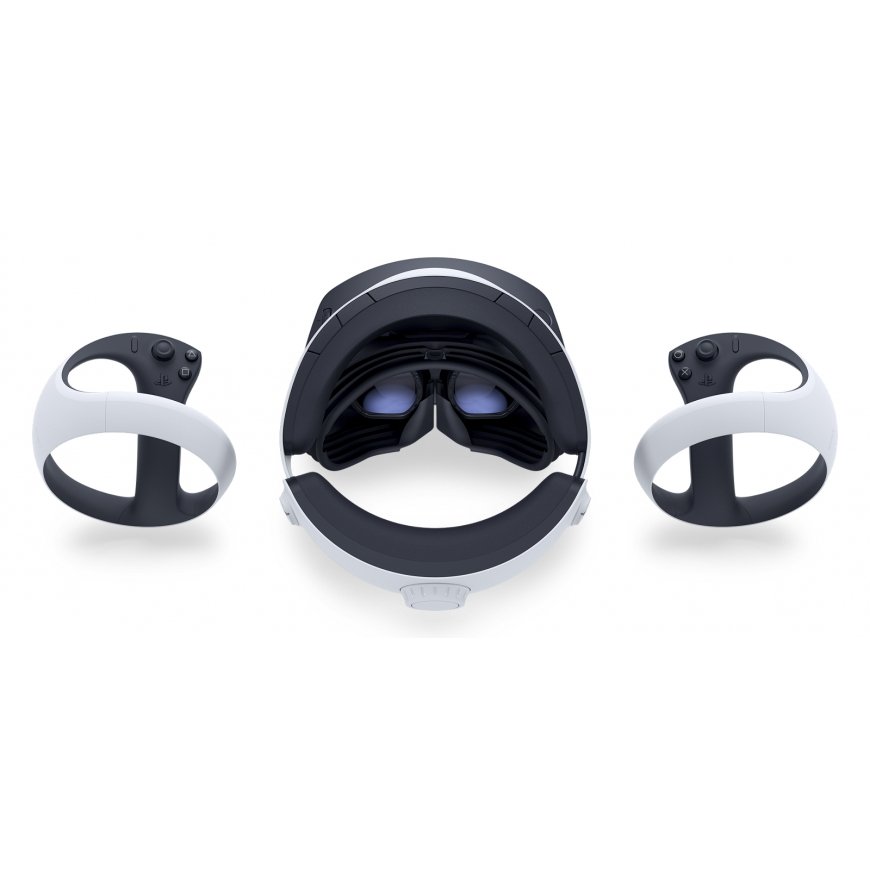
Take a closer look at the PS VR2 headset and PS VR2 Sense controller from different angles.
PS VR2 dev diaries
Behind the scenes of PS VR2 development
Get your room PS VR2 ready
With its single USB cable plug-and-play connection, PS VR2 is incredibly easy to set up - and getting your surrounding ready for virtual reality adventures is easy too.
Set your play area
Ensure you can play freely and with confidence by defining your play area in the PS VR2 settings menu.
Here you can scan your room using the headset’s built-in cameras and fine-tune the boundaries of your play area using the PS VR2 Sense controller.
While playing, if you get close to the perimeter you’ve set up, you’ll see a warning on the headset’s screen. If you stray outside of the play area boundary, See-Through View will automatically activate to show your real-world surroundings.
Play sitting, standing, or with more movement
Choose how you want to play with three VR Play Style options, adjustable depending on the type of game you’re playing:
Sitting: from a seated position, you’ll need at least 1m x 1m of clear space, with enough room to move your arms freely.
Standing: if you prefer to play standing, you’ll need at least 1m x 1m of clear space. Again, ensure you have enough room to move your arms freely.
Roomscale: for games that involve more movement, Roomscale mode requires 2m x 2m of free space.
Please check the supported VR Play Style for each title to ensure you have enough space to play.
Getting ready to play
Your PS VR2 headset has built-in ways to ensure you play in comfort, so your immersion in the game world is never compromised.
Play in comfort
Enhance the incredible sense of immersion in virtual worlds with the PS VR2 headset’s adjustable headband, scope and lenses.
Never lose your headphones
Experience incredible 3D Audio in supported games with your favorite audio device, such as the PULSE Explore™ wireless earbuds, or simply use the supplied earpieces connected to the PS VR2 headset. If you choose not to use the supplied earpieces, they can be safely clipped into a built-in storage compartment.
Stay connected to the real world with See Through View
Keep interruptions to a minimum by checking your surroundings with See Through View, letting you take a look at the real world without removing the headset.
Get more from your games
Enhance your PS VR2 gameplay with features designed to let you share your experiences, fine-tune your settings, or relax with your favourite entertainment.
Get a front-row seat with Cinematic Mode
Use your PS VR2 headset as a personal cinema screen for your PlayStation®5 games and entertainment, giving you an incredible sense of scale, and freeing up your TV to be used independently of your console, or switched off entirely.
You can view all of your streaming services in Cinematic Mode, as well as play any non-VR PS5 games within the headset on a virtual cinema screen. Content will be displayed in 1920x1080 HDR, with 24Hz, 60Hz, and 120Hz frame rates available.
Share and broadcast your gameplay
Share your adventures with friends and followers by using the PS VR2 Sense controller’s Create button, just as you can on your PS5 console. Without leaving VR mode, you can capture screenshots and gameplay video, trim and edit your content and share it to social media.
You can also live stream your PS VR2 gameplay to your Twitch or YouTube channel from the Create menu and interact with your viewers. And if you have a PS5 HD camera connected, you can broadcast yourself with your headset on, showing your actions and reactions as you continue your adventures.
Get more from your games in the Control Centre
Access game information, activities, and PS VR2 settings from the PS5 console’s Control Centre menu, optimized for easier viewing in VR.
Press the PS button on your PS VR2 Sense controller to see your game’s content cards and the PS5 menu bar, re-positioned in the centre of your view for optimal fidelity and ease of navigation within the headset. You’ll also find a new PS VR2 Quick Settings menu here that lets you fine-tune your setup, including brightness, headset vibration, play area, and other handy options.
| Display resolution | 2000 x 2040 pixels |
| Product colour | Black; White |
| Display type | OLED |
| Maximum refresh rate | 120 Hz |
| Bluetooth version | 5.1 |
| USB connector type | USB Type-C |
| Weight | 560 g |
| Width | 212 mm |
| Depth | 158 mm |
| Height | 278 mm |
| Cables included | USB Type-A to USB Type-C |
| Type | Dedicated head mounted display |
| Recommended gender | Boy/Girl |
| Connectivity technology | Wireless |
| Card reader integrated | No |
| Battery technology | Lithium-Ion (Li-Ion) |
| Power source type | Battery |
| Coloration | Monochromatic |
| Headphones included | Yes |
| Proximity sensor | Yes |
| Accelerometer | Yes |
| Gyroscope | Yes |
| Built-in microphone | Yes |
| Headphone out | Yes |
| User guide | Yes |
| Gaming control function buttons | Options button |
| Video game included | Yes |
| Gaming platforms supported | PlayStation 5 |
| Haptic feedback | Yes |
| Reflex vibration | Yes |
| Shoulder buttons | Yes |
| Number of axis | 6 |
| Viewing angle | 110° |
| Controller type | PlayStation VR2 Sense controller |
| Adjustable straps | Yes |
| Number of game controllers included | 2 |
| Capacitive sensor | Yes |
| Controller interface type | Bluetooth |
| Adjustable interpupillary distance | Yes |
| Eye tracking | Yes |
| Adjustable lens separation | Yes |
| Position tracking | Yes |
| Controller dimensions (W x D x H) | 137 x 135 x 107 |
| Controller weight | 168 g |