Все о продукте
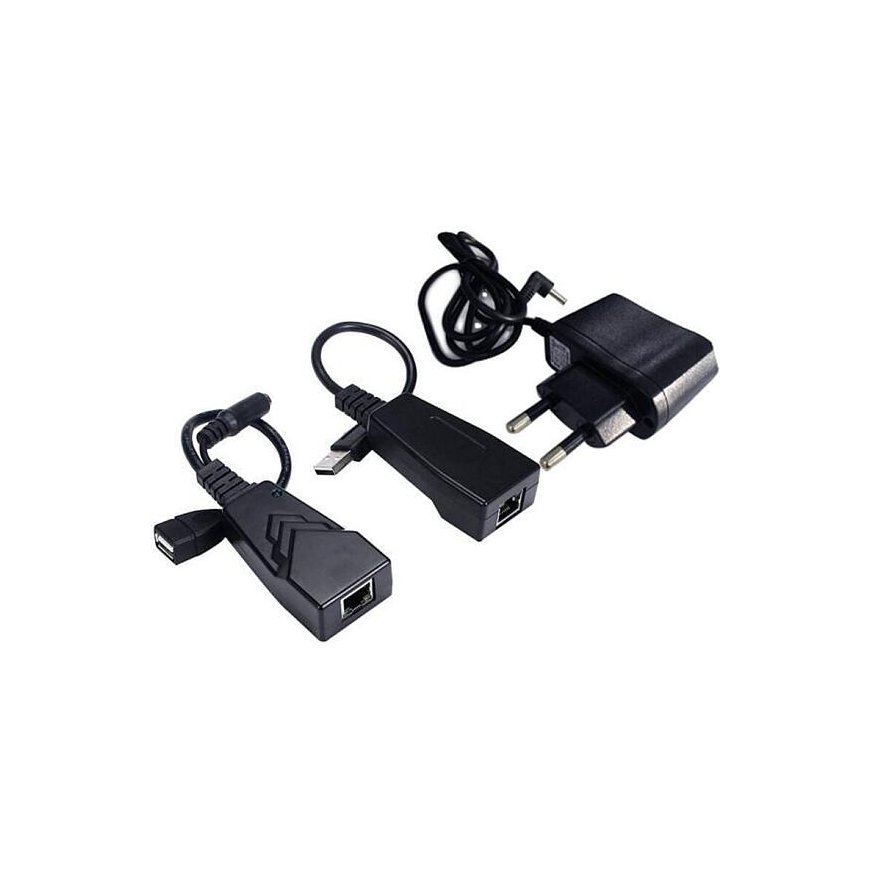
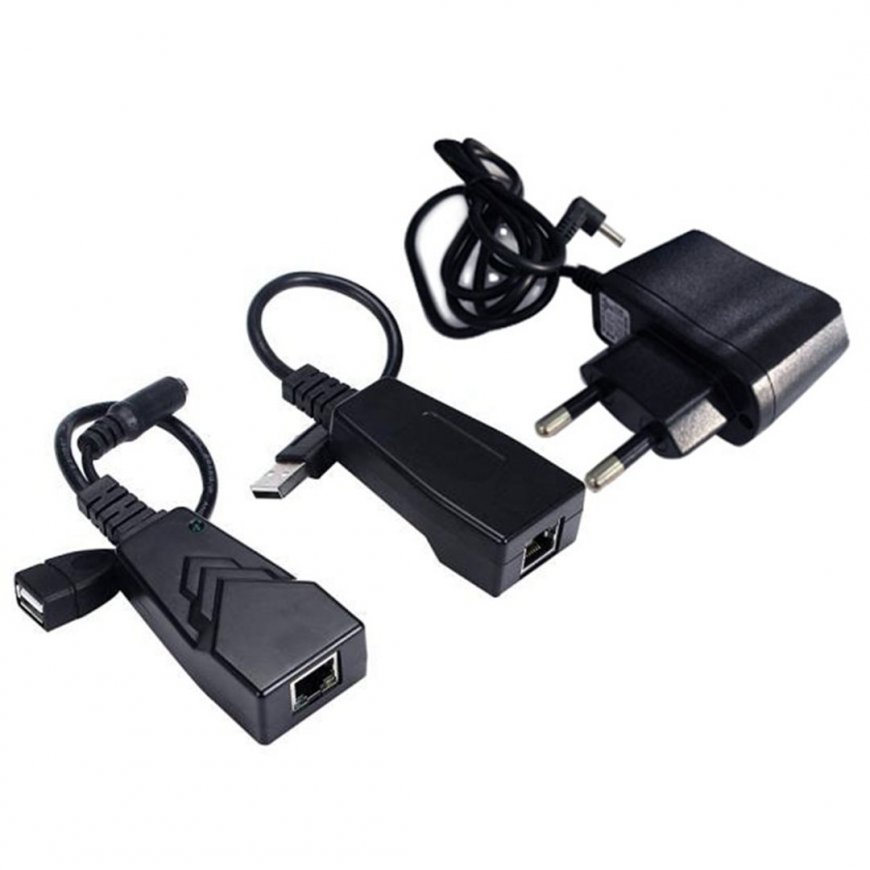
PremiumCord USB 2.0 Extender to Cat5/Cat5e/Cat6 up to 50 mThe USB 2.0 extender is another leap forward in USB 2.0 (Hi-Speed) extension with speeds up to 480 Mbps and distances up to 50 m. Until now, extenders have only managed half the distance and only at USB 1.1 speeds (low speed, full speed). This extender exceeds the 5 m maximum distance limitation of USB 2.0 cables and allows you to connect all USB peripherals up to 100 m without reducing the transfer speed. Using cheap Cat5/Cat5e/Cat6 cable, an economical and effective solution is achieved. Now you can place your cameras, printers, webcams, keyboard/mouse or other USB devices where you really want them. - Sends USB signal over Cat5/Cat5e/Cat6 cables up to 100m. - It consists of two parts: a transmitter and a receiver, which are connected to each other with a cable with RJ-45 connectors - It does not have to be connected to an active computer network - Ethernet, with active elements such as switches and routers. - Supports USB 2.0 high-speed transfer speeds and USB 1.1 (low speed, full speed) up to 100 m over Cat 5 / Cat5e / Cat6 cables at 480 Mbps - Supports up to 4 USB devices on the remote side of the extender when using an additional USB hub. - The extender uses a Cat5 / Cat5E / Cat6 patch cable to connect the transmitter and receiver, this cable is not included in the package. - Optional additional power supply is provided in case the USB port cannot supply 500mA of power, in which case it is necessary to connect the power adapter, which is included in the package. - Ideal for various USB devices such as printers, webcams, hard drives, mobile phones, iPods, digital cameras and game consoles. - Solution for large USB connections - Elegant solution for stretching a long USB cable, for example between several rooms Package contents: - 1 x Local Extender (LEX) Connectors: USB Type A male, RJ45 female - 1 x Remote Extender (REX) Connectors: USB Type A, RJ45, optional power connector - 1 x Quick Installation Guide - 1 x CD with drivers - 1 x power adapter System requirements: - USB 2.0 port - Windows XP, Windows Vista, Windows 7. Installation procedure, first connection: 1) install the drivers from the included CD 2) connect the device 3) restart the computer 4) if it does not start automatically, manually start the program "Launch USB2.0 Extender" - an icon will be created on the computer desktop after installation. 5) everything should work To make "Launch USB2.0 Extender" run automatically, make sure it is in the "Startup" folder.