



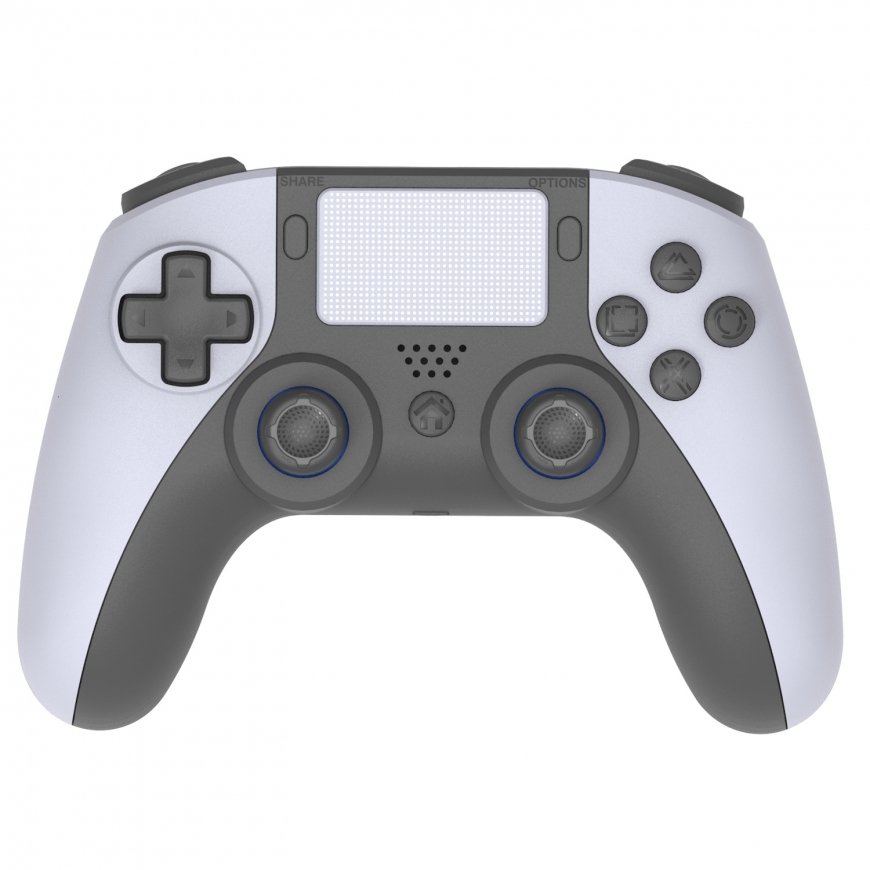
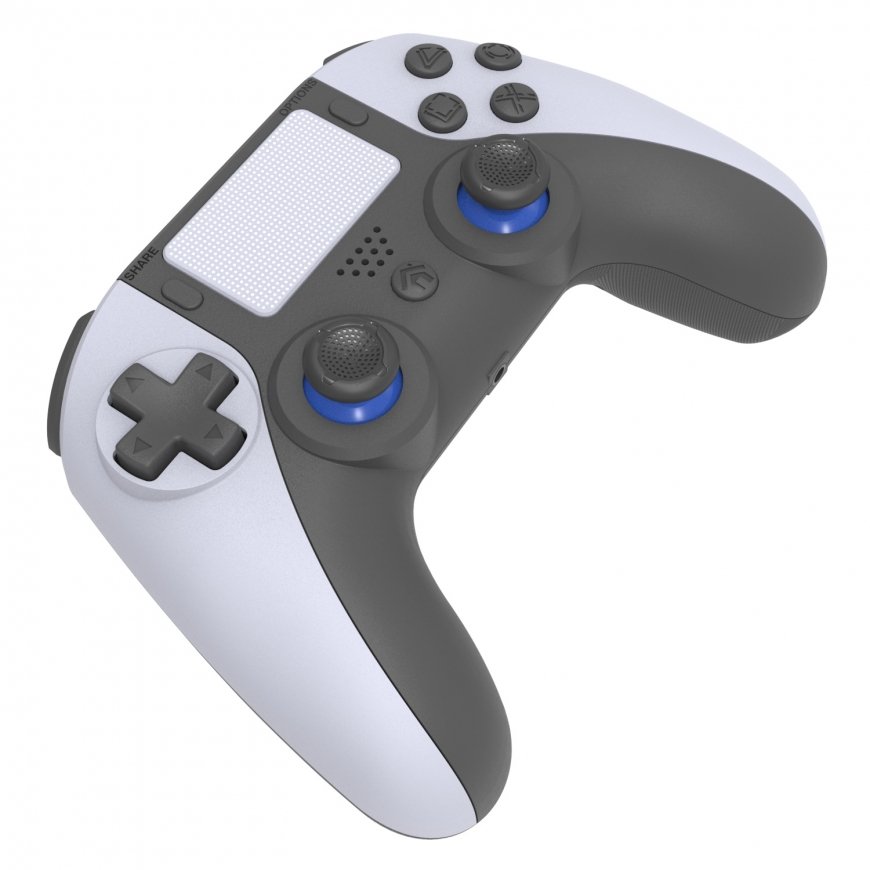
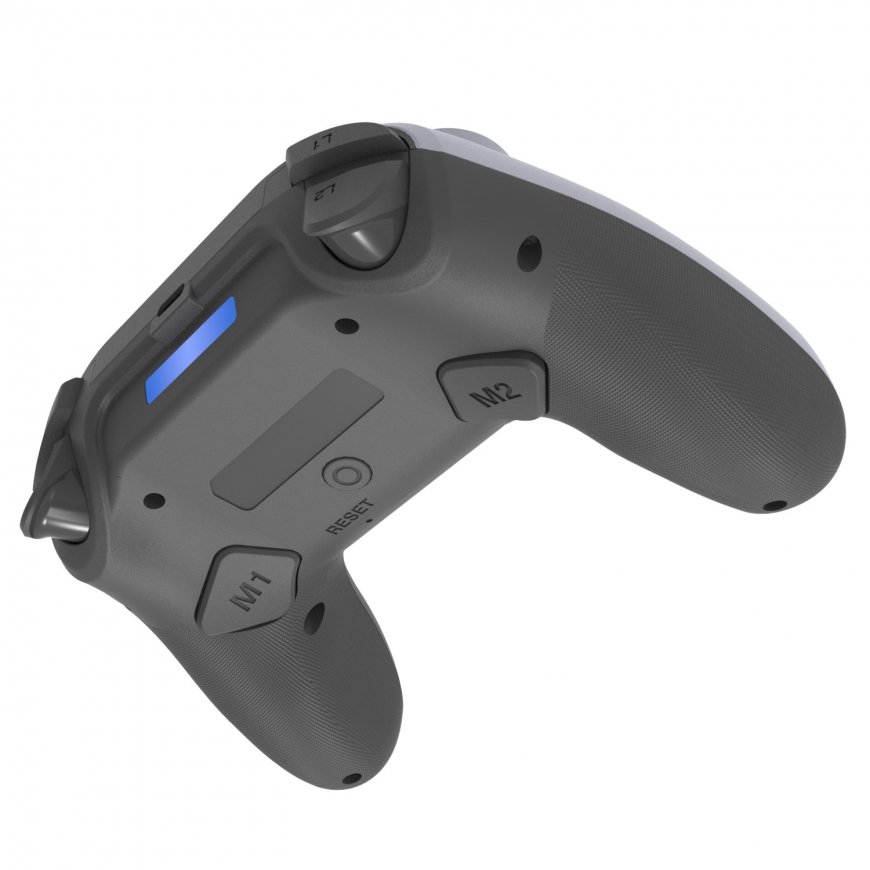
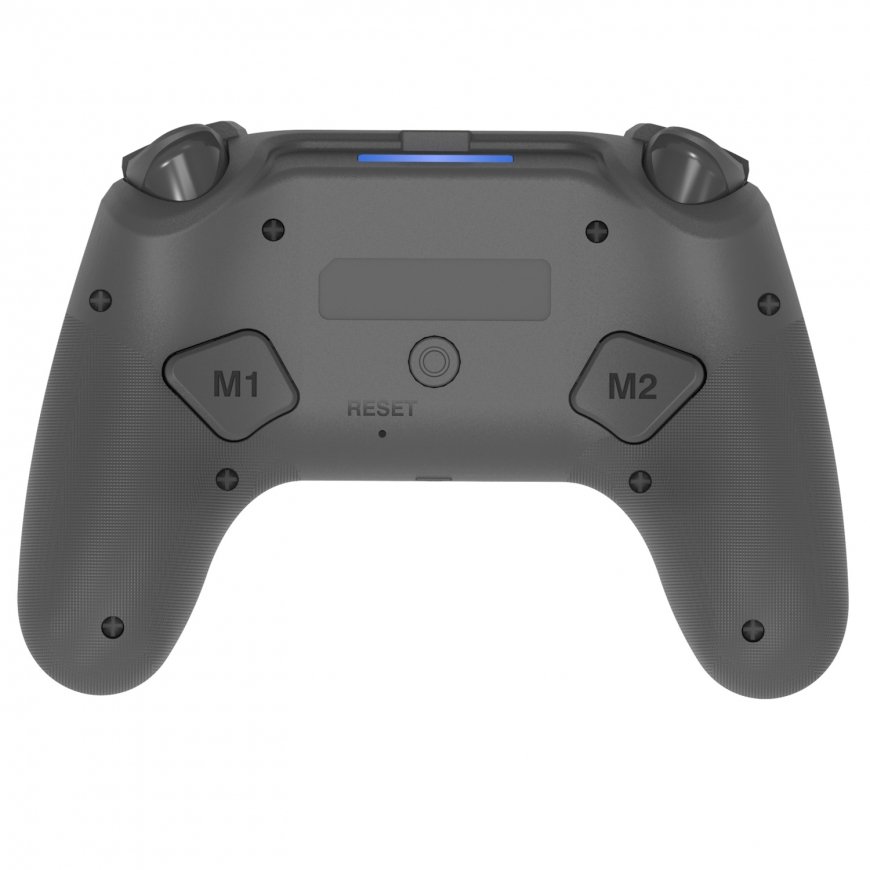
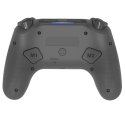
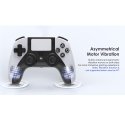
Оттенок товара и его реальный цвет могут отличаться от того, что показано на фотографии, так как изображения носят иллюстративный характер. Описание товара является общим и может не включать все его характеристики.
GameBox P5 Аналоговый Беспроводной Контроллер для PS5 - Play Sta
3418427 GMB-PS5-1WH
4751048110126
Доставка 3-7 р.д.
Все о продукте
Product Overview:
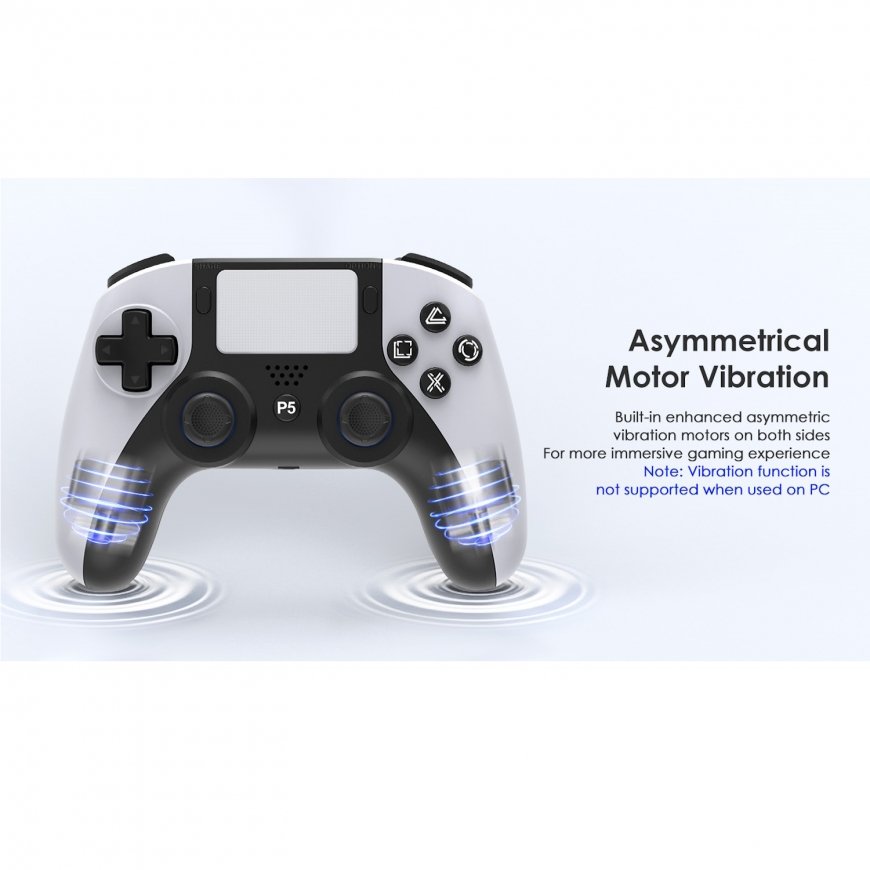
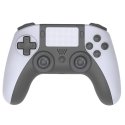
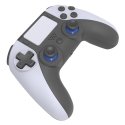
Enhance your gaming sessions with this high-quality wireless game controller compatible with the Sony PlayStation 5. Crafted with premium buttons and exceptional ergonomics, it offers superior comfort and precision for extended gameplay. The plug-and-play technology ensures effortless setup, allowing you to dive straight into your favorite games without any delays. Featuring advanced functionalities like double vibration support, six-axis sensor, and touch capabilities, this controller provides an immersive and responsive gaming experience. The programmable buttons and Hall Sensor 3D joystick deliver enhanced control and customization, making it an ideal choice for both casual and competitive gamers.
Features:
- Analog Controls: Provides precise input for enhanced gaming accuracy.
- Wireless Connectivity: Ensures freedom of movement without the constraints of cables.
- Plug-and-Play Functionality: Allows for immediate use without additional setup or configuration.
- Double Vibration Support: Offers immersive haptic feedback during gameplay.
- Six-Axis Sensor Function: Enhances motion control capabilities for interactive gaming experiences.
- Touch Functionality: Features a touchpad for games that require touch input.
- Programmable Buttons: Allows customization of controls to suit individual gaming styles.
- Hall Sensor 3D Joystick: Delivers superior joystick precision and durability.
- Ergonomic Design: Crafted for comfortable extended gaming sessions.
Specifications:
- Compatibility: Sony PlayStation 5 and PC
- Connectivity: Wireless
- Control Type: Analog
- Battery Capacity: 600mAh
- USB Charging Cable: 1.2 meters
- Additional Functions: Double vibration, six-axis sensor, touchpad, programmable buttons, Hall Sensor 3D joystick
How to Use:
Step-by-Step Connection Instructions:
Prepare for Connection:
- Ensure the PlayStation 5 console is turned off before starting the process.
Connect the Controller:
- Use the USB-C cable provided in the package to connect the controller to the console.
Turn On the Console:
- Once the controller is connected via cable, turn on the console. The connection will automatically be established.
Switch to Wireless:
- After the initial connection, unplug the USB-C cable. The controller is now paired and can be used wirelessly for all future sessions.
Start Gaming:
- Enjoy uninterrupted wireless gaming with the controller’s advanced features.
Wireless BT Connection:
PlayStation 5 Connection:
- Turn on the PS5 console. Ensure the controller is in sleep mode.
- Use the provided Type-C USB cable to connect the controller to the console to complete the pairing process.
- Once pairing is successful, press the P5 button to activate the wireless connection.
- Unplug the USB cable, and the controller will seamlessly operate in wireless mode.
PC Connection:
- Connect the controller to your PC using the provided USB cable for instant functionality.
Notes:
- Before using the audio function on the PS5 console, ensure the "Use USB Cable" setting is turned on.
- Navigate to Settings > Accessories > Controller (General) > Communication Method, and select "Use USB Cable" to enable the feature.
Important to Know!
3.5mm Audio Jack Compatibility:
- Unlike the original PlayStation 5 controller, the built-in 3.5mm audio jack does not support wireless audio connections.
- The audio jack works only when the controller is connected to the console using the long USB-C cable provided.
Trigger Buttons (L and R):
- The L and R trigger buttons are not adjustable as they are on the original PlayStation 5 controller.
- They operate with standard push resistance settings, which is sufficient for 90% of users and rarely impacts gameplay.
Additional Buttons (M1 and M2):
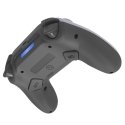
- This controller includes two extra programmable buttons, M1 and M2, offering enhanced customization options for gamers who prefer tailored controls.
