

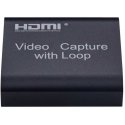
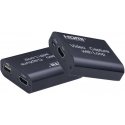
Оттенок товара и его реальный цвет могут отличаться от того, что показано на фотографии, так как изображения носят иллюстративный характер. Описание товара является общим и может не включать все его характеристики.
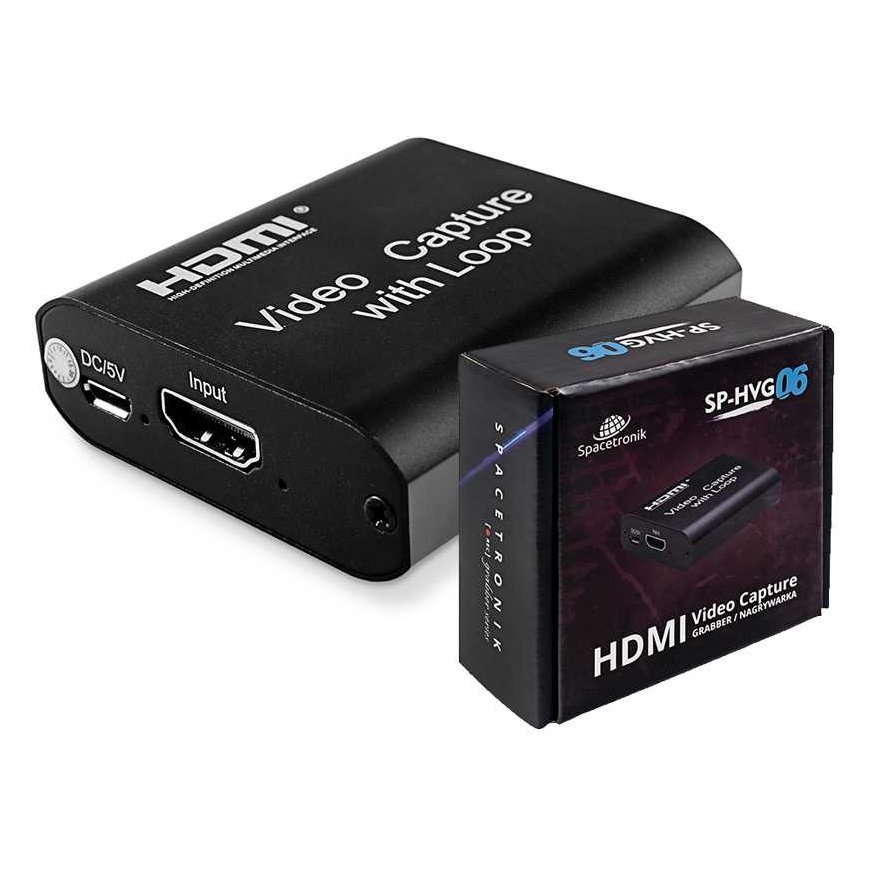
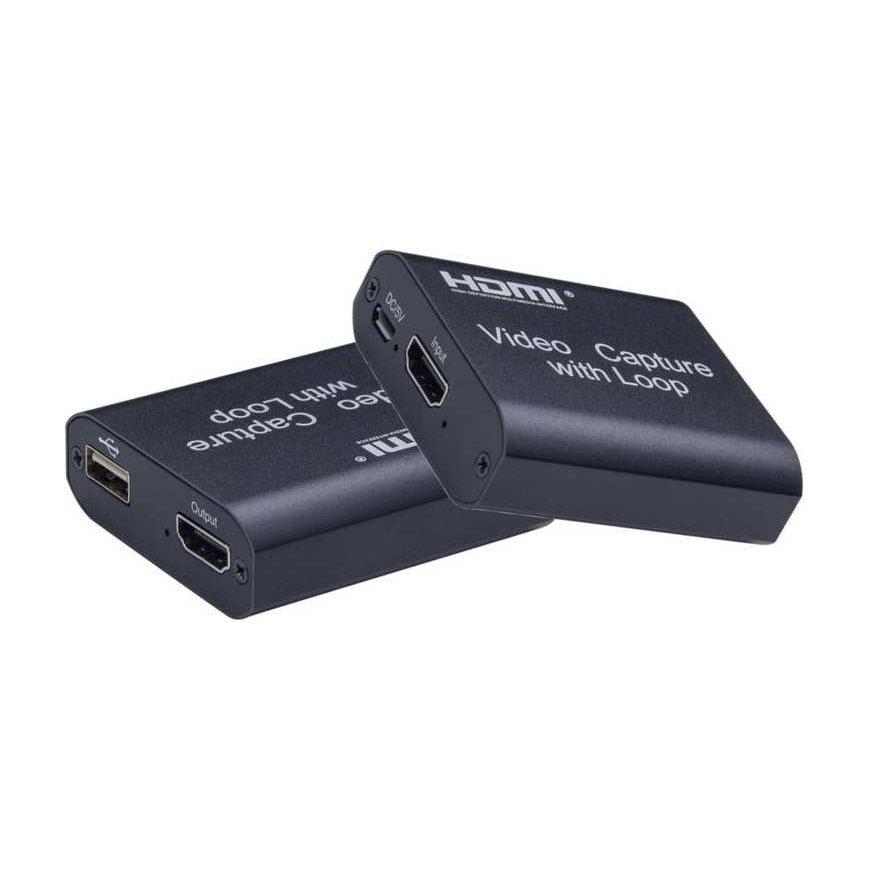
Grabber Spacetronik SP-HVG06 HDMI recorder for PC
2654041 8679-uniw
5903031019841
Доставка 11-14 р.д.
Все о продукте

Grabber Spacetronik SP-HVG06 HDMI Recorder for PC USB 1080p
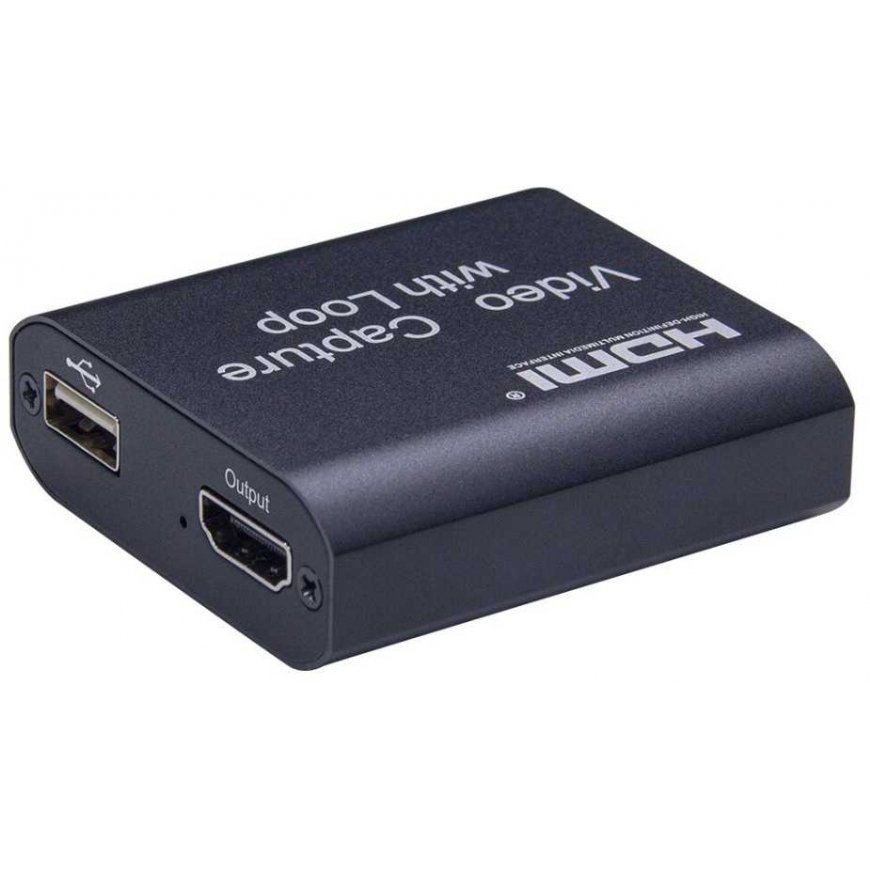
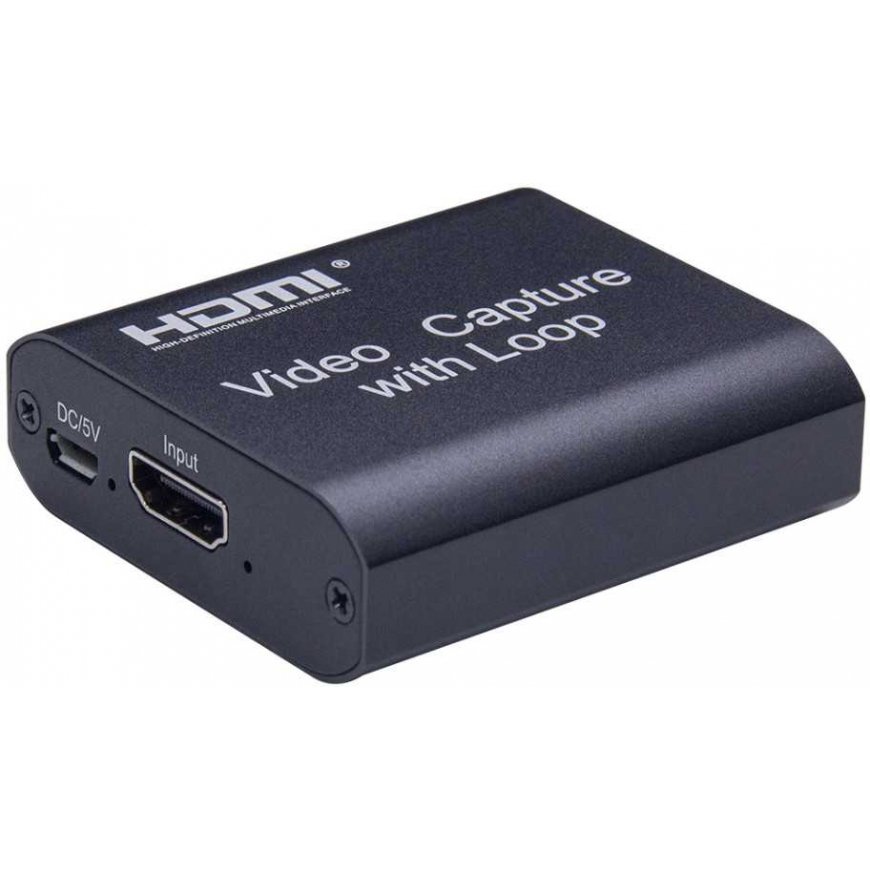
The Specatronik SP-HVG06 HDMI Recorder is a device that allows you to record high-definition video from external sources via an HDMI cable to your computer's hard drive. Importantly, recording requires a computer with Windows (7/8/10), recording is done using the OBS Studio program (link to the program below). The recorder worked perfectly with any source (that doesn't have DHCP write protection) from computers, through video media players, set-top boxes and receivers, and game consoles.
This is a great tool for users of paid platform decoders that have a hard drive. Thanks to the recorder, recordings from the hard disk of such a decoder can be made in unencrypted form (pure MPEG4, .flv format). The recorded material is saved on the computer's hard drive in the default video folder. We start and finish recording in OBS Studio. Interestingly, the device can be used as an HDMI to USB converter, which can be perfect for travel, for example when you want to connect the set-top box to a laptop. 
Example of connection diagram:

How to connect the SP-HVG06 recorder:
1. Connect the HDMI cable to the output device (SAT receiver, console, computer)
2. Connect the device to the computer
3. Configure the system and application settings according to the instructions on the box or in the product description.
Highlights of Graberro:
- Support the maximum input resolution of 3840 × 2160 @ 30 Hz;
- Supports maximum output resolution of 1920×1080 @ 30 Hz;
- Supports 8/10/12-bit color depth;
- Standard AWG26 HDMI cable support: input up to 15 meters, (1080P and lower resolution);
- Support for programs such as: VLC, OBS, Acap, etc.;
- Windows, Android and macOS support;
- Compatible with USB video and audio standard - UVC and UAC;
- The device does not require an additional external power source, compact and portable.
Quick setup guide in Polish:
1. Connect the device to the USB port of the computer, it will be installed automatically through the automatic driver installation;
2. Check if the device is visible in Device Manager, Video and Sound Controls, name: FHD Capture / FHD Webcamera;
3. Set the default "Digital Audio Interface" in the sound tab of the control panel and adjust the parameters in the Advanced tab;
4. Download and install OBS Studio ( https://obsproject.com/download ), ORIGINAL WINDOWS SYSTEM REQUIRED, the program downloads and loads Microsoft VC software;
5. Start OBS, add a source by clicking "+" and selecting Image Capture Device;
6. In the Device category, select FHD Capture / FHD Webcamera;
7. Click OK or configure other categories in this window as desired. 
The OBS Studio program is in Polish, its operation is simple and clear!
Technical specifications:
- HDMI resolution: maximum input can be 3840×2160 at 30Hz
- Supports video format: 8/10/12 bit deep color
- Video output format: YUV JPEG
- Video output resolution: the maximum output power can be 1920 × 1080 @ 30 Hz
- Supports audio format: L-PCM
- Input cable distance: ≤15m, standard AWG26 HDMI cable
- Maximum operating current: 0.4A / 5VDC
- Operating temperature range: (-10 to +55 )
- Dimensions (length x width x height): 64x28x13 (mm)
- Weight: 21.4 g
Including:
- Gripper SP-HVG06
- MicroUSB to USB power cable
- USB-USB cable
- User Guide
