



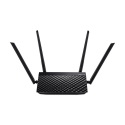
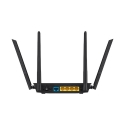
The product's shade and actual color may differ from what is shown in the picture, as the images are for illustrative purposes. The product description is general and may not include all the product's features.
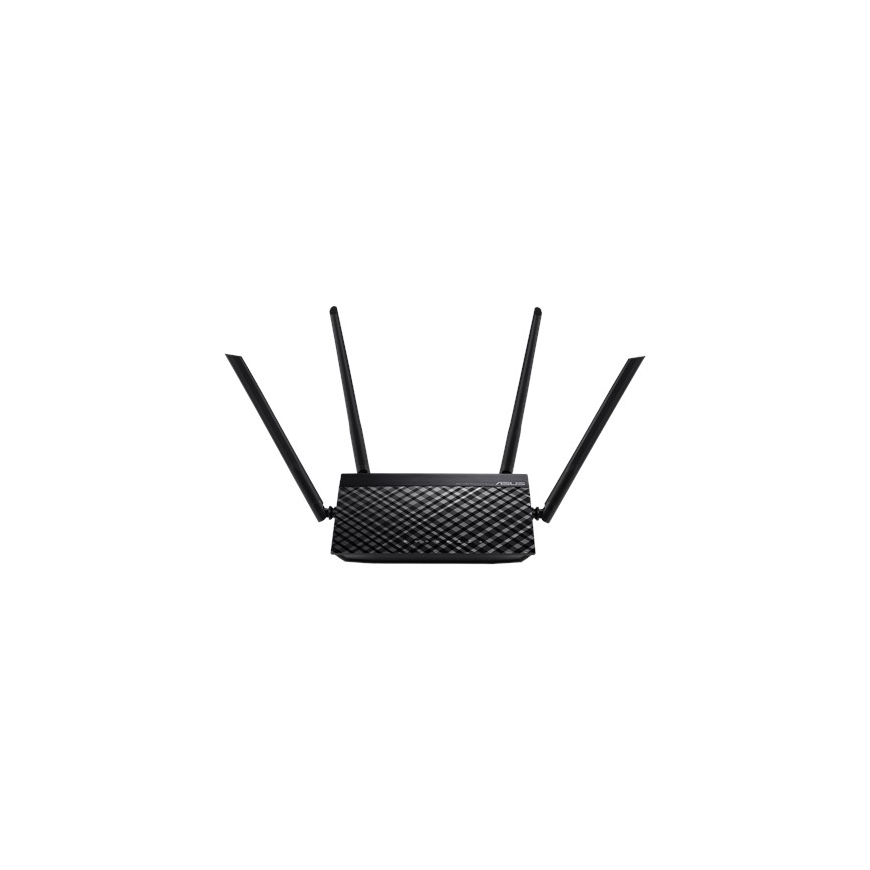
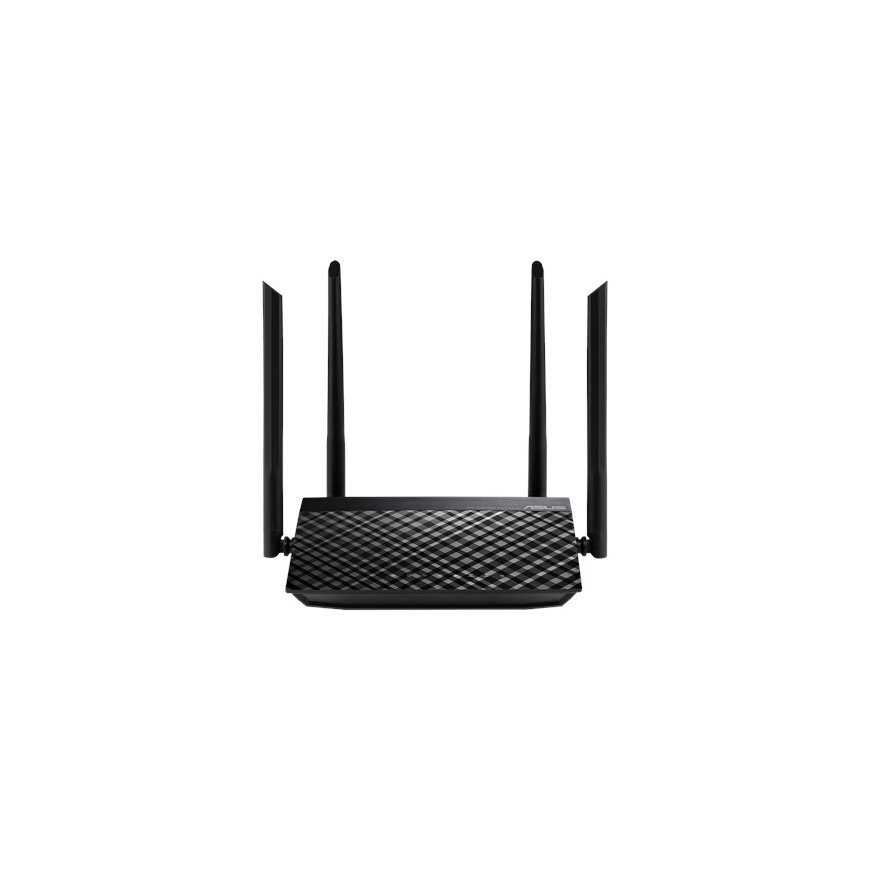
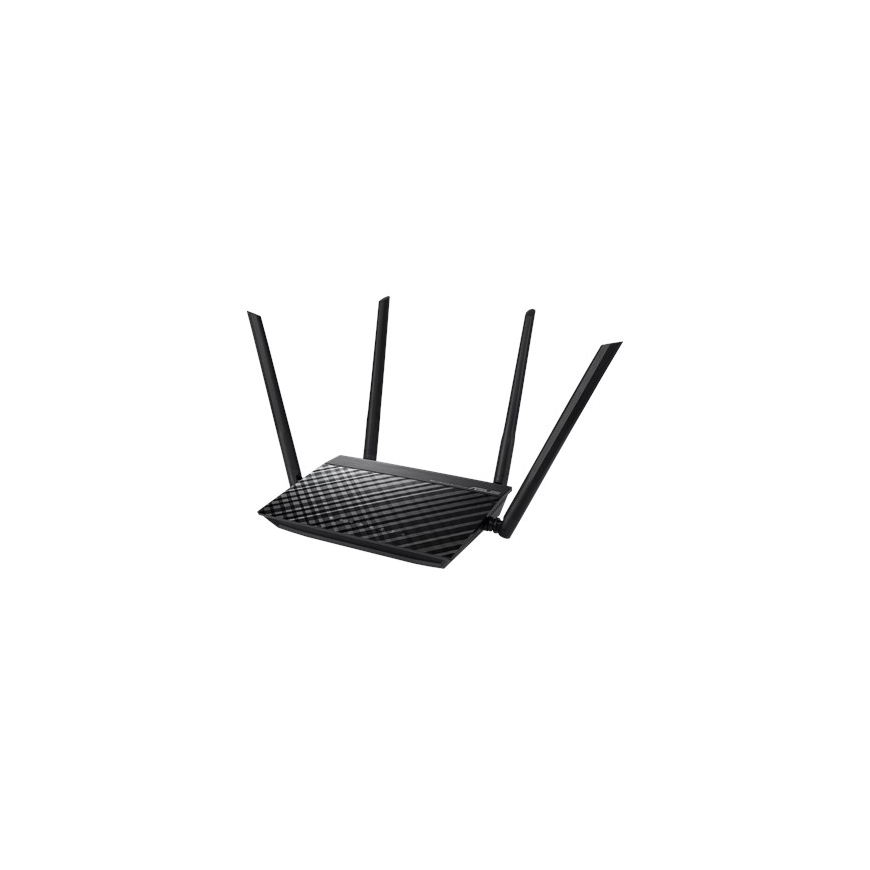
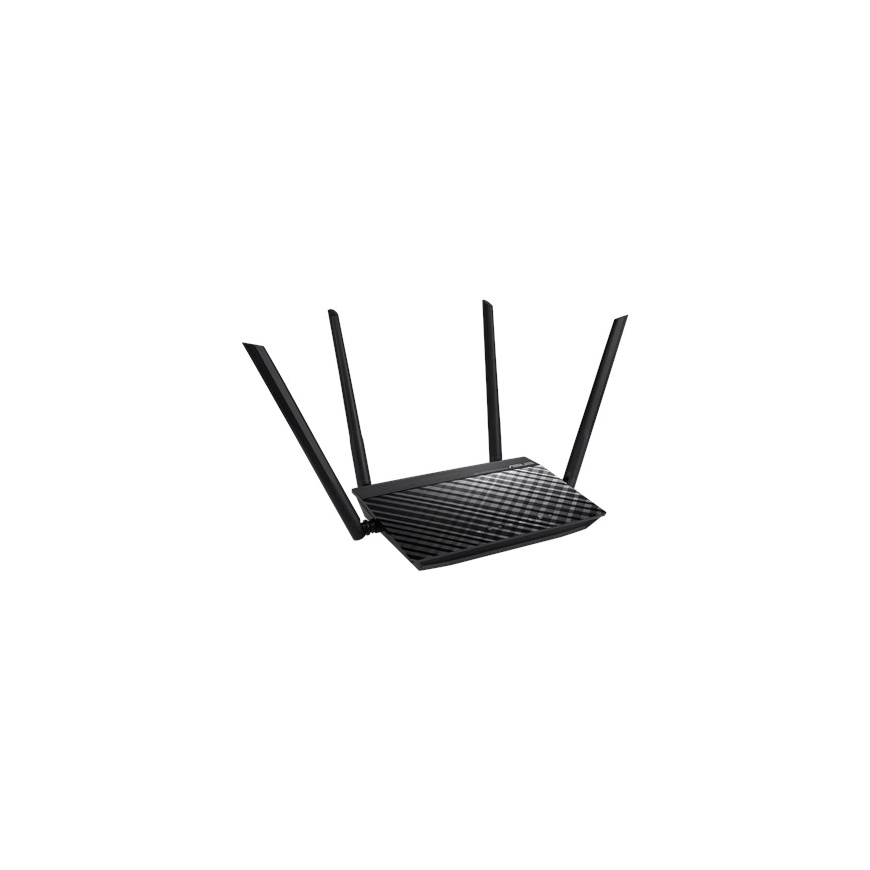
ASUS RT-AC1200 v.2 wired router Fast Ethernet Black
35,94 €
753041 90IG0550-BM3400
4718017254731
Shipping 2-3 b.d.
You are interested in this product?
With the ASUSWRT dashboard UI, setup, monitor, and control network applications all in one intuitive area. On top of 30-second setup, multi-device detection, and flexible settings that make the most of your network performance. Dual WAN enables having two connections/ISPs on one router, with load balance and failover mode for added stability and redundancy to ensure uninterrupted internet access. Do you game a lot, or spend most of your time streaming videos? Whatever your planned use is, the RT-AC1200 V2 has Quality of Service (QoS) standards that let you select how much bandwidth is prioritized for virtually any task. Plus, the traffic monitor allows you to check your Web usage in a clear graphical interface.
Control your network anywhere
In your increasingly mobile-enabled life, having control over your network via an app is more important than ever. The new ASUS Router App is built from the ground-up to be both intuitive and robust, allowing you to setup your router, manage network traffic, diagnose connection issues and even update firmware, all without needing to boot up a PC.
Super-fast AC Wi-Fi with 256QAM™ Wi-Fi acceleration
Powered by 5th generation Wi-Fi (5G Wi-Fi), the 802.11ac chipset gives the RT-AC1200 V2 faster wireless speeds than N technology. At 2.4 GHz, it reaches 300 Mbps, while on the 5GHz band it blazes to 867 Mbps. The upgraded bandwidth has the higher capacity you need to increase Wi-Fi enjoyment at home. With notebooks, desktops, pads, and smartphones now all Wi-Fi-reliant, it’s time to upgrade to the next generation to expand you connectivity now and in the future.
Dual-Band Connectivity for Lag-Free Entertainment
Delivering both 2.4 GHz and 5 GHz concurrent bands up to 300Mbps and 867Mbps respectively, the RT-AC1200 V2 has a total speed of up to 1167Mbps connectivity to provide speed with stability. Perform basic internet tasks like Web browsing and file downloading under the 2.4 GHz band, while also simultaneously streaming 3D HD content and other demanding applications smoothly on the 5 GHz band.
Easy 3-step setup
Use your smartphone, tablet, or PC to effortlessly set up your ASUS router in less than 30 seconds¹ and in only 3 easy steps. Simply connect the cables to the router, open a Web browser, and follow the setup wizard to get you to the internet in no time.
WAN connection | |
| DSL WAN | No |
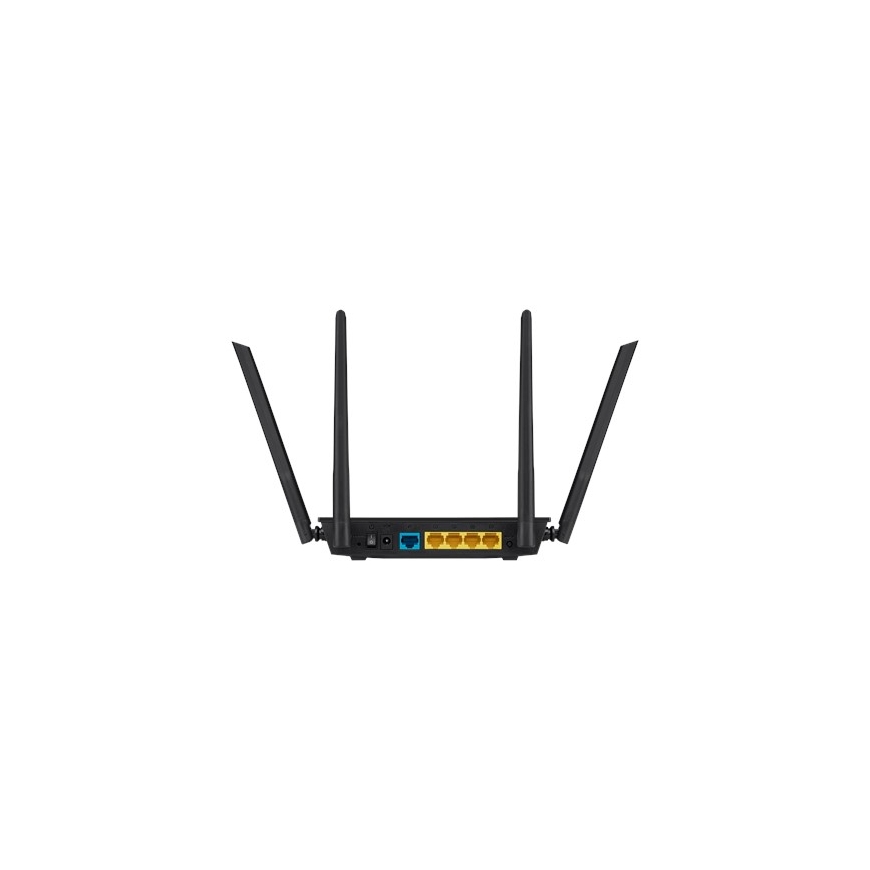
| Ethernet WAN | Yes |
| SIM card slot | No |
| 3G/4G USB modem compatibility | No |
Network | |
| Networking standards | IEEE 802.3, IEEE 802.11a, IEEE 802.11ac, IEEE 802.11b, IEEE 802.11g, IEEE 802.11n |
| Ethernet LAN data rates | 10, 100 |
| Cabling technology | 10/100Base-T(X) |
Ports & interfaces | |
| Ethernet LAN (RJ-45) ports | 5 |
Management features | |
| Web-based management | Yes |
| Reset button | Yes |
| Quality of Service (QoS) support | Yes |
| WPS push button | Yes |
Security | |
| DMZ support | Yes |
| Security algorithms | WPA-PSK, WPA2-PSK, WPS, 64-bit WEP, 128-bit WEP, SNMP, WPA-Enterprise, WPA2-Enterprise |
| Firewall | Yes |
| Firewall security | SPI intrusion detection,DoS protection |
| System event log | Yes |
| URL filtering | Yes |
| Access Control List (ACL) | Yes |
Protocols | |
| DHCP client | Yes |
| Universal Plug and Play (UPnP) | Yes |
Design | |
| LED indicators | Power, LAN, WAN, WLAN |
| Product colour | Black |
| On/off switch | Yes |
Features | |
| Internal memory | 64 MB |
| Flash memory | 16 MB |
Power | |
| AC input voltage | 110 - 240 V |
| AC input frequency | 50 - 60 Hz |
| Output voltage | 12 V |
Weight & dimensions | |
| Width | 117 mm |
| Depth | 126 mm |
| Height | 34 mm |
| Weight | 271 g |
System requirements | |
| Windows operating systems supported | Windows 8, Windows XP, Windows 10, Windows 8.1, Windows 10 x64 |
| Mac operating systems supported | Mac OS X 10.6 Snow Leopard, Mac OS X 10.7 Lion, Mac OS X 10.8 Mountain Lion, Mac OS X 10.9 Mavericks |
Other features | |
| Input current | 0.5 A |
Certificates | |
| Digital Living Network Alliance (DLNA) certified | Yes |
Logistics data | |
| Harmonized System (HS) code | 85176990 |
Packaging content | |
| Cables included | LAN (RJ-45) |
| Quick start guide | Yes |