






The product's shade and actual color may differ from what is shown in the picture, as the images are for illustrative purposes. The product description is general and may not include all the product's features.
BakkerElkhuizen Evoluent3 Mouse (Right Hand)
2540955 BNEEVR
8717399991070, 8717399991674
2026-08-03
Natural posture, more comfort.
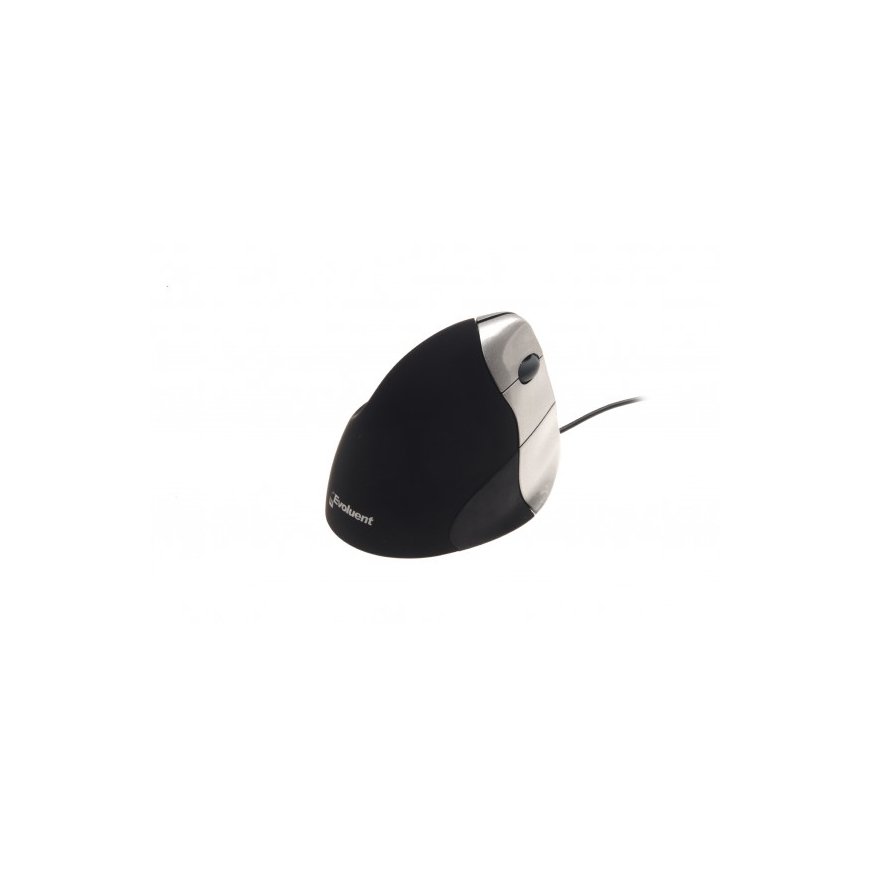
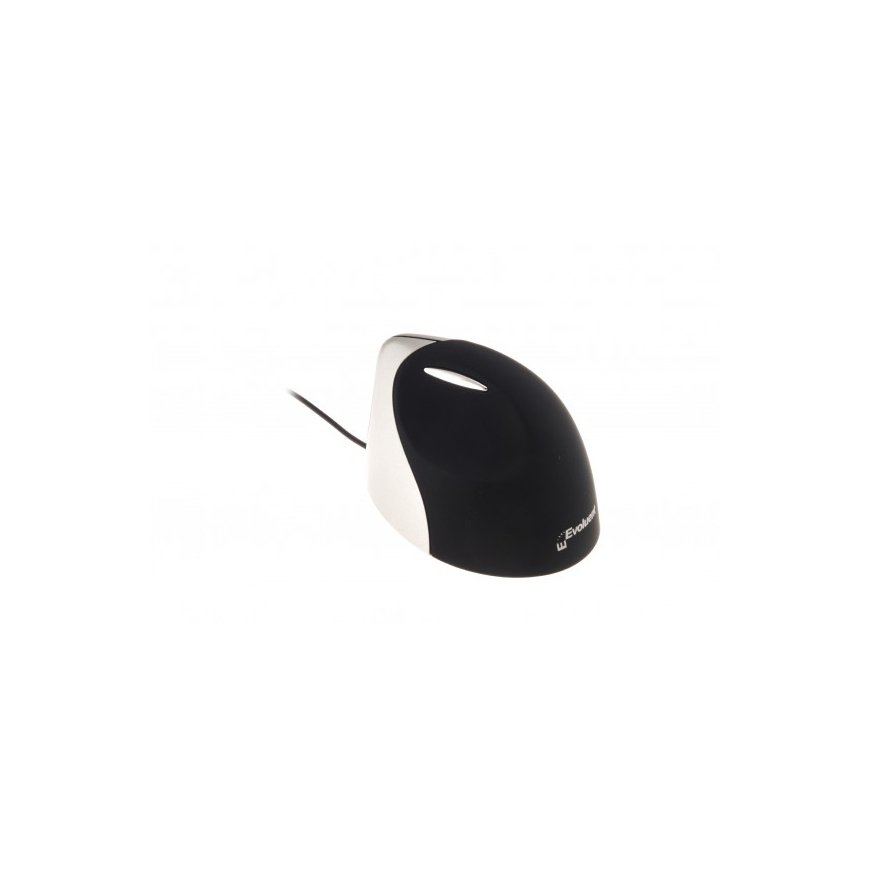
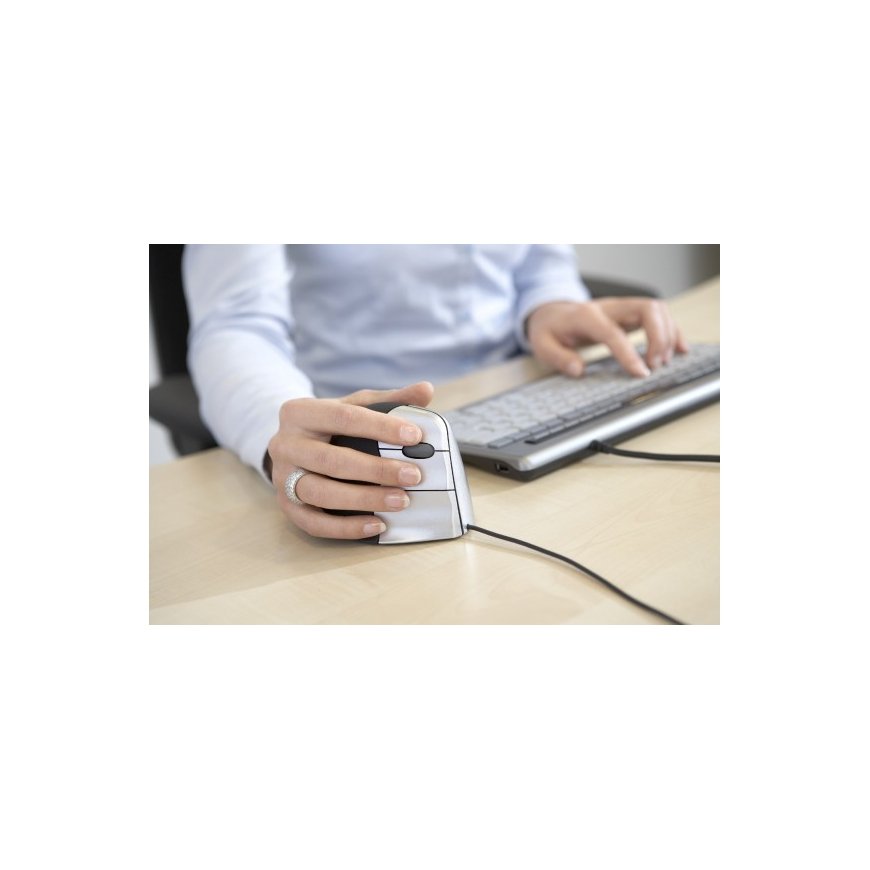
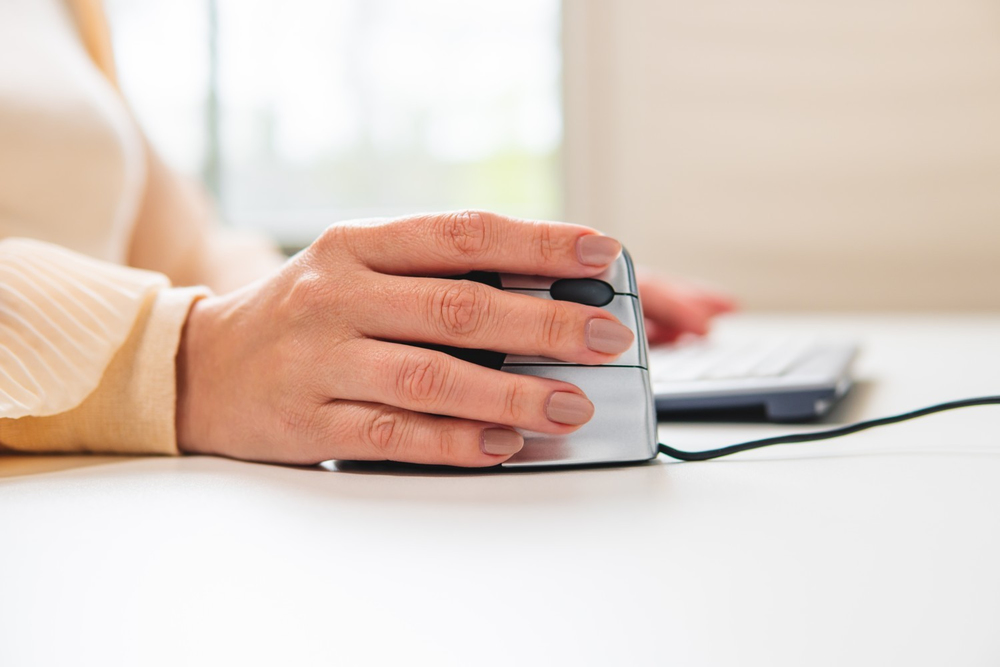
Due to its patented vertical design, the Evoluent3 provides significant relief to the hand, wrist, and forearm. The relaxation of the muscles in the arm and hand ensures that you can work comfortably without physical discomfort. The extra lip prevents your little finger to rub on the mouse pad. The vertical shape and the lip guarantee more comfort for your mouse work, and this will increase your productivity.
- Prolonged use of a regular mouse can lead to pain and discomfort in the shoulders, forearms, and hands (Chang et al., 2007 & Andersen et al., 2008).
- And therefore, vertical mice compared to standard mice lead to a healthier and more comfortable way of working.
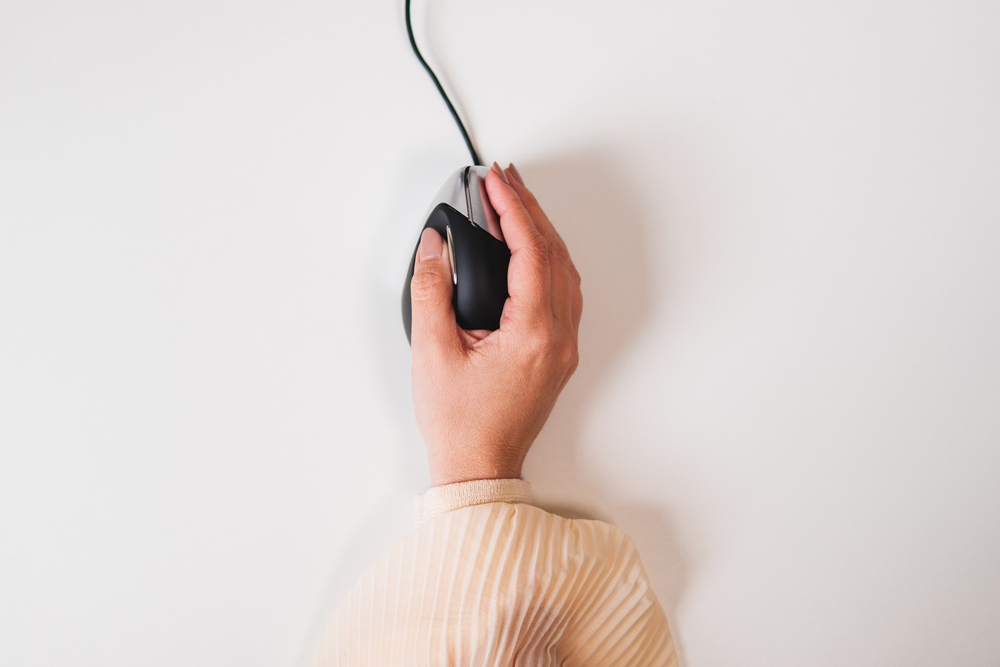
Ergonomic background
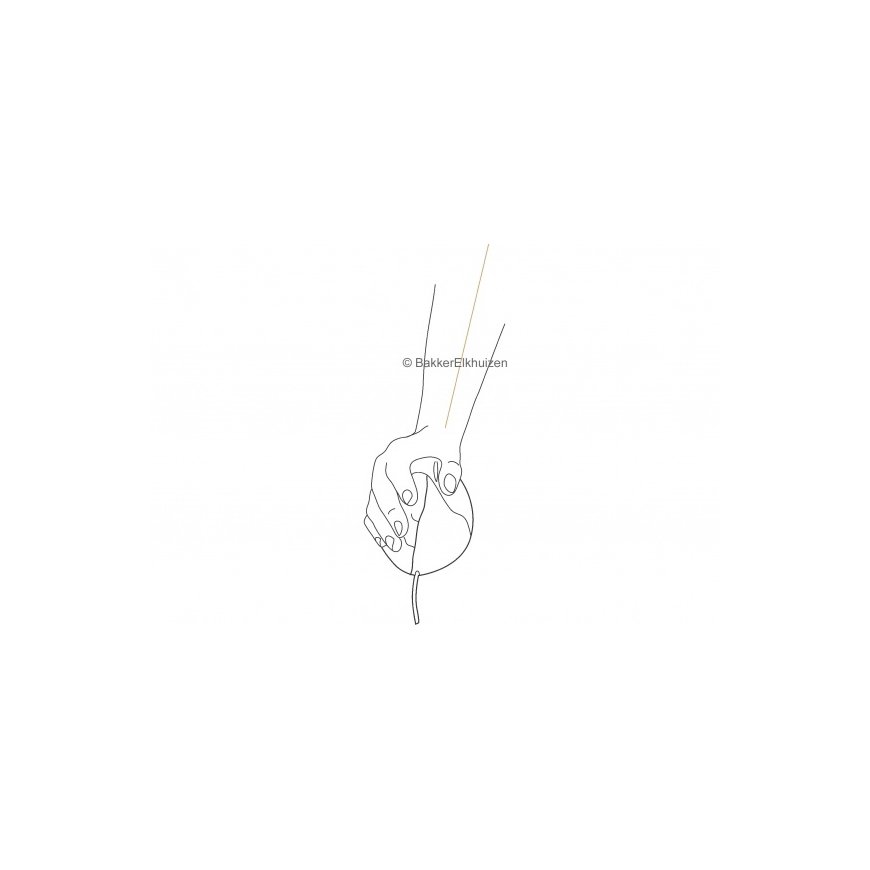
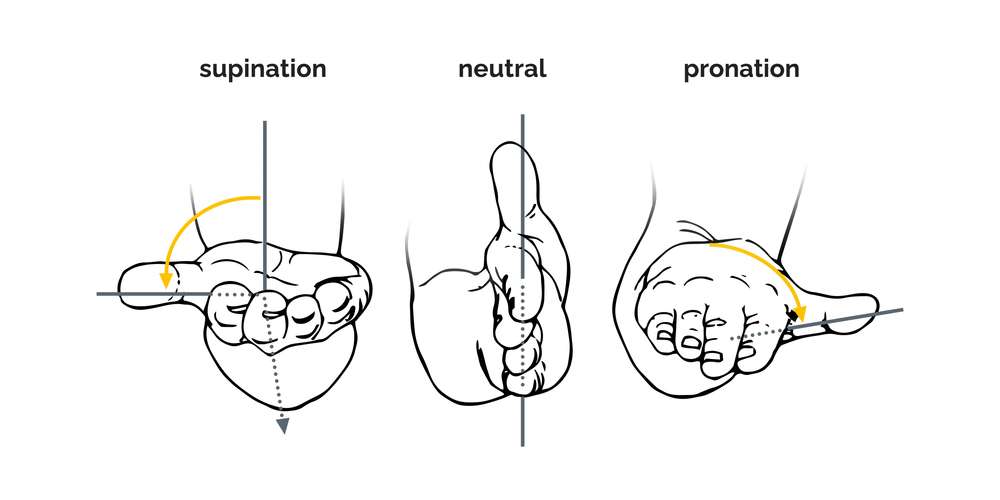
Prolonged use of a regular mouse can lead to pain and discomfort in the shoulders, forearms, and hands (Chang et al., 2007 & Andersen et al., 2008). The handshake position of vertical mice keeps the wrist from bending as much to the side while the forearm also turns inward to a lesser degree (Schmid, et al., 2015). This means that muscle activity in the forearm is less than it would be when using a conventional mouse (Quemelo & Vieira, 2013). Research has shown that the use of a vertical joystick mouse ensures a faster recovery from forearm, wrist and hand complaints (Aarås, et al., 2001). And therefore, vertical mice compared to standard mice lead to a healthier and more comfortable way of working.
Five buttons.
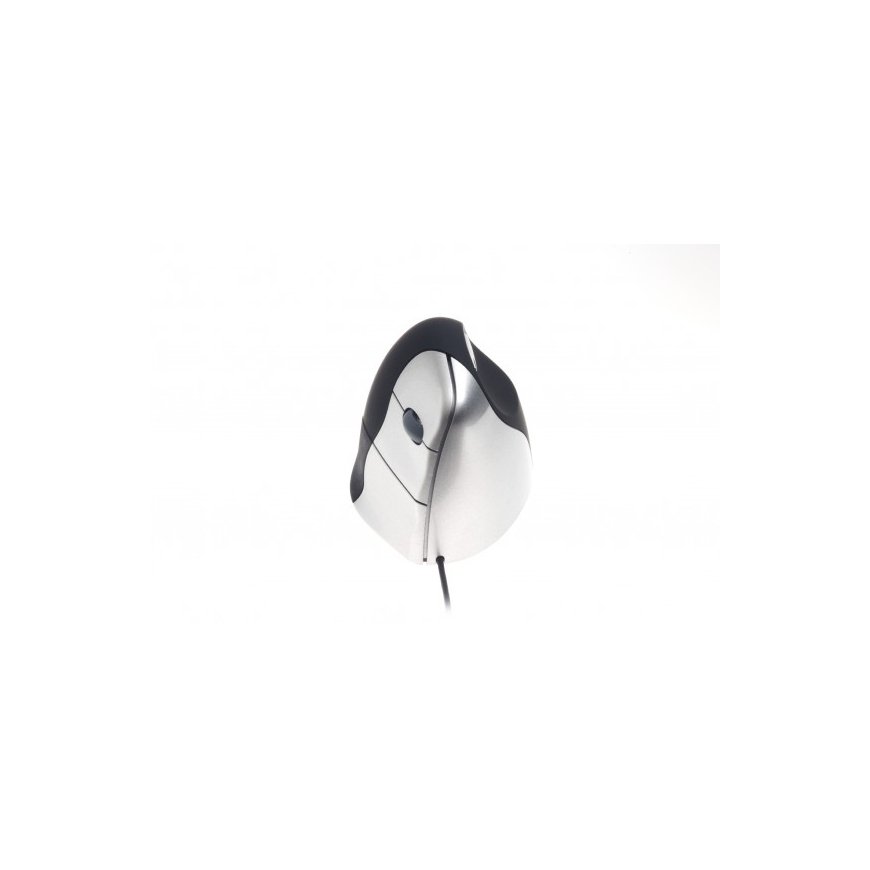
The Evoluent3 has five buttons, which also includes a scroll-wheel.
- The top button is for the left click, and with the scroll-wheel you can scroll and zoom in common computer programs.
- The middle button is for the right click.
- The third button at the bottom is for going back and the thumb button is for going forward.
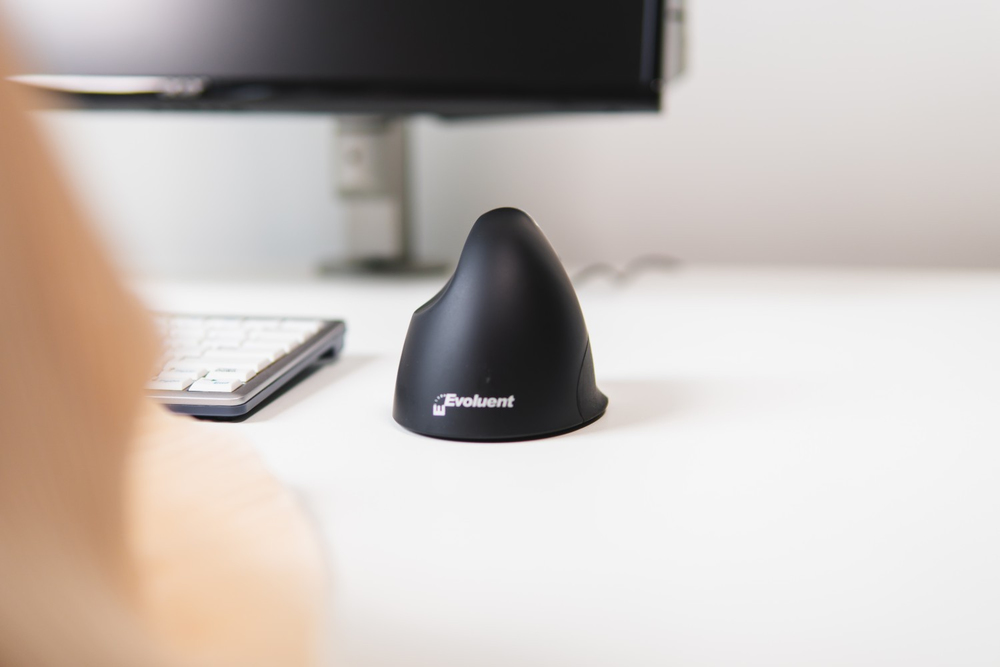
Programme your buttons individually.
With the free download version of the Evoluent Mouse Manager software, you can easily configure the four buttons. An individual setting of your mouse buttons, guarantees an efficient way of working.
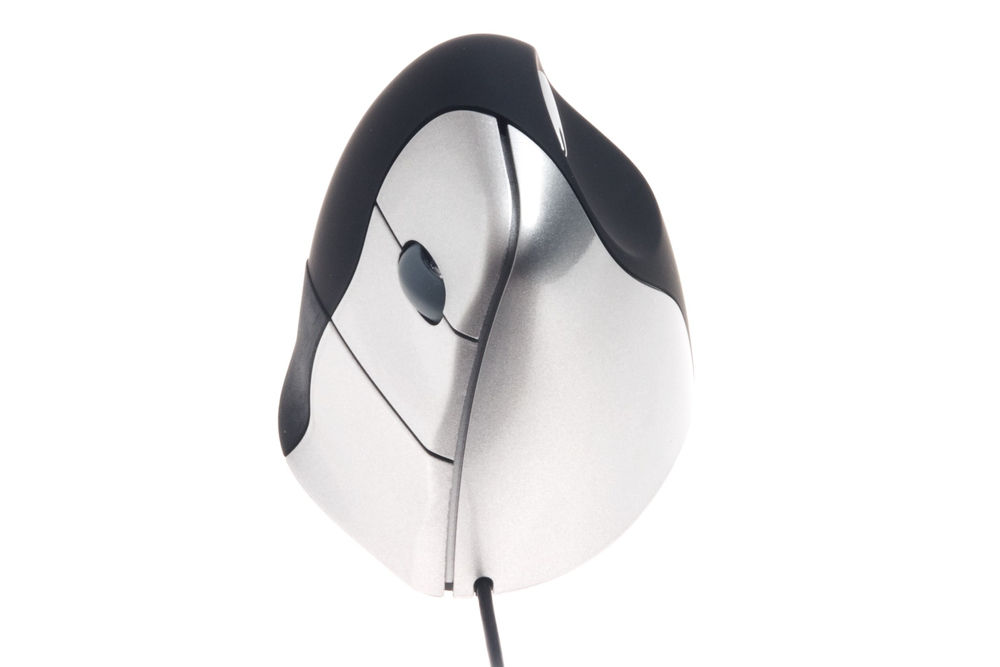
Start working wired and easy.
Thanks to the plug-and-play technology the Evoluent3 can be added to the computer without having to do a manual configuration. Just put the USB cable (2000 mm) of this wired mouse model in your computer and start working. You will adapt to this vertical mouse model in a very short period.
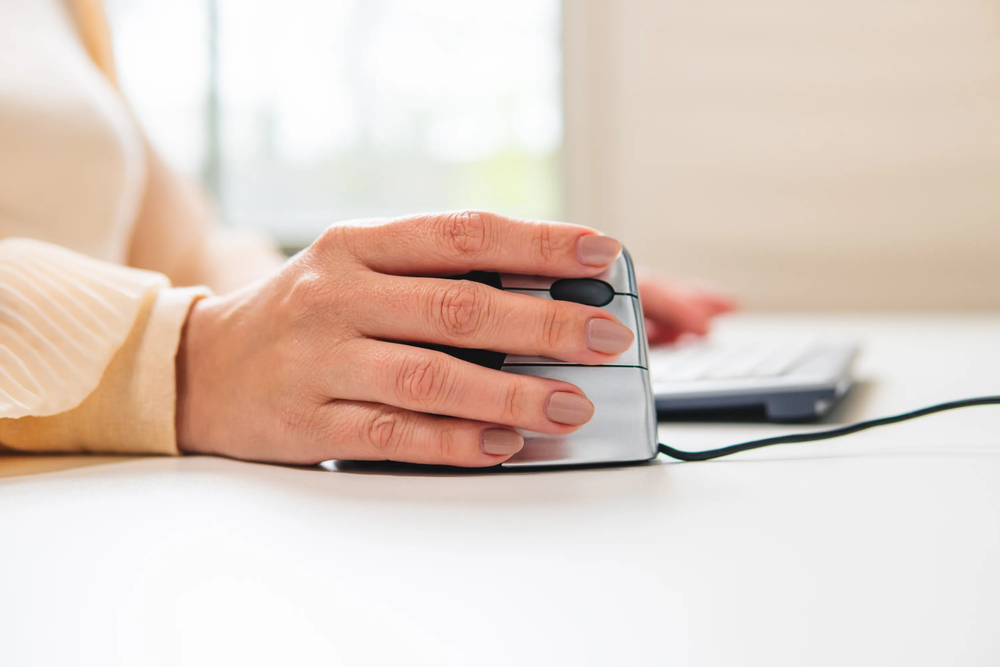
Adjust your DPI.
With the Evoluent3 you can adjust the pointer speed. Change your pointer speed for different working task: select higher speed (higher DPI) to make the pointer move faster for general use; select lower speed (lower DPI) to make the pointer move slower and more precisely for drawing, photo editing, etc. This makes a precise screen navigation possible. The pointer speed button can be found on the underside of the mouse. Choose one of the four different DPI-values (800-1300-1800-2600). For each DPI-value a different light is on, and those are also written down next to the button on the underside.
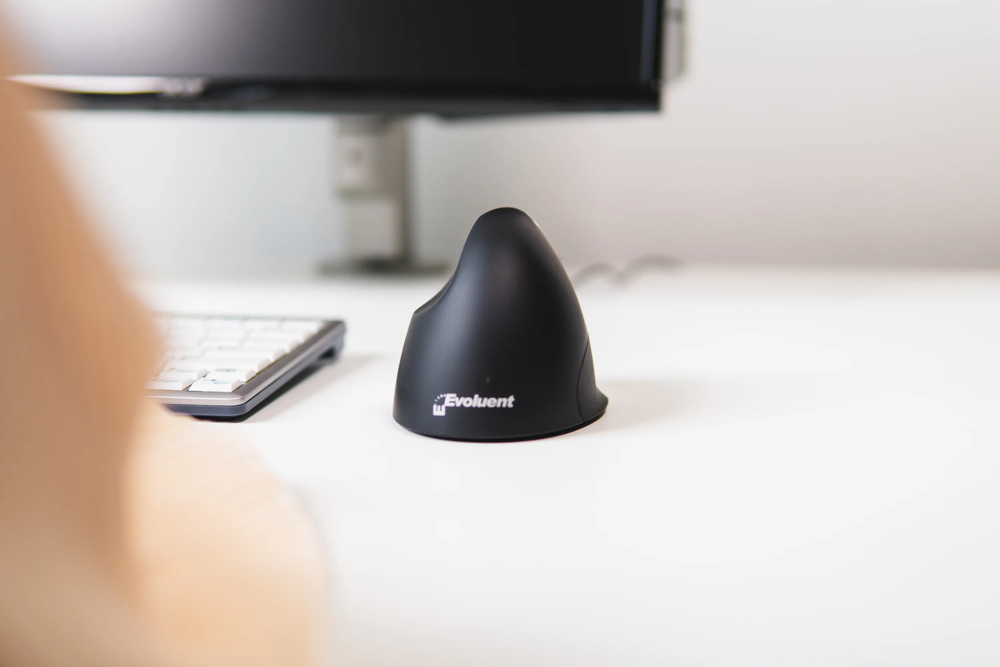
Design. Hand size. Grip.
This vertical Evoluent Mouse has a nice black design with a matt finish with silver-coloured buttons. It is suitable for right-handers with medium to large sized hands. The matt material of the surface of the Evoluent3 ensures a good grip. The combination of the correct mouse size for your hand and the material of the surface, ensures that this mouse lies in your hand comfortable, stable, and you can work in a healthier way.
Mouse | |
| Buttons quantity | 5 |
| Movement detection technology | Laser |
| Movement resolution | 2600 DPI |
| Button functions | DPI switch, Back, Forward |
| Scroll | Yes |
| Device interface | USB Type-A |
| Recommended usage | PC |
| Purpose | Office |
| Number of scroll wheels | 1 |
| Programmable mouse buttons | Yes |
| Scrolling directions | Vertical |
| Scroll type | Wheel |
| Buttons type | Pressed buttons |
| Customizable movement resolution | Yes |
| Number of movement resolution modes | 4 |
| Number of programmable buttons | 5 |
Design | |
| Product colour | Black, Silver |
| Material | Plastic |
| Form factor | Right-hand |
| Ergonomic design | Yes |
| Vertical design | Yes |
Ergonomics | |
| Cable length | 2.1 m |
| Plug and Play | Yes |
Power | |
| Power source | Cable |
System requirements | |
| Windows operating systems supported | Windows 7, Windows 8, Windows 10, Windows 8.1, Windows 11 |
| Mac operating systems supported | Mac OS X 10.6 Snow Leopard, Mac OS X 10.11 El Capitan, Mac OS X 10.12 Sierra, Mac OS X 10.14 Mojave, Mac OS X 10.13 High Sierra, Mac OS X 10.15 Catalina, Mac OS X 10.5 Leopard, Mac OS X 10.7 Lion, Mac OS X 10.8 Mountain Lion, Mac OS X 10.9 Mavericks, Mac OS X 10.10 Yosemite, Mac OS X 11.0 Big Sur, Mac OS X 10.15.3 Catalina, Mac OS X 12.0 Monterey, Mac OS X 13.0 Ventura, Mac OS X 10.7.5 Lion |
| Linux operating systems supported | Yes |
| Other operating systems supported | ChromeOS, Unix |
Weight & dimensions | |
| Depth | 111 mm |
| Height | 77 mm |
| Width | 86 mm |
| Weight | 184 g |
Packaging data | |
| Package height | 100 mm |
| Package width | 110 mm |
| Package weight | 250 g |
| Package depth | 110 mm |
| Quantity per pack | 1 pc(s) |
Logistics data | |
| Products per pallet | 1280 pc(s) |
| Country of origin | China |
| Master (outer) case width | 590 mm |
| Master (outer) case length | 820 mm |
| Master (outer) case height | 450 mm |
| Products per master (outer) case | 100 pc(s) |
| Pallet gross width | 120 cm |
| Pallet gross length | 100 cm |
| Pallet gross height | 190 cm |
| Pallet gross weight | 351 g |
| Customs product code (TARIC) | 8471607090 |
| Harmonized System (HS) code | 84716070 |
Other features | |
| Warranty period | 5 year(s) |
Packaging content | |
| User guide | Yes |