





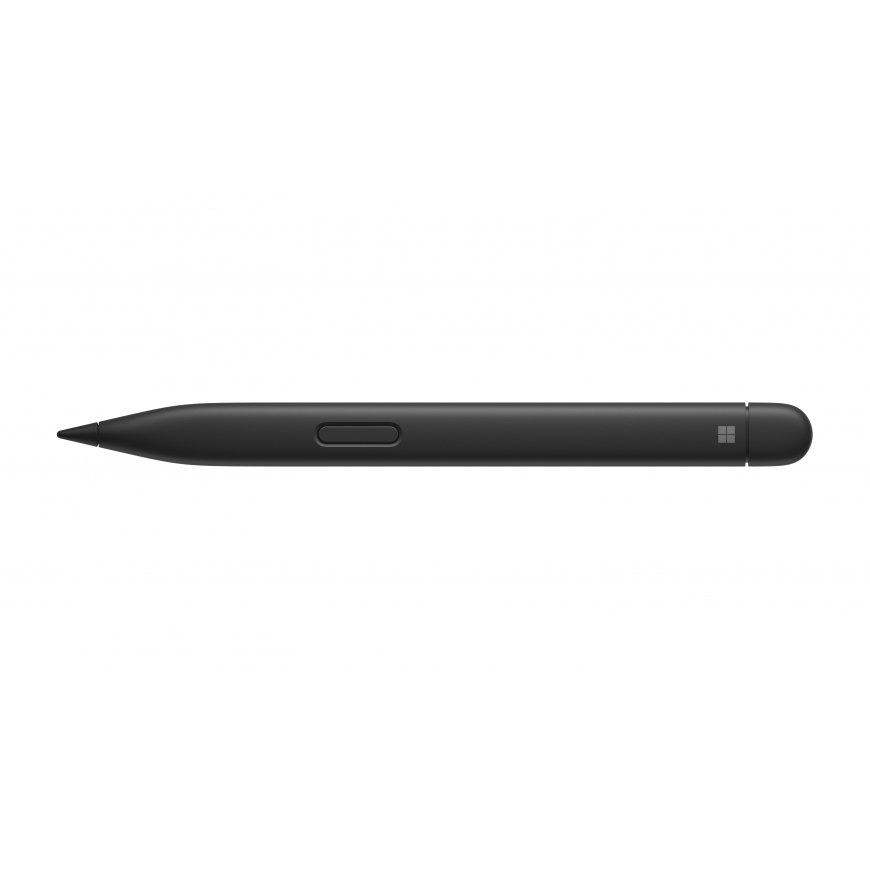
The product's shade and actual color may differ from what is shown in the picture, as the images are for illustrative purposes. The product description is general and may not include all the product's features.
Microsoft Surface Slim Pen 2 stylus pen 14 g Black
1052755 8WX-00002
0889842778878, 5715063137925
2026-07-31
Sleek and comfortable
Slim carpenter-inspired style is perfect for all hands and is easy to hold and control.

Exceptional accuracy, smoother flow, greater control
A redesigned sharper pen tip helps you put a finer point on everything you do.
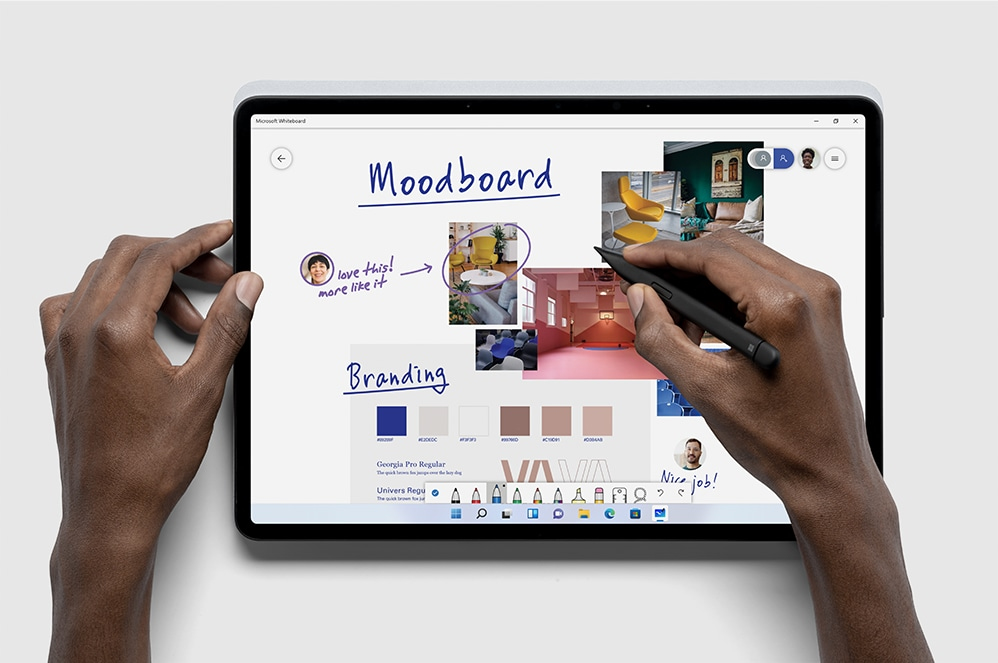
Create in real time with Zero Force Inking[1]
Ink flows fluidly out of the pen the instant it hits the screen.
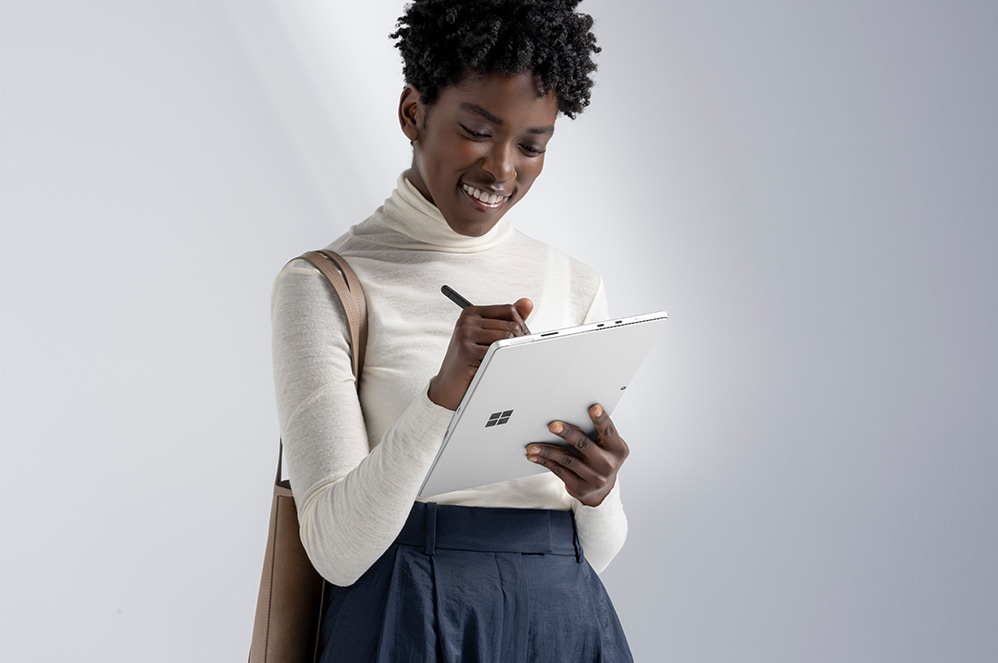
The best shading experience yet
A sharper pen tip and an improved design let you approach the screen at a perfect 77° tilt for ultra-precise shading and an exceptional 4,096 points of pressure sensitivity.
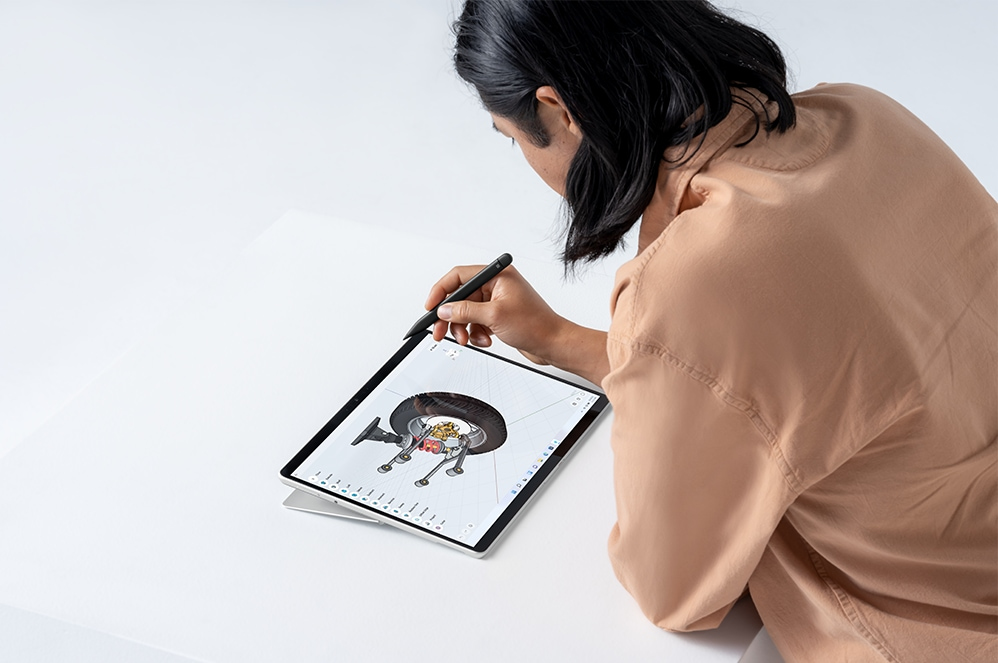
Easily erase and edit on the fly
Just flip it around as you would a traditional pencil.
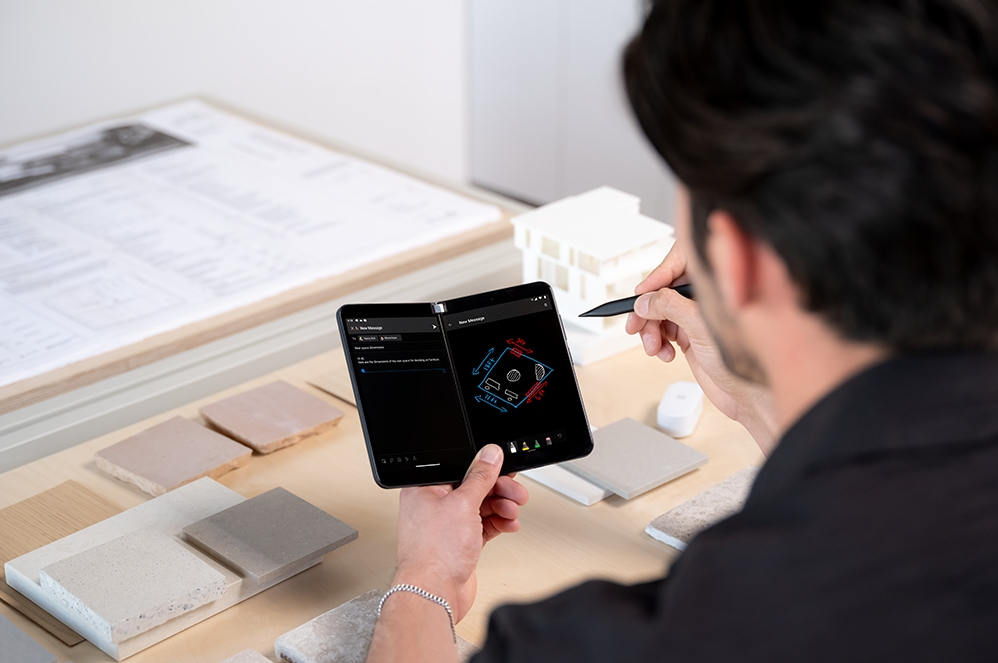
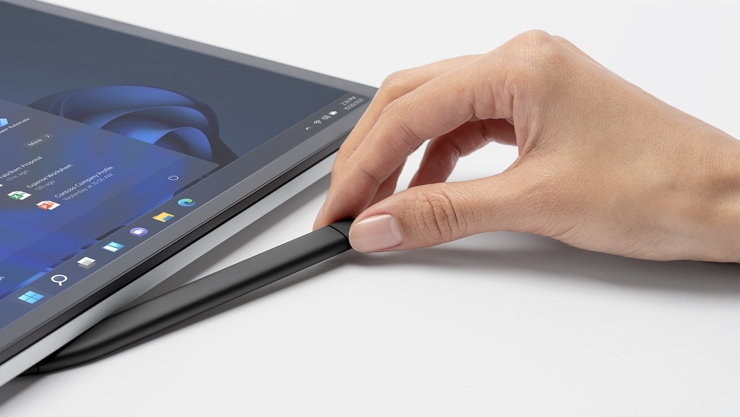
Always charged and ready
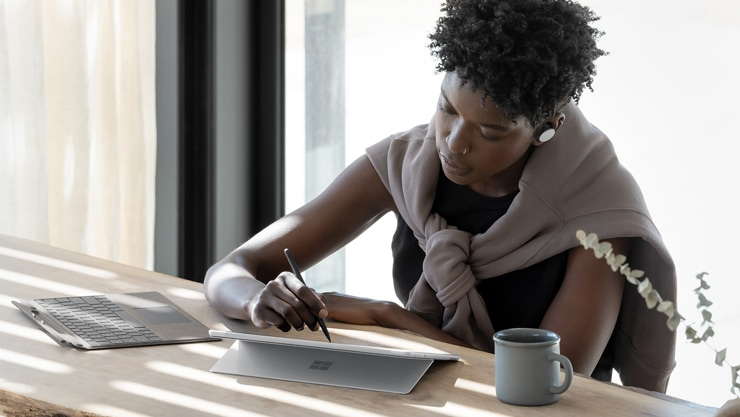
Surface Slim Pen 2 for Business is ready to use right out of the box for you to unleash your creativity. Better yet, you’ll always know where it is with built-in, wireless charging and secure storage in Surface Pro Signature Keyboard for Business[2] or Surface Laptop Studio for Business.[2]
Capture ideas instantly
Brainstorm and sketch with others over Microsoft Teams[2] or when using Microsoft Whiteboard. Plus, edit presentations on the spot, fill out and sign documents, or take personal handwritten notes in Microsoft Journal.[2]

Our most intuitive pen
Tactile signals[5] can make it easy for you to know when you've successfully used natural gestures like circling to select and crossing out to delete in Microsoft Word and Excel.[2] The strength of tactile signals[5] when using Surface Slim Pen 2 for Business can be easily adjusted or even turned off through Windows settings.
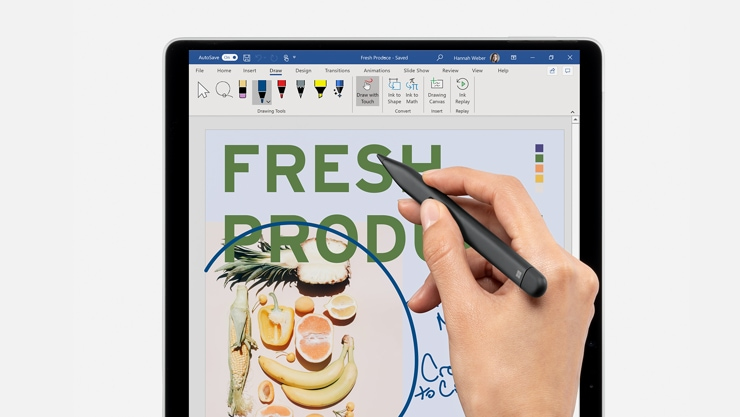
Unleash your creativity in the apps you use
Create your best work in Adobe Fresco, Photoshop, and more,[2] and collaborate and take handwritten notes together in Microsoft Teams.[2] Capture unstructured ideas using Microsoft Whiteboard and simultaneously ink with others. Use Ink Editor in Microsoft Word or use the top button as a slideshow clicker to advance Microsoft PowerPoint[2] slides.
Features | |
| Product colour | Black |
| Brand compatibility | Microsoft |
| Compatibility | Surface Pro X, Surface Laptop Studio, Surface Hub 2S, Surface Duo 2, Surface Pro 8 - 9, Surface Slim Pen 2 Pen Tips, Surface Slim Pen Charger |
Packaging data | |
| Package width | 178 mm |
| Package depth | 51.5 mm |
| Package height | 17.5 mm |
| Package weight | 69 g |
| Package type | Box |
Logistics data | |
| Country of origin | China |
| Quantity per pack | 1 pc(s) |
| Master (outer) cases per pallet layer | 42 pc(s) |
| Layers per pallet | 11 pc(s) |
| Master (outer) case width | 198 mm |
| Master (outer) case length | 112 mm |
| Master (outer) case height | 98 mm |
| Master (outer) case gross weight | 778 g |
| Products per master (outer) case | 10 pc(s) |
| Harmonized System (HS) code | 84733080 |
| UNSPSC-code | 8471609050 |
Weight & dimensions | |
| Width | 137.3 mm |
| Depth | 11.7 mm |
| Height | 6.4 mm |
| Weight | 14 g |
Network | |
| Bluetooth | Yes |
| Bluetooth version | 5.0 |