







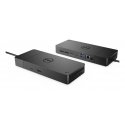
The product's shade and actual color may differ from what is shown in the picture, as the images are for illustrative purposes. The product description is general and may not include all the product's features.
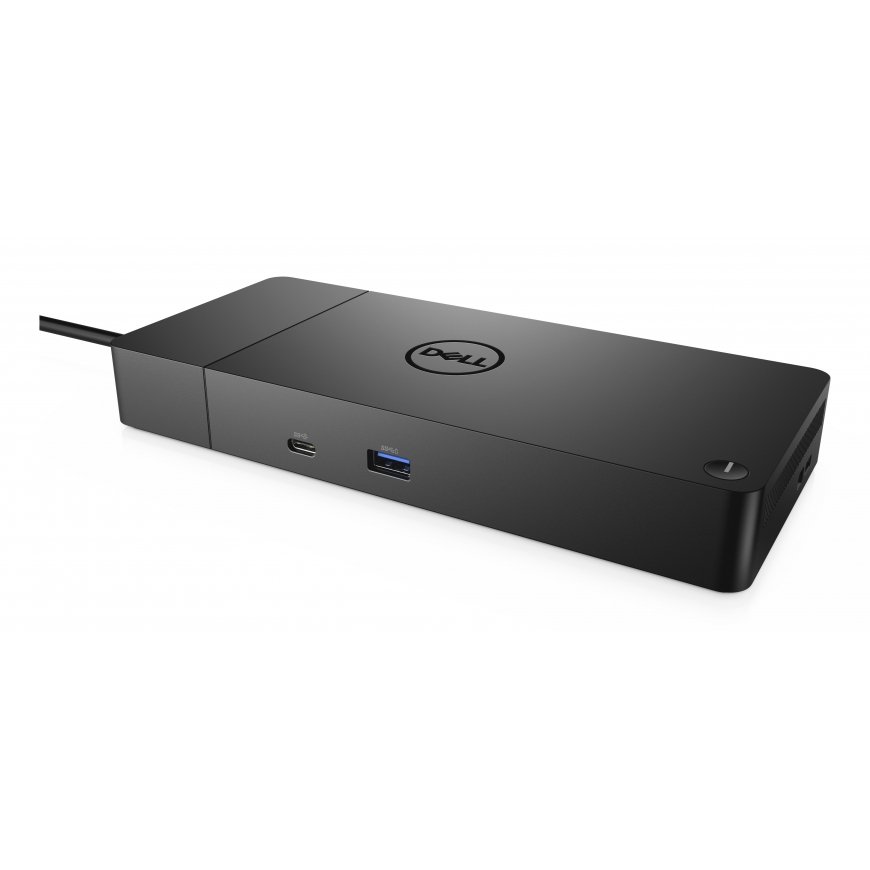
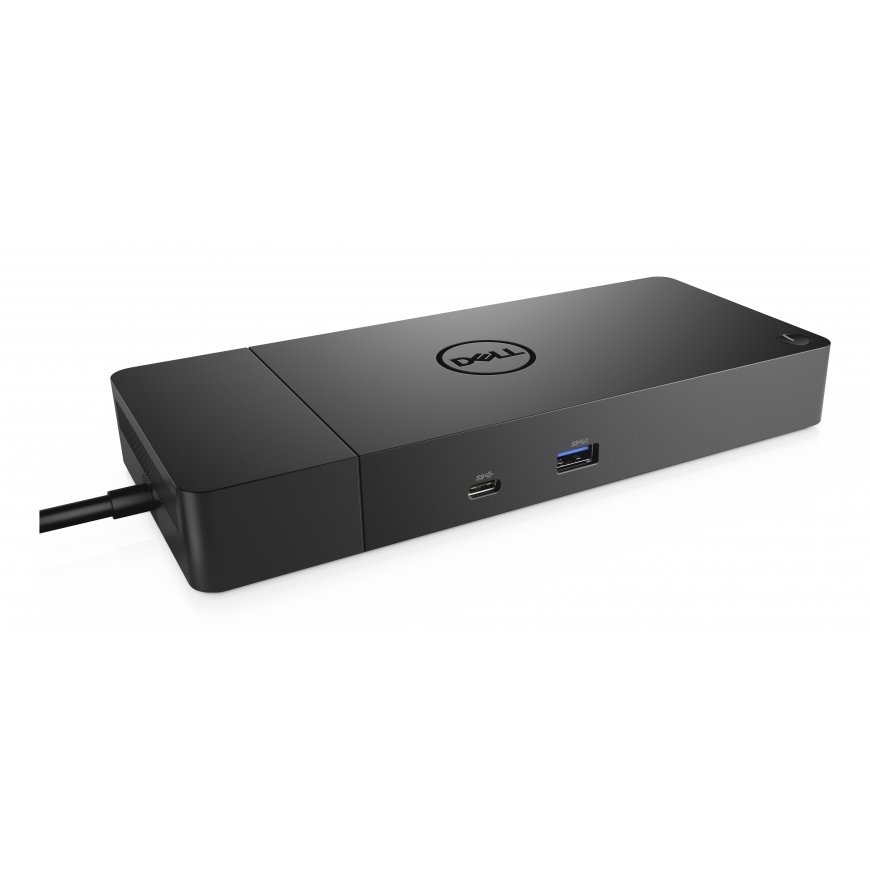
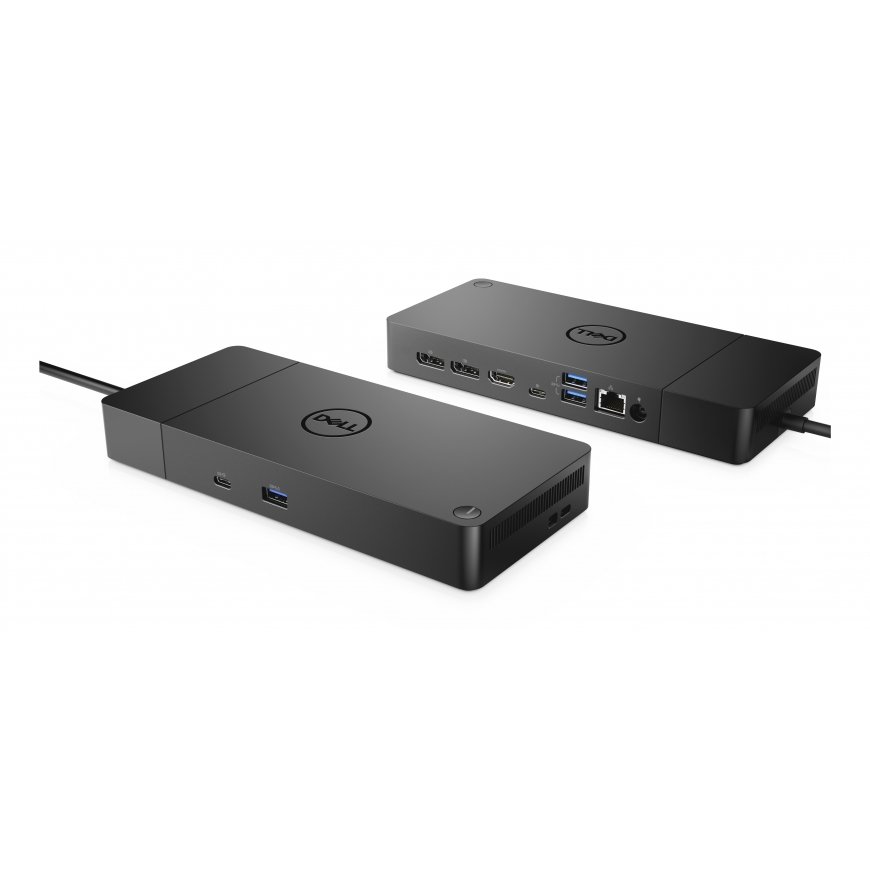
DELL Dock – WD19S 130W
943275 DELL-WD19S130W
5397184513972, 0884116398332, 3523210098744, 5055190199411, 5415247275039, 5704174402152, 5704174523529, 5704174644316, 5704174894957, 5711802704960, 5715063157039
Shipping 3-5 b.d.
Power your connections
Power your day: Dell ExpressCharge allows you to charge up to 80% in one hour, making it the most efficient way to manage the workday.
Energize your workload: Get more done, even faster with Dell ExpressCharge Boost – a feature that provides up to a 35% charge in just 20 minutes.
Unmatched charging: Increase your power delivery and charge even faster with a dock that delivers up to 90W of power with 130W power adapter.
Built for the future
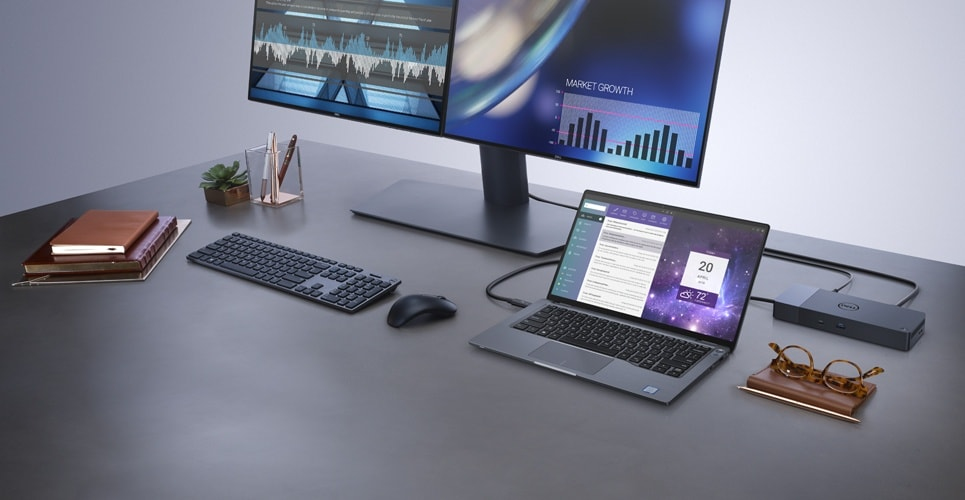
Mix and match: Evolve as your needs change with our most versatile dock. The future-ready design lets you swap out modules with ease if you need to do field replacements or upgrade your systems.
Ultimate connectivity: USB-C connectivity makes it easier than ever to deliver power, data, audio and video in one convenient cable, no matter what system you use.
Clean and clutter-free: Stay productive by mounting your dock behind your monitor or under your desk with the optional, secure VESA mount, that offers complete flexibility with the built-in one-meter cable.
Information in a flash: With data transfer speeds of up to 10Gbps, you can stay productive when connected to all your devices.
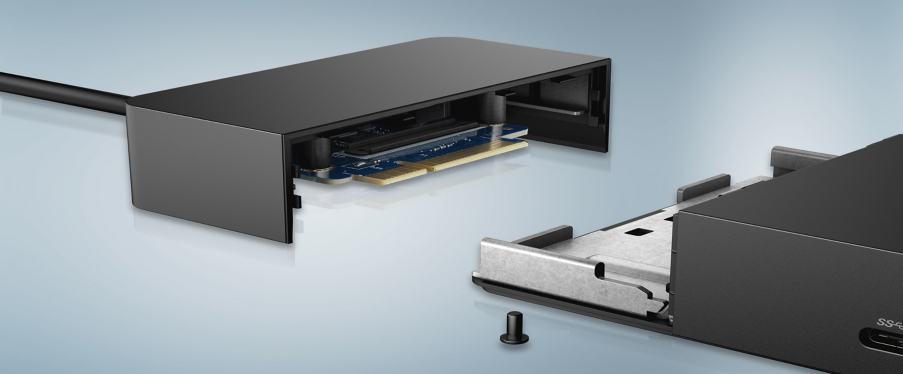
Optimize your workspace
Smooth and seamless: Work without disruptions utilizing a single firmware on our most manageable docks ever. Plus, with Dell Client Command Suite and Microsoft System Center Configuration Manager, you can quickly and easily update your firmware without rebooting your dock.
Secure manageability: Keep your information safe with MAC Address pass-thru and remote port-disablement. Plus, with features like PXE Boot, Wake-on-LAN and more, it’s easier than ever to stay productive while managing your dock.
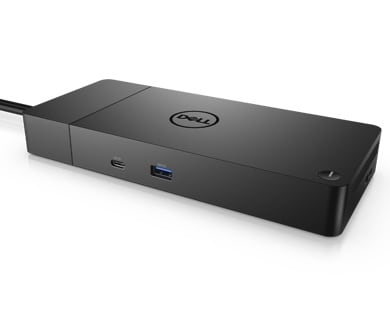
Features | |
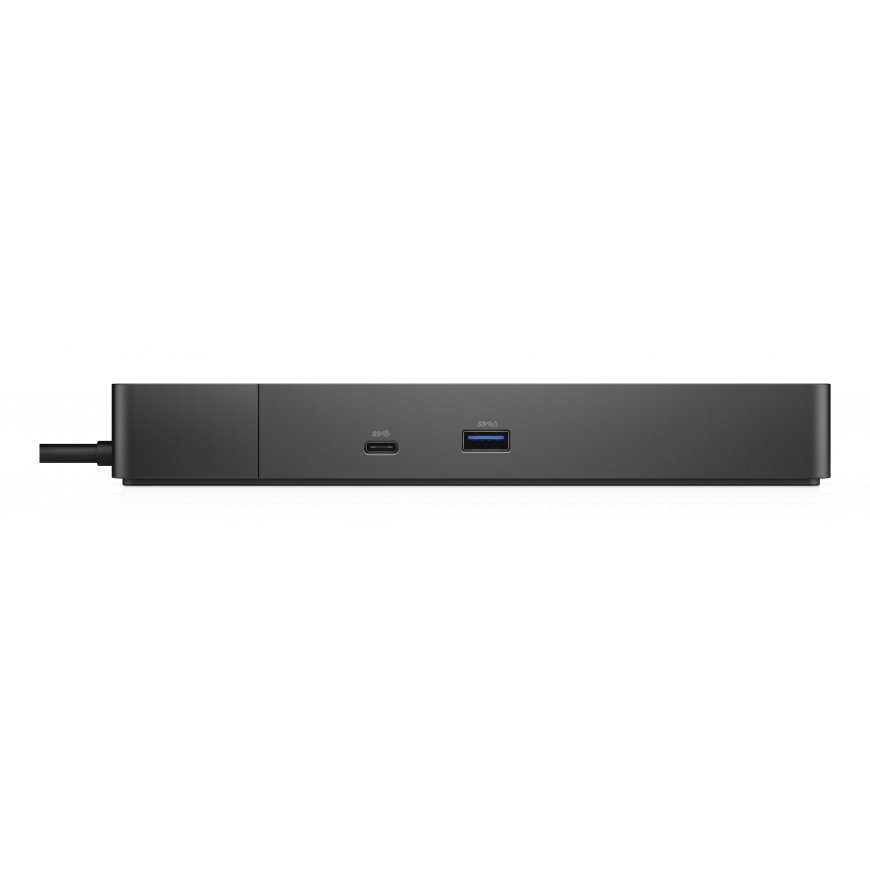
| Product colour | Black |
| USB 2.0 ports quantity | 0 |
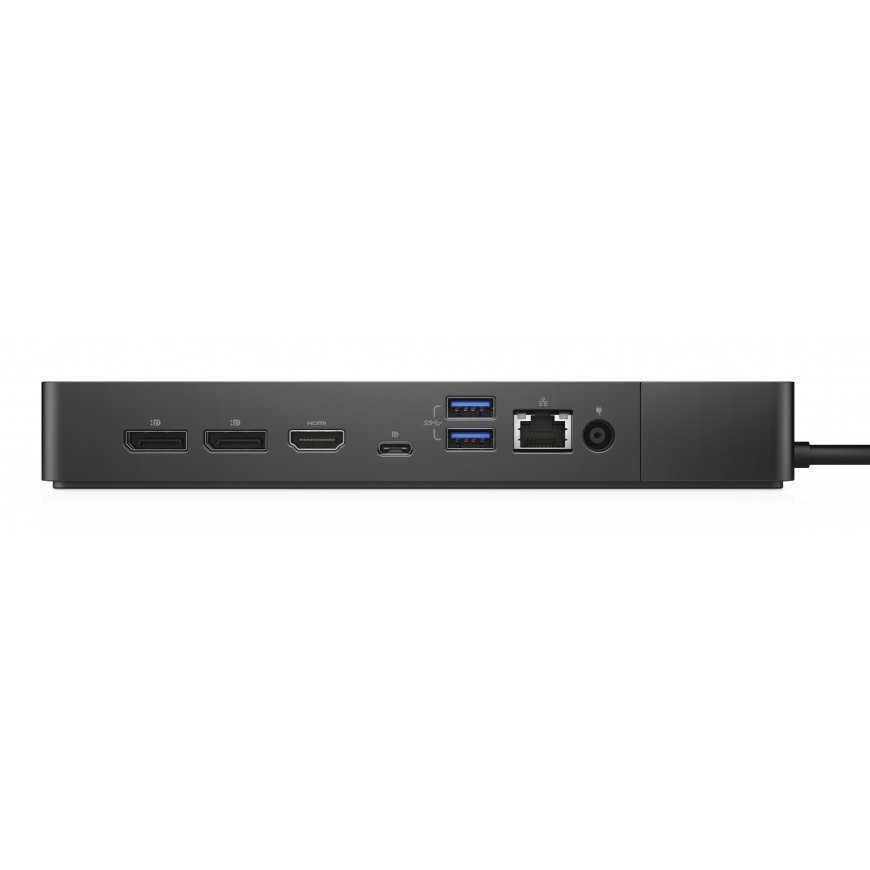
| USB 3.2 Gen 1 (3.1 Gen 1) Type-A ports quantity | 3 |
Performance | |
| Card reader integrated | No |
| VESA mounting | Yes |
| Windows operating systems supported | Windows 10, Windows 10 Education, Windows 10 Education x64, Windows 10 Enterprise, Windows 10 Enterprise x64, Windows 10 Home, Windows 10 Home x64, Windows 10 IOT Core, Windows 10 Pro, Windows 10 Pro x64, Windows 10 x64, Windows 10 IoT Enterprise |
Ports & interfaces | |
| Ethernet LAN (RJ-45) ports | 1 |
| DisplayPorts quantity | 2 |
| DC-in jack | Yes |
| Microphone in | No |
| Headphone outputs | 0 |
| HDMI ports quantity | 1 |
| HDMI version | 2.0 |
Packaging data | |
| Package width | 300 mm |
| Package depth | 290 mm |
| Package height | 62 mm |
Operational conditions | |
| Operating relative humidity (H-H) | 10 - 80% |
| Operating temperature (T-T) | 0 - 35 °C |
| Storage temperature (T-T) | -20 - 60 °C |
Logistics data | |
| Quantity per pack | 1 pc(s) |
| Harmonized System (HS) code | 84733020 |
Weight & dimensions | |
| Width | 205 mm |
| Depth | 90 mm |
| Height | 29 mm |
| Weight | 585 g |
Technical details | |
| Total carbon footprint (kg of CO2e) | 36, 35.74 |
Power | |
| AC input voltage | 120 - 230 V |
| AC input frequency | 50 - 60 Hz |
| Power source type | DC |
Network | |
| Ethernet LAN data rates | 10, 100, 1000 |
| Ethernet LAN | Yes |
1114129376.33Monthly payment from 10.59 €MPN: DELL-P2423DE60.5cm...
1120452368.96Monthly payment from 10.40 €MPN: DELL-P2723QE68.6cm...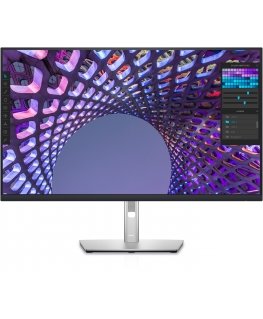
1207172483.70Monthly payment from 13.36 €MPN: DELL-P3223QE80.0cm...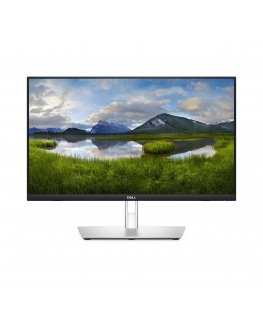
2282895384.60Monthly payment from 10.80 €MPN: DELL-P2424HT60.5cm...- -12%
3694162 
3694250
3694474- -7%
3694605 - -2%
3694665 - -3%
3754139