Viss par produktu
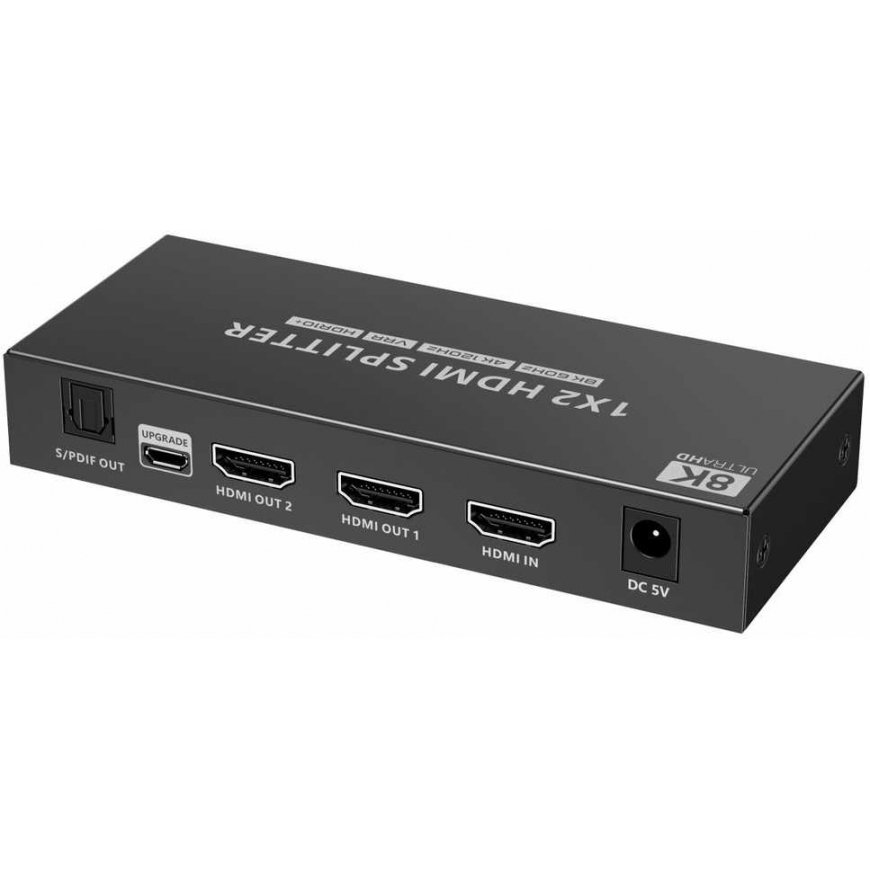
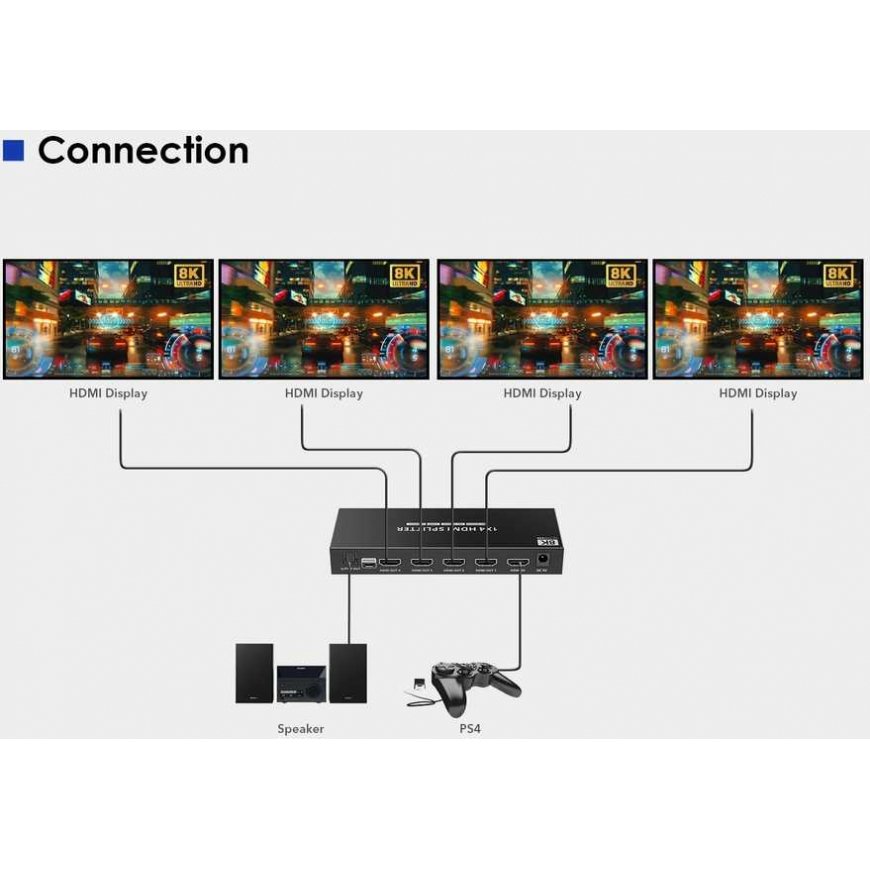
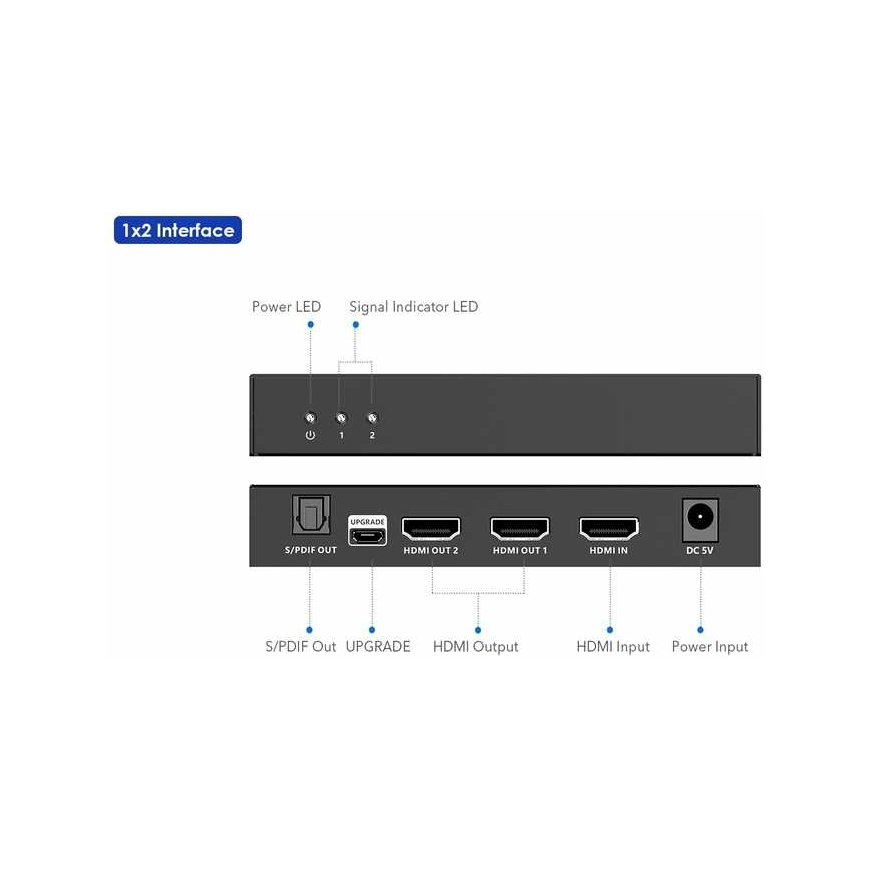
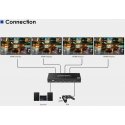
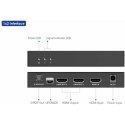
PremiumCord HDMI 2.1 splitter, 1-2 ports, 8K@60Hz, 4K@120Hz, 1080pYou can connect two HDMI displays to one HDMI signal source, such as a computer, laptop, DVD, set-top box, etc. Using automatic EDID downscaling, a monitor with 8K, 4K or FULL HD 1080p resolution can be connected to the output.- Input: 1 x HDMI socket (type A)- Output: 2 x HDMI socket (type A)- Power supply via 230V/1A adapter- 1xLED power indicator on the front panel, 2xLED signal indication on the ports- Resolution: 8K@60hz, 4K@120Hz, 1080p- Supports HDMI 2.1, HDMI 2.0, HDMI1.4- Supports HDR and HDR+, high dynamic range range- Supports HDCP2.2- S/PDIF output connector- Supports Dolby Digital/Plus, Dolby TrueHD, DTS-HD Master Audio+, DVD-Audio, SA-CD other supported standards: 3D, HDCP 2.2,- Supports 8/10/12-bit color depth- Automatic smart EDID control allows you to connect different monitors to the output that support 8K or 4K or FULL HD 1080p resolution- Transmits both video and audio- Supports audio and DSD (Direct Stream Digital) and HD (HBR) audio- Great little black metal case- Operating temperature: 0°C - 60°C- Power consumption: less than 2.5 W- Packed in a paper box with EAN codeWiring instructions:1) Connect the HDMI splitter input with an HDMI cable to the signal source and connect the output to the screen or monitor.2) Plug the power adapter into a 230 V power outlet socket and the DC 5V socket. If the image does not appear immediately after turning on the splitter, wait about 30 seconds for the HDMI signal to be detected.