


Produkta tonis un faktiskā krāsa var atšķirties no attēlā redzamā, jo attēli ir ilustratīvi. Produkta apraksts ir vispārīgs un, iespējams, tajā nav iekļautas visas produkta īpašības.
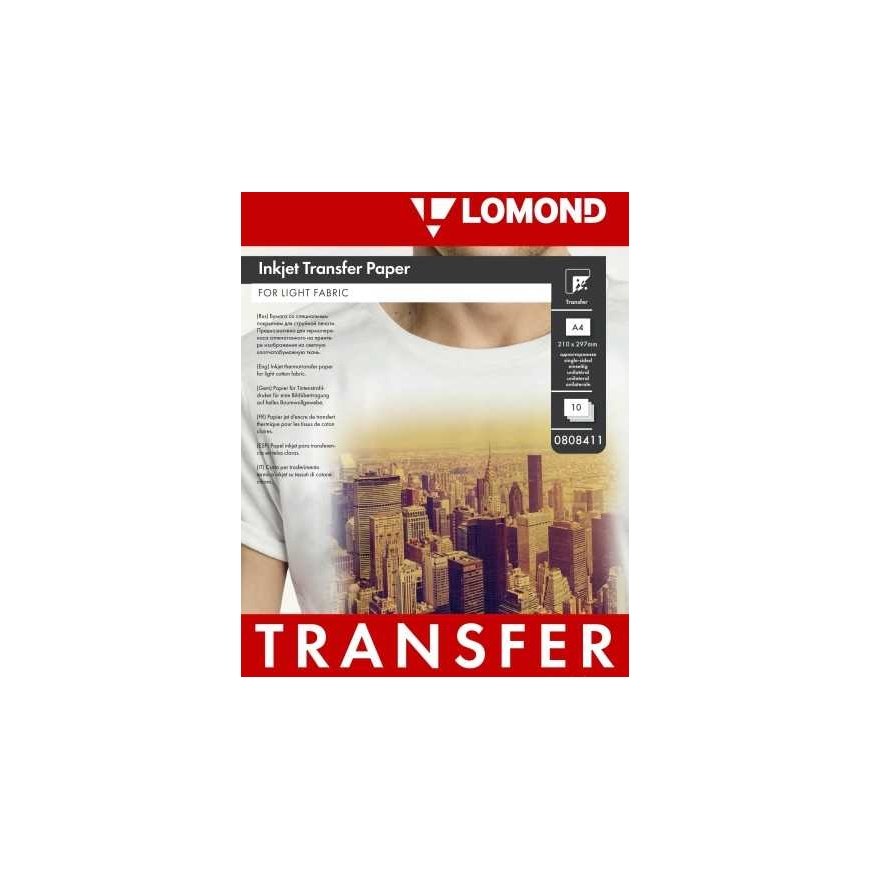
Thermal transfer paper Lomond Thermotransfer Inkjet Paper A4, 10 sheets, for light fabrics
2611538 0808411
8586024253414
Piegāde 5-8 d.d.
Viss par produktu
Paper for image transfer on light fabrics. Designed for printing with inkjet printers. Resolution up to 2880dpi. Images are transferred using an iron or heat press. Transferred images remain high-quality even after 50 washes. Instructions for use: * If the rounded corner is at the bottom of the left side, it is the side intended for printing - at the top. * Printing is done with mirror image. * Select image transfer paper or premium paper in the printer settings. * If ink spills during printing, reduce the color contrast. * Allow the ink to dry (about 30 minutes). * The best quality result is obtained when using products made from cotton. Preparation and transfer of the image onto the material: * Place a cotton cloth on a flat hard surface, and on top of it a t-shirt or other material on which the image will be transferred. * Use a clerical knife or scissors to cut the printed image according to the outline (the cutting line should be 5mm away from the image). *;Place the cut material face down on the smoothed cotton surface. * ;Iron the image with a maximally hot iron, in circular motions, applying maximal pressure so that the heat is evenly distributed.; *;Remove the checkered paper base from the image (10 minutes after ironing). * Smooth the transferred image again (after 5-10 minutes) by placing the special intermediate paper that comes in the kit on it. * Recommended heat treatment time for an A5 sheet: 60-90s. , for larger format: 90-120s. * Carefully remove the spacer paper. * If you want to transfer the image to both sides of the material, first transfer all the images to one side. Later, without removing the protective paper, turn the material over and transfer the image to the other side. * When finished, remove the protective paper.; Attention: * Wash the material on which the image is transferred at a temperature not higher than 40 degrees. * Do not use bleaching agents. * After washing, when comparing the surface with the image, it is necessary to put an intermediate thermal paper on it. * Do not use the steam function when ironing.
