Viss par produktu
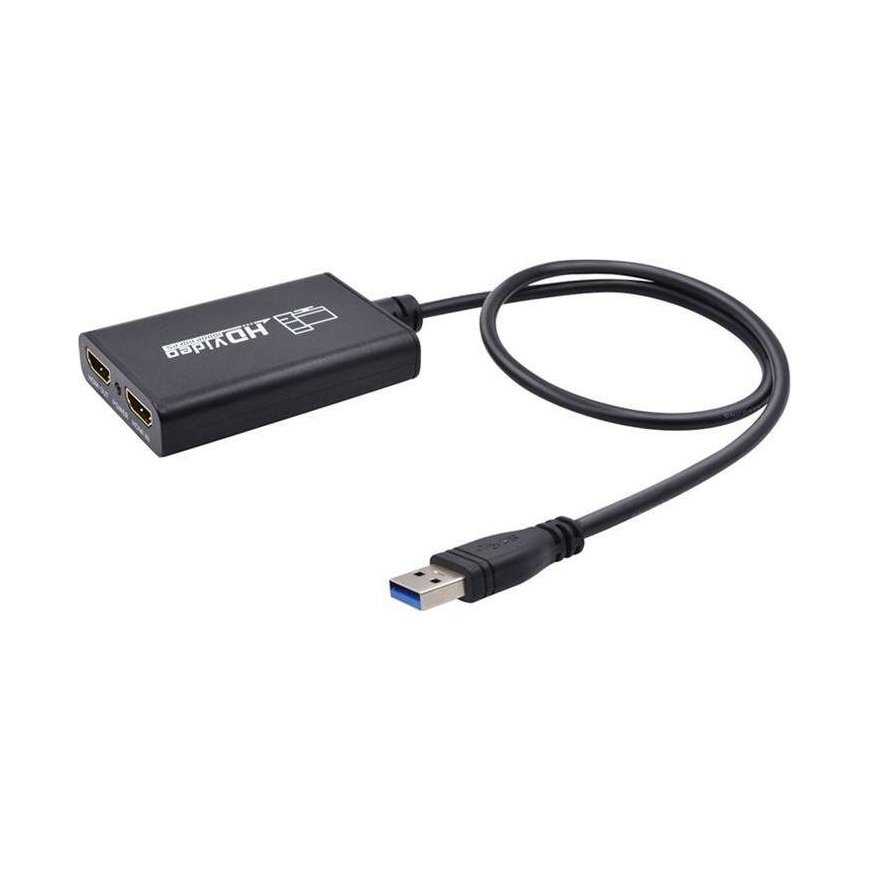
The Specatronik SP-HVG02 HDMI Recorder is a device that allows you to record high-definition video from external sources via an HDMI cable to your computer's hard drive. The important thing is that a computer with Windows (7/8/10) is required for recording, the recording is performed by the OBS Studio program (link to the program below). The recorder worked perfectly with any source (that doesn't have DHCP write protection) from the PC, through movie media players, set-top boxes and TVs, and game consoles. Thanks to the recorder, recordings from the hard disk of such a decoder can be made in unencrypted form (pure MPEG4, .flv format). The recorded material is saved on the computer's hard drive in the default video folder. Equipped with an HDMI output, you can watch the image on a connected TV or monitor all the time. We start and finish recording in OBS studio. Interestingly, the device can be used as an HDMI to USB converter - can be perfect for traveling, for example, when we want to connect the decoder to a laptop High-quality recording, easy operation. The material is recorded in full original resolution, up to FullHD and 60 frames per second (60 frames per second), while maintaining excellent image and sound quality. It's a great tool for console gamers who want to record their performances with real-time commentary. Connection diagram: Features: - HDMI input and HDMI viewing output - OBS studio recording - H.264 high quality hardware encoding MPEG-4 (.flv format file) - Recording to computer disk (using USB 3.0 port, recording at 60 frames per second speed) - Grabber requires no external power, just plug it into USB. Short configuration guide in Polish: 1. Connect the device to the USB port of the computer, it will install itself by automatically installing the driver; 2. Check if the device is visible in Device Manager, Video and Sound Controls, Name: FHD Capture / FHD Webcamera;3. In the control panel, in the sound tab, set the default "Digital audio interface" and adjust the parameters in the Advanced tab; 4. Download and install OBS Studio, ORIGINAL WINDOWS REQUIRED, download programs and load Microsoft VC software;5. Start OBS, add source by clicking "+" and select "Image Capture Device"; 6. In the Device category, select FHD Capture / FHD Webcamera; 7. Click OK or configure other categories at your discretion in this window OBS Studio is in Polish, the operation is simple and clear! Technical specifications: Connections: - 1x HDMI input - 1x HDMI output - 1x USB 3.0 cable Supported input resolutions: 1920x1080 (60p,50p,30p,25p,24p,60i,50i); 1280 x 1024 (60p); 1280 x 720 (60p); 1280 x 768 (60p); 1280 x 800 (60p); 720 x 480 (60p, 60i, 50i); 720 x 576 (50p); 640x480(60p) Recording: 1920x1080(60p,59p,30p,25p,24p); 1280 x 720 (60p, 50p); Weight: 95 g Power: 5V USB