

The product's shade and actual color may differ from what is shown in the picture, as the images are for illustrative purposes. The product description is general and may not include all the product's features.
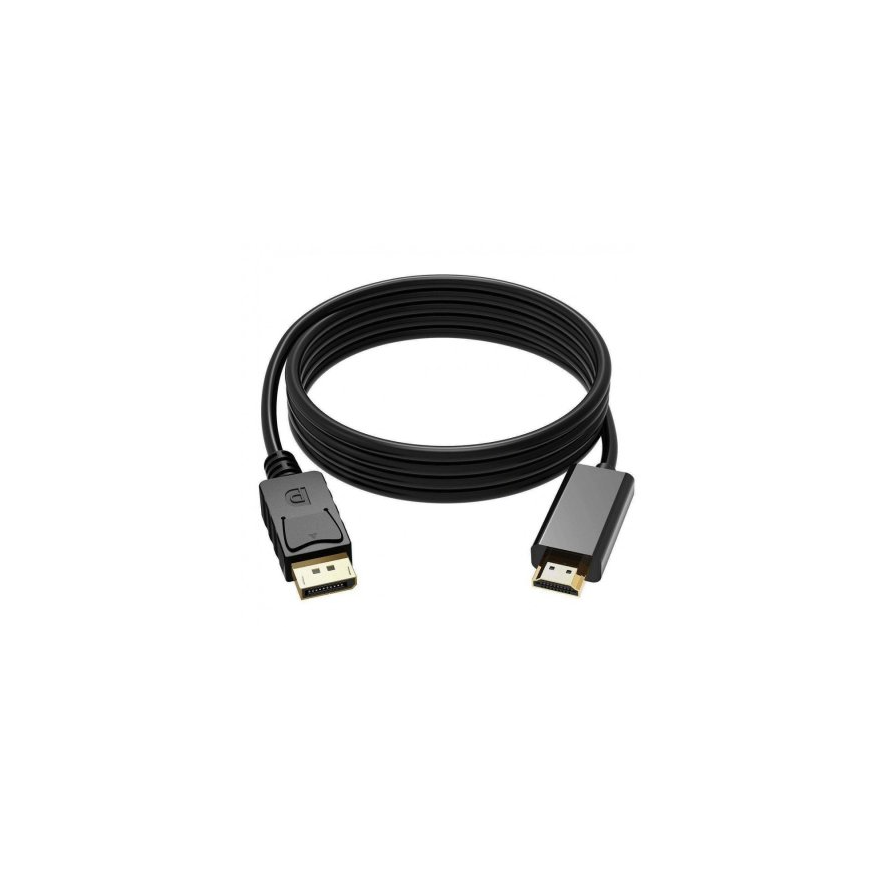
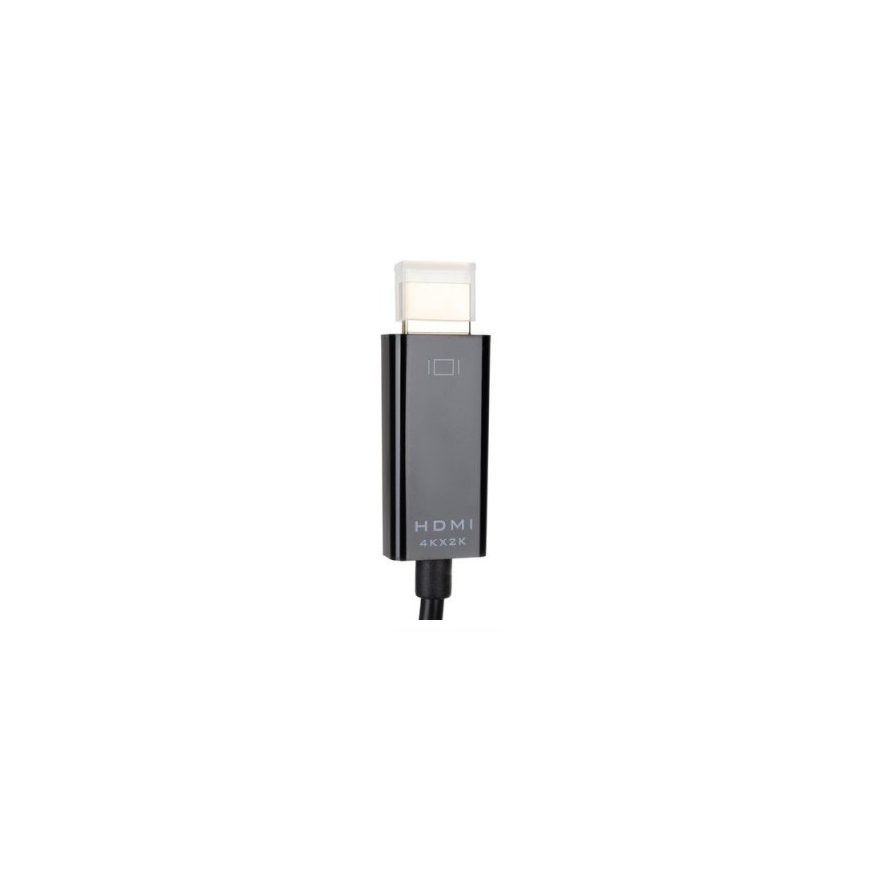
RoGer DisplayPort to HDMI cable / 4x2K / 1.8M / Black
888321 RO-DP-HDMI-BK
4752168093207
This product is no longer in stock
Features:
Support DisplayPort v1.2
Supports conversion of DisplayPort signals to HDMI signals;
Support 20pin DisplayPort interface;
Supports video bandwidth up to 10.8Gbps;
Supports 1Mbps bidirectional auxiliary channel;
Support one-way, single-channel, four-wire connection;
Support hot swap.
Built-in conversion chip, no external power supply required.
Designed in strict accordance with the DisplayPort standard, in line with Apple's DisplayPort specification, signal transmission is stable and reliable.
HDMI part supports audio and video synchronization transmission (for Apple computers produced after April 2010).
Settings:
1. Install the latest software to update your MacBook Pro or iMac.
2. Connect to your TV or AV player via this DP to HDMI cable.
3. Turn on your TV or AV player.
4. Start System Preferences on your Mac and open the Sounds feature in the Hardware area.
5. Click the "Output" option to change the selection from "Built-in built-in speaker built-in" to "Built-in HDMI output".
6. Open the "Monitor" function in the "Hardware" area and select the appropriate display resolution and settings.7. Once setup is complete, your TV or AV player will be able to smoothly receive video and audio information.