


The product's shade and actual color may differ from what is shown in the picture, as the images are for illustrative purposes. The product description is general and may not include all the product's features.
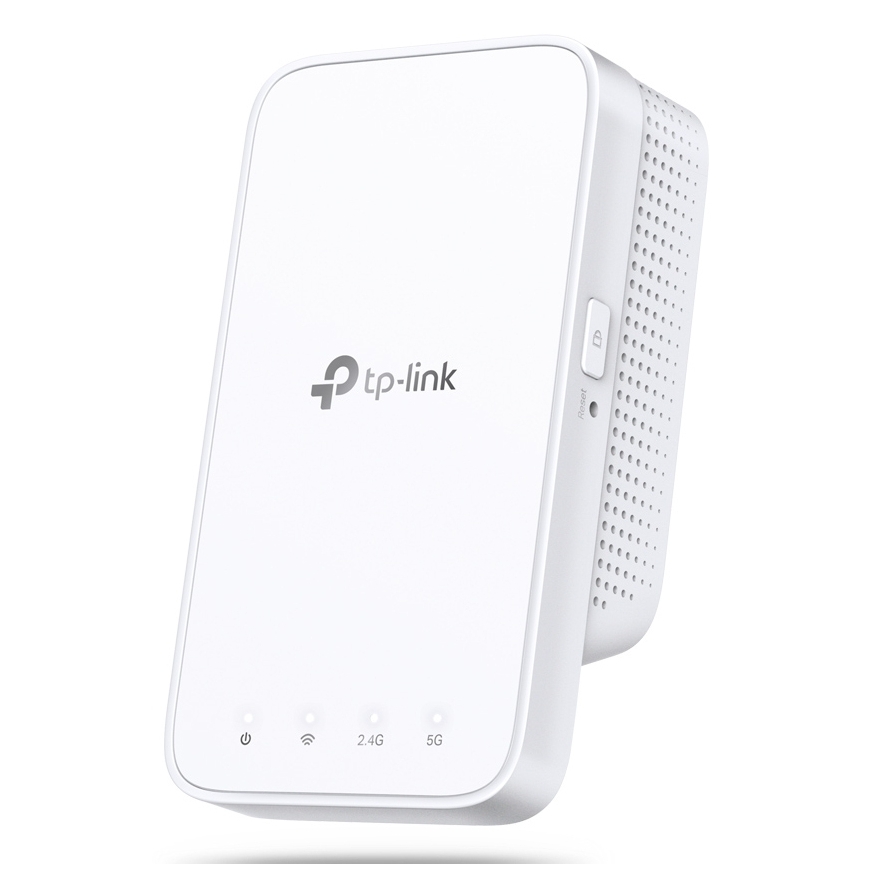
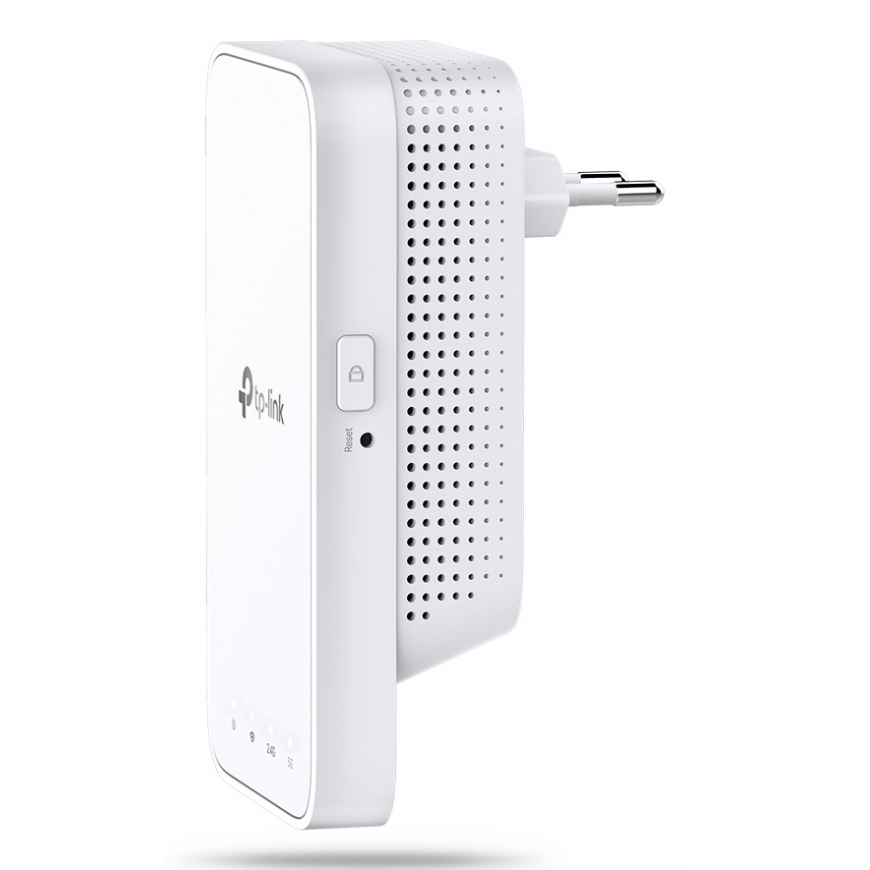
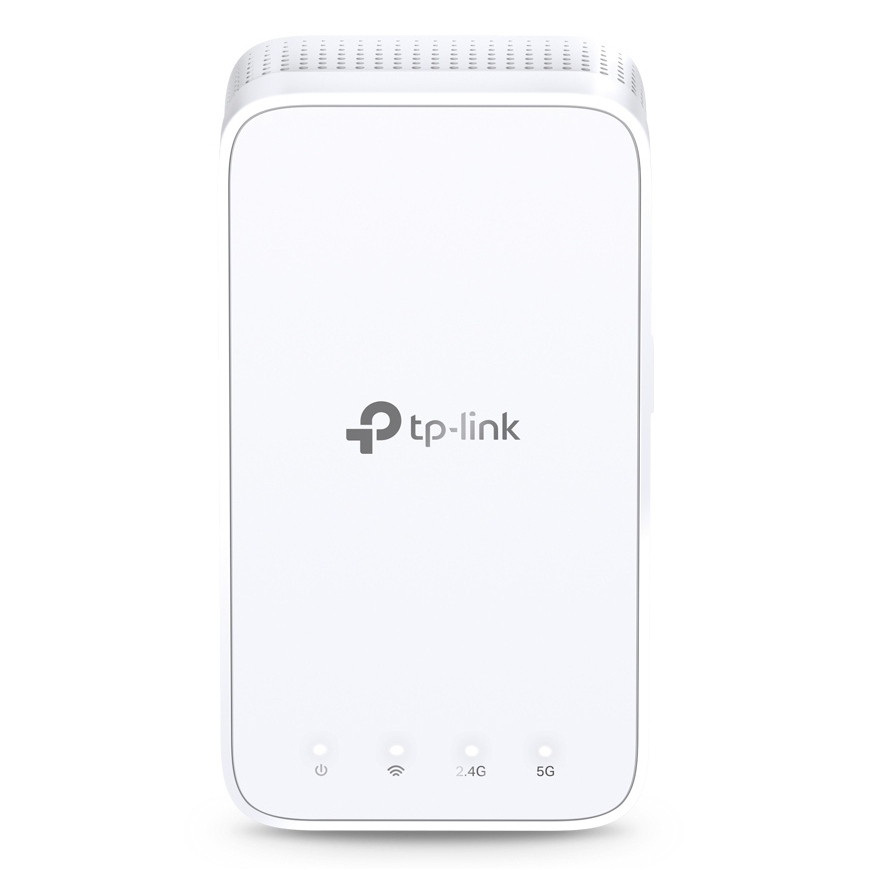
TP-Link AC1200 Mesh Wi-Fi Range Extender
35,10 €
1993624 RE300
6935364084196, 0840030700064, 0845973084202, 1210002613798, 1210002613804, 6935364084219, 6935364085520
2026-09-22
You are interested in this product?
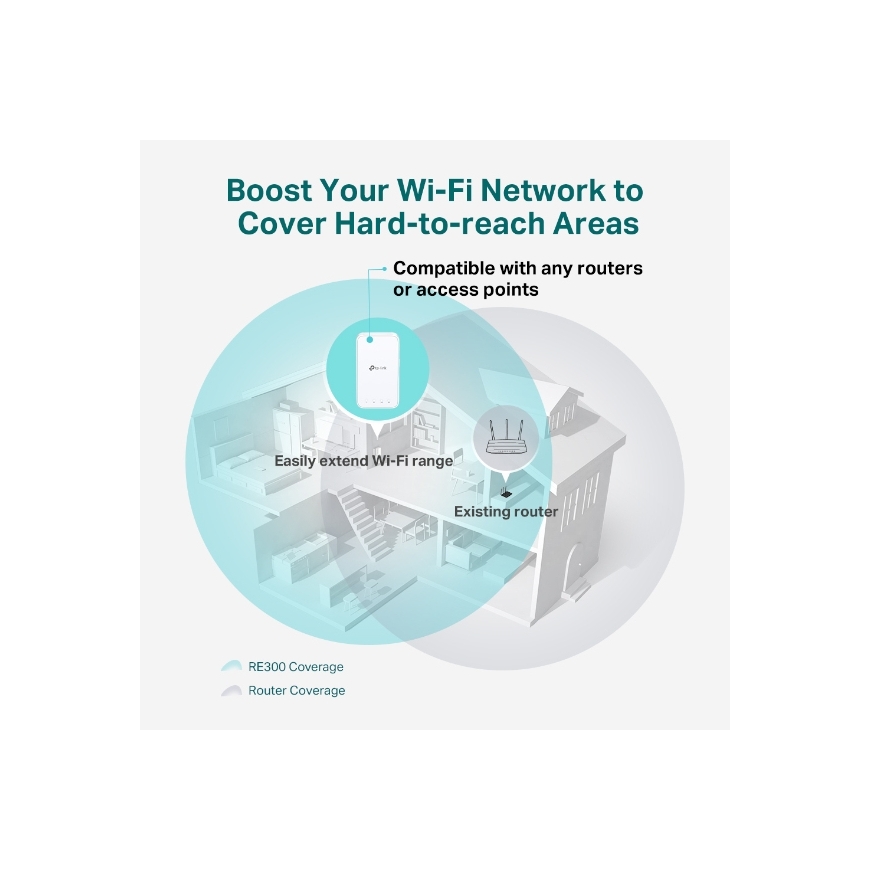
Keep the Whole Home Connected
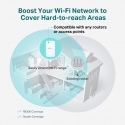
RE300 wirelessly connects to your Wi-Fi router, strengthening and expanding its signal into areas it can’t reach on its own. With speeds of up to 300 Mbps on 2.4 GHz and 867 Mbps on 5 GHz, put strong, fast Wi-Fi in every room and say goodbye to dead zones.
TP-Link OneMesh
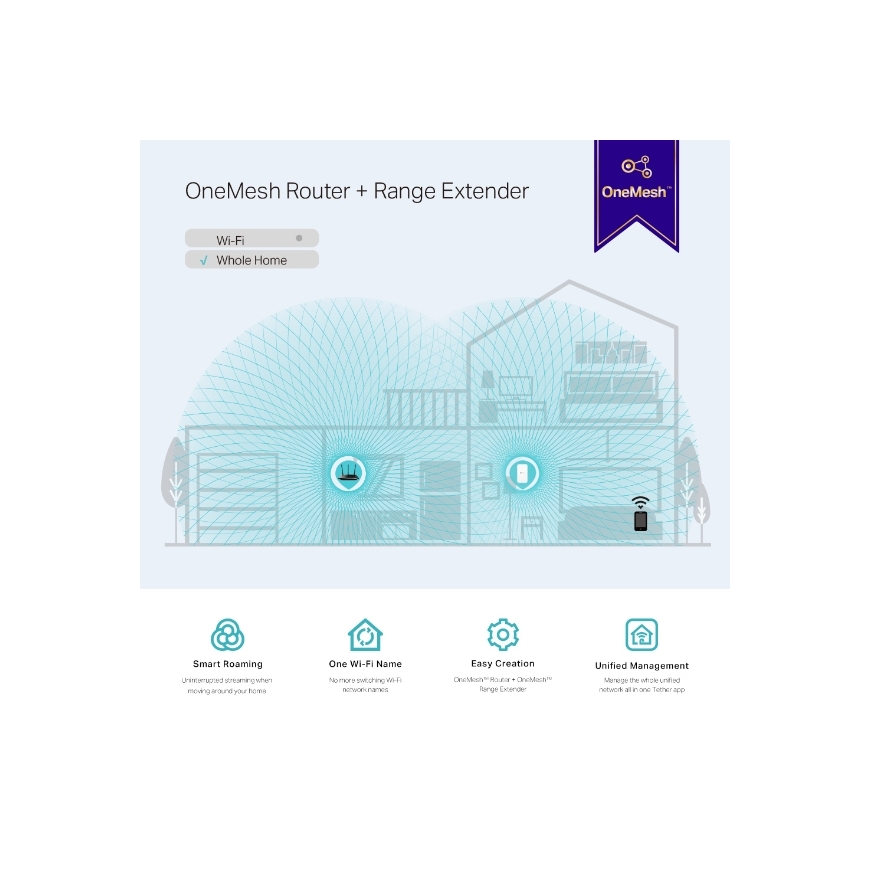
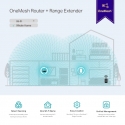
OneMesh is a simple way to form a Mesh network with a single Wi-Fi name for seamless whole-home coverage. Just connect a OneMesh range extender to a OneMesh router. No more searching around for a stable connection.
Enjoy a Mesh Network with Your Existing Router
Want a Mesh network? Hesitate on whether to replace your existing router and buy a Mesh set?
TP-Link OneMesh resolves your dilemma.
High-Speed Dual Band Wi-Fi without Bandwidth Drop
Faster AC1200 Dual Band Wi-Fi
The RE300 lets you keep more devices connected simultaneously with its 2.4 GHz 300 Mbps and 5 GHz 867 Mbps dual bands.
Keeps Itself Fast
Adaptive Path Selection keeps your network running at top-speed by automatically choosing the fastest connection path to the router.
High Speed Mode
Use both Wi-Fi bands to establish one super-high-speed connection, ideal for HD streaming & gaming.
Secure One-Touch Connection for Easy Setup
Step 1: Simply press the WPS button on your router and, within 2 minutes, the WPS button on RE300 to connect to the network.
Step 2: Once connected, place RE300 to the best location—without reconfiguration.
Find the Best Location with the Smart Signal Indicator
The smart signal indicator lets you see signal strength from the existing router at a glance. Easily to find the best place to position your range extender to extend your Wi-Fi.
Feature-Rich App for Control in Your Hands
Set up and manage your Wi-Fi through the TP-Link Tether app from your smartphone (Android, iOS), including TP-Link routers and range extenders.
Wireless LAN features | |
| Wi-Fi band | Dual-band (2.4 GHz / 5 GHz) |
| Wi-Fi standards | 802.11a, 802.11b, 802.11g, Wi-Fi 4 (802.11n), Wi-Fi 5 (802.11ac) |
Management features | |
| Reset button | Yes |
| WPS push button | Yes |
Security | |
| Security algorithms | WPA-PSK, WPA2-PSK, 64-bit WEP, 128-bit WEP |
| Access Control List (ACL) | Yes |
Design | |
| LED indicators | Yes |
| Product colour | White |
Antenna | |
| Antennas quantity | 2 |
| Antenna type | Internal |
Power | |
| AC input voltage | 100 - 240 V |
| AC input frequency | 50/60 Hz |
Operational conditions | |
| Operating temperature (T-T) | 0 - 40 °C |
| Storage temperature (T-T) | -40 - 70 °C |
| Operating relative humidity (H-H) | 10 - 90% |
| Storage relative humidity (H-H) | 5 - 90% |
Weight & dimensions | |
| Width | 124 mm |
| Depth | 69 mm |
| Height | 52 mm |
Packaging data | |
| Package width | 156.5 mm |
| Package depth | 101.5 mm |
| Package height | 89 mm |
| Package weight | 290 g |
| Package type | Box |
System requirements | |
| Windows operating systems supported | Windows 7, Windows 8, Windows XP, Windows 10, Windows 8.1, Windows 98SE, Windows NT |
| Mac operating systems supported | Yes |
| Linux operating systems supported | Yes |
| Mac compatibility | Yes |
Other features | |
| Data transfer rate | 867 Mbit/s |
Technical details | |
| Compliance certificates | CE, RoHS, Federal Communications Commission (FCC) |
Logistics data | |
| Quantity per pack | 1 pc(s) |
Packaging content | |
| Quick start guide | Yes |